
Rear-View Cameras
- Typical vehicle
- Commercial vehicles and compatible passenger-vehicle projects
- Mounting
- Rear body or model-specific rear position
- Use case
- Reversing and defined rear visibility
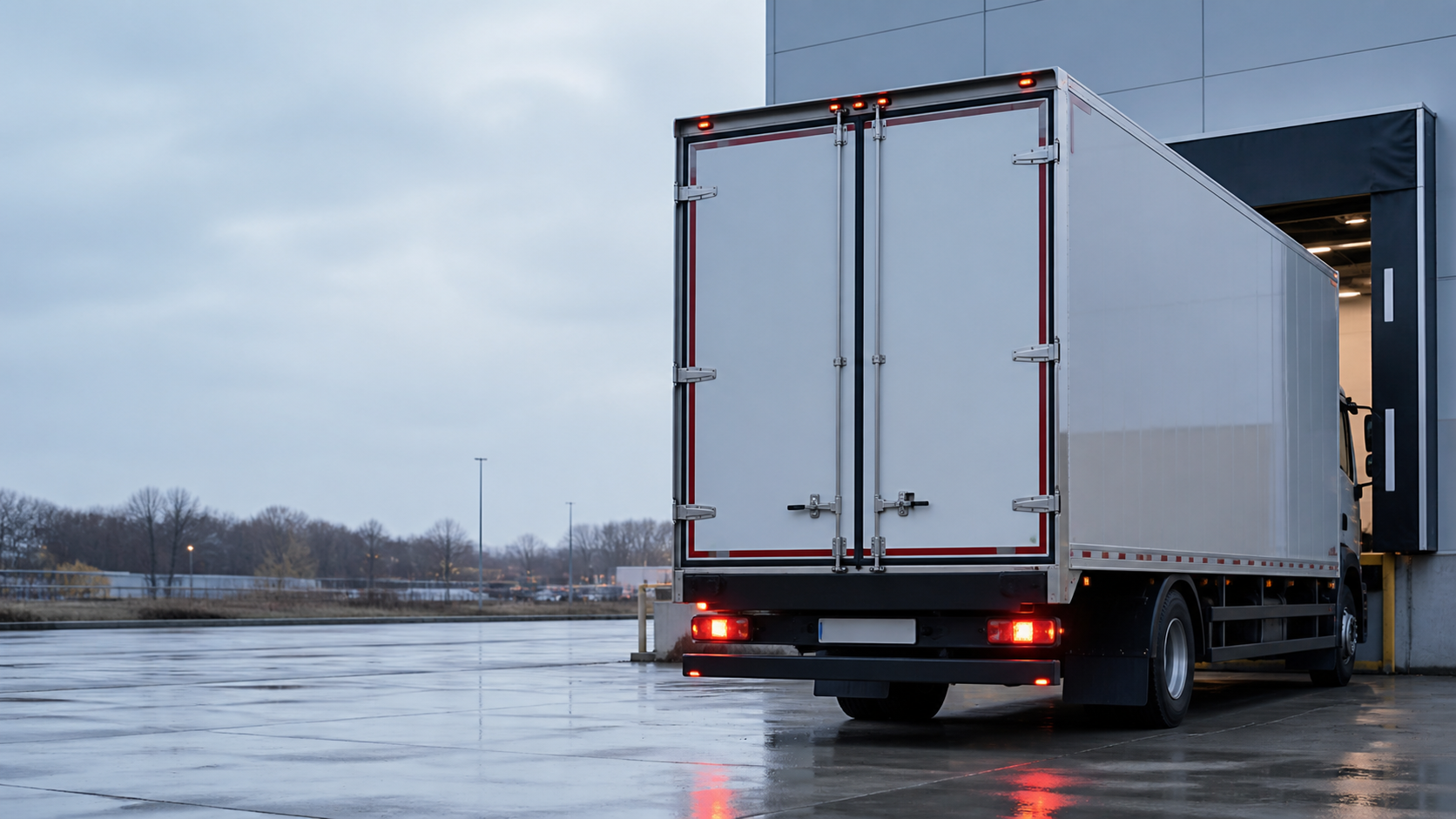
Rear / Side / FrontPosition-based selection
AHD / CVBSSelected camera models
IP-Rated OptionsConfirm by camera model
Vehicle-Specific FitSelected front and rear cameras
Start with the required view and installation position, then validate the proposed camera against the vehicle body, monitor input, connector, power and operating environment. Category-level features are not applied automatically to every model.
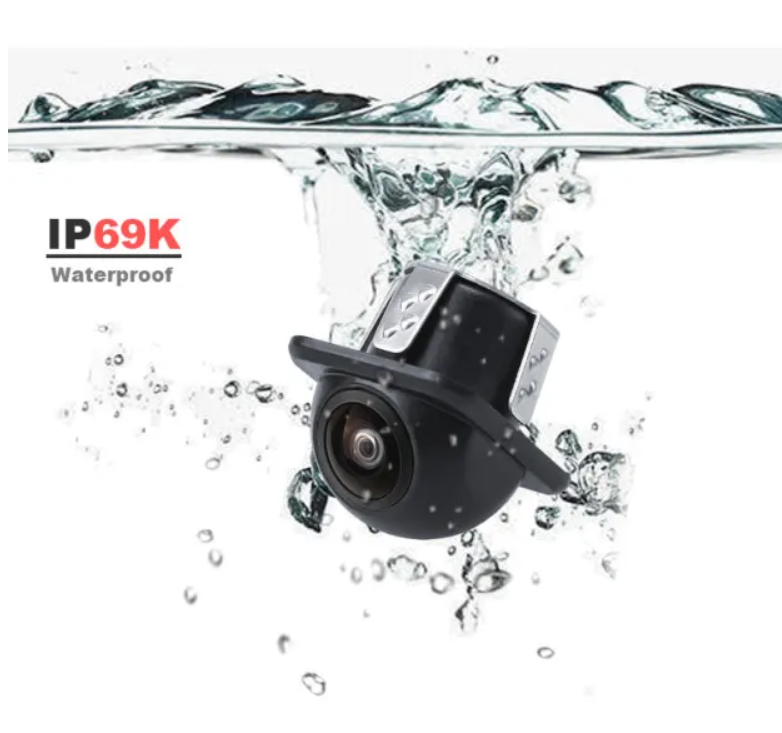
Compact waterproof HD rear-view camera for universal vehicle backup applications.
1920 × 1080 · 170° wide view · IP69KView camera details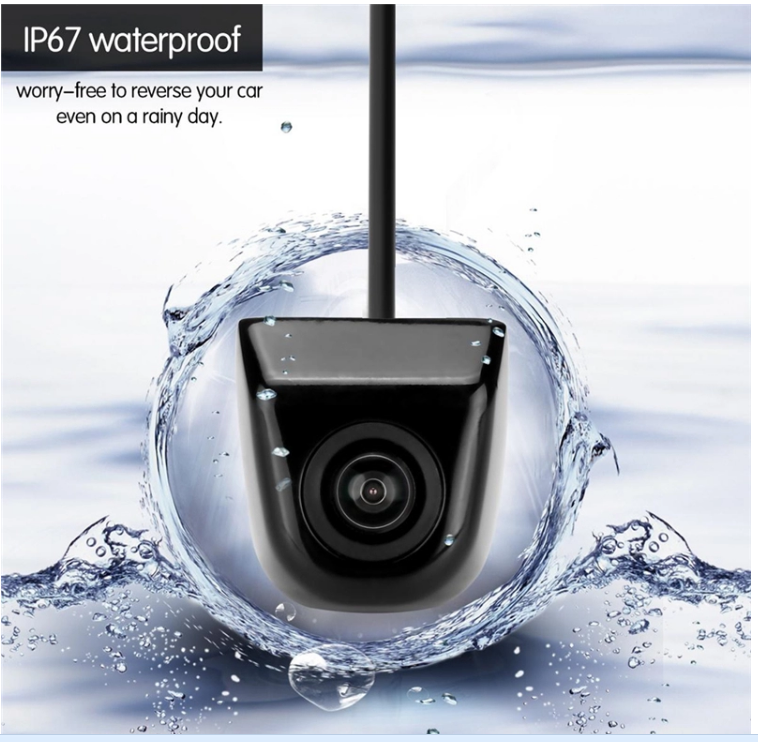
Compact waterproof HD rear-view camera for universal vehicle backup applications.
1920 × 1080 · 170° wide view · IP67View camera details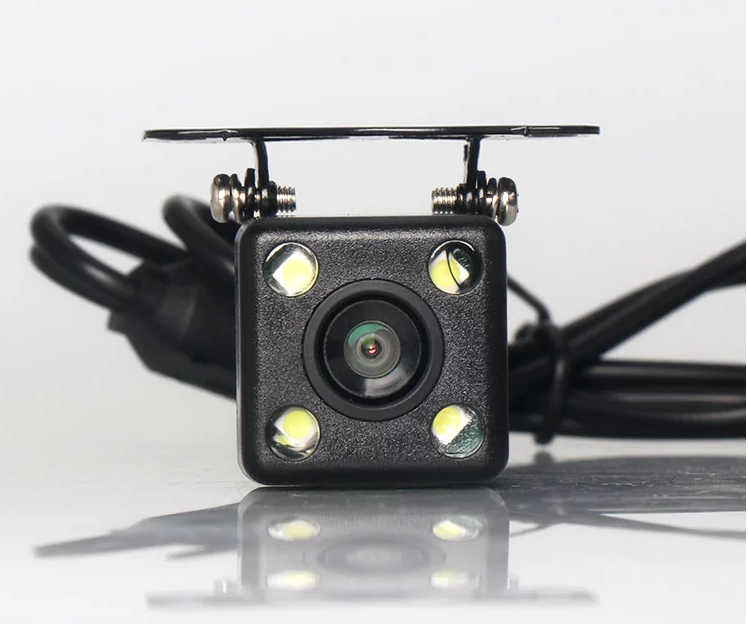
IP69K waterproof HD rear-view camera with a 170° viewing angle, night vision and adjustable mounting bracket.
1920 × 1080 · 170° wide view · IP69KView camera details
Universal Volkswagen trunk-handle backup camera with moving parking guidelines; model, trim and year confirmation is required.
1920 × 1080 · 170° wide view · Moving guidelinesView camera details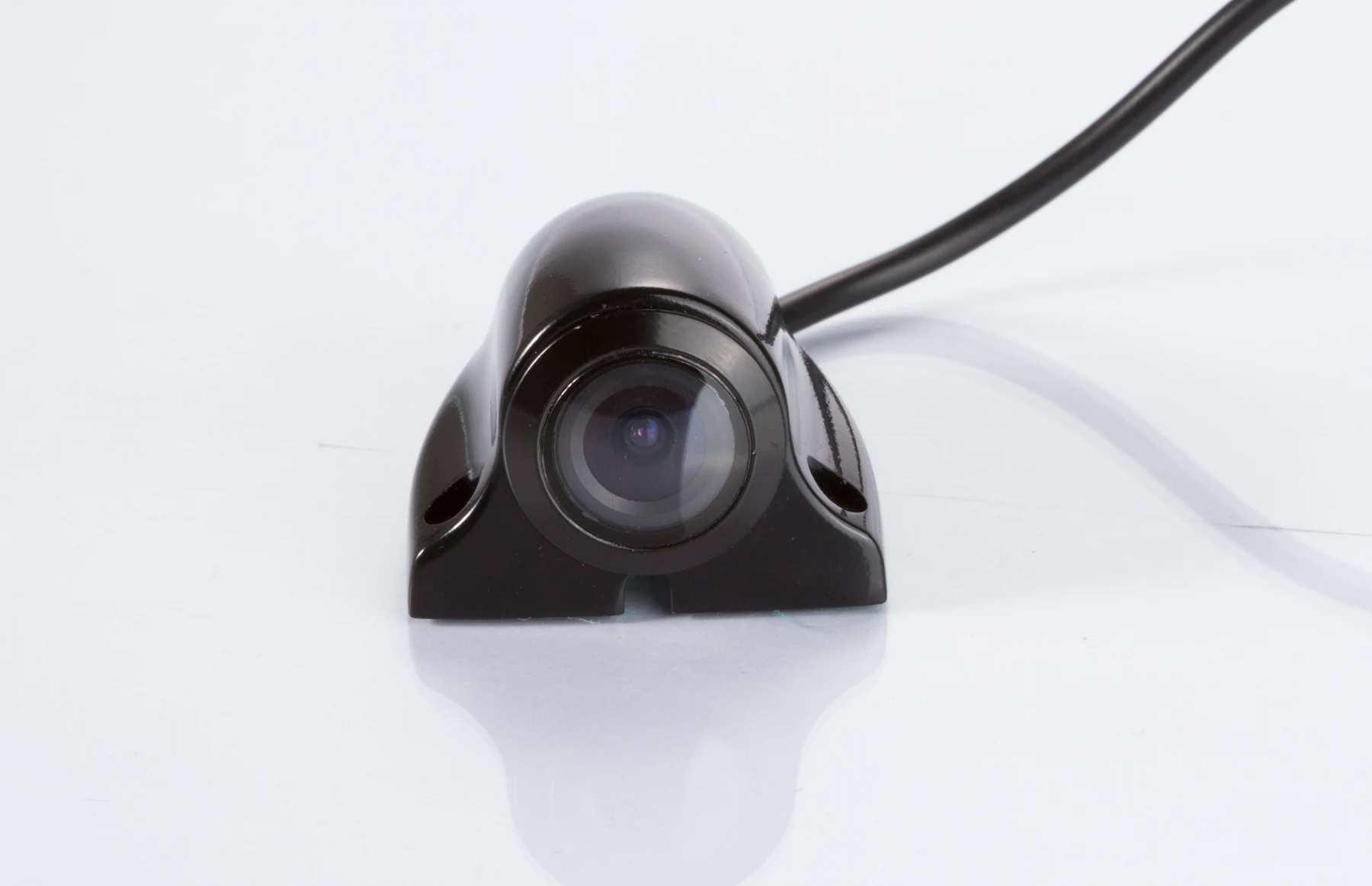
Compact waterproof side view camera for trucks, buses, vans and construction vehicles.
1920 × 1080 · 170° wide view · IP69KView camera details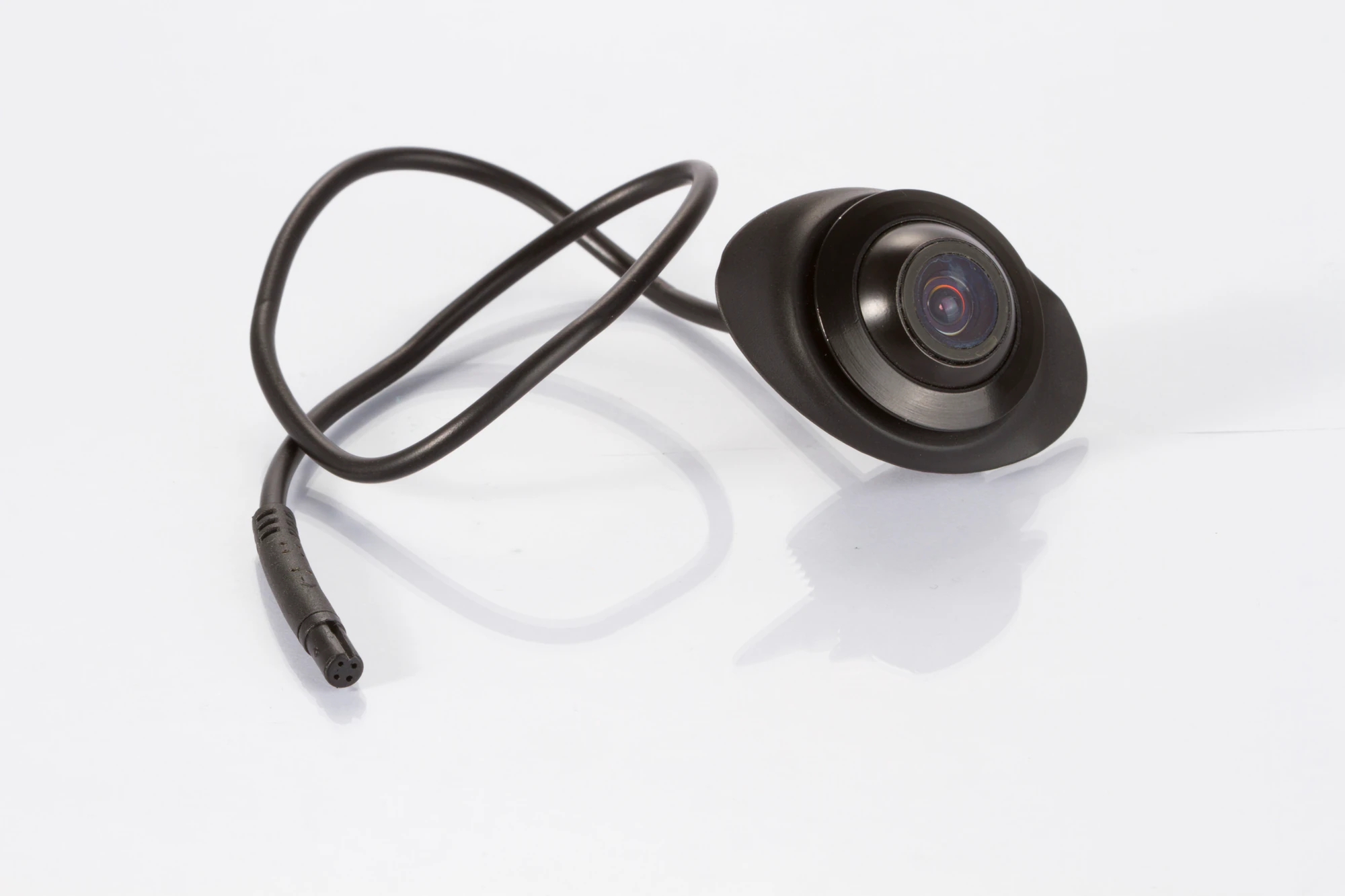
Compact waterproof HD camera for front, rear and side-view vehicle applications.
1920 × 1080 · 170° wide view · IP69KView camera details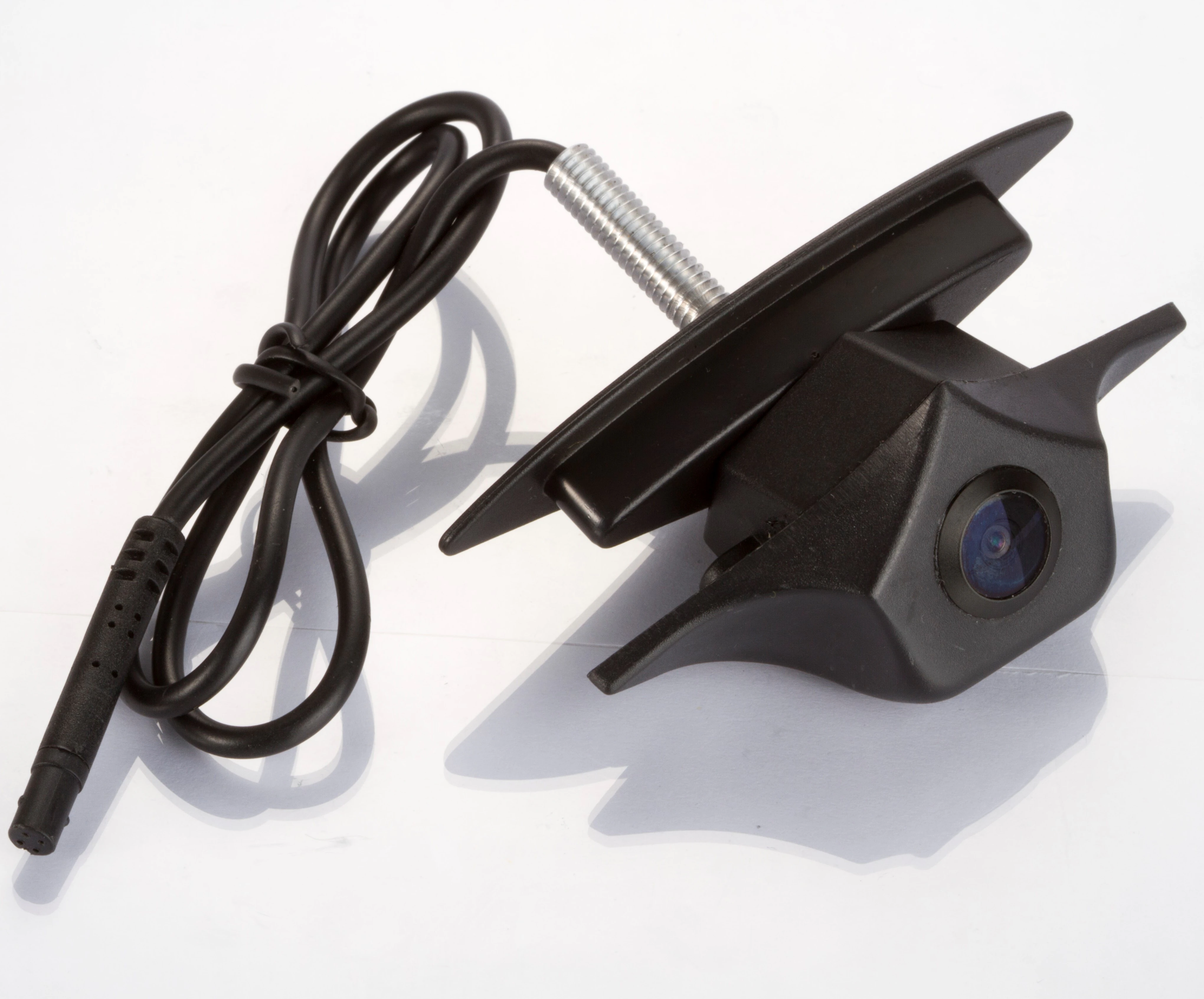
Vehicle-specific HD front-view logo camera for compatible Mazda installations.
1920 × 1080 · 170° wide view · IP69KView camera details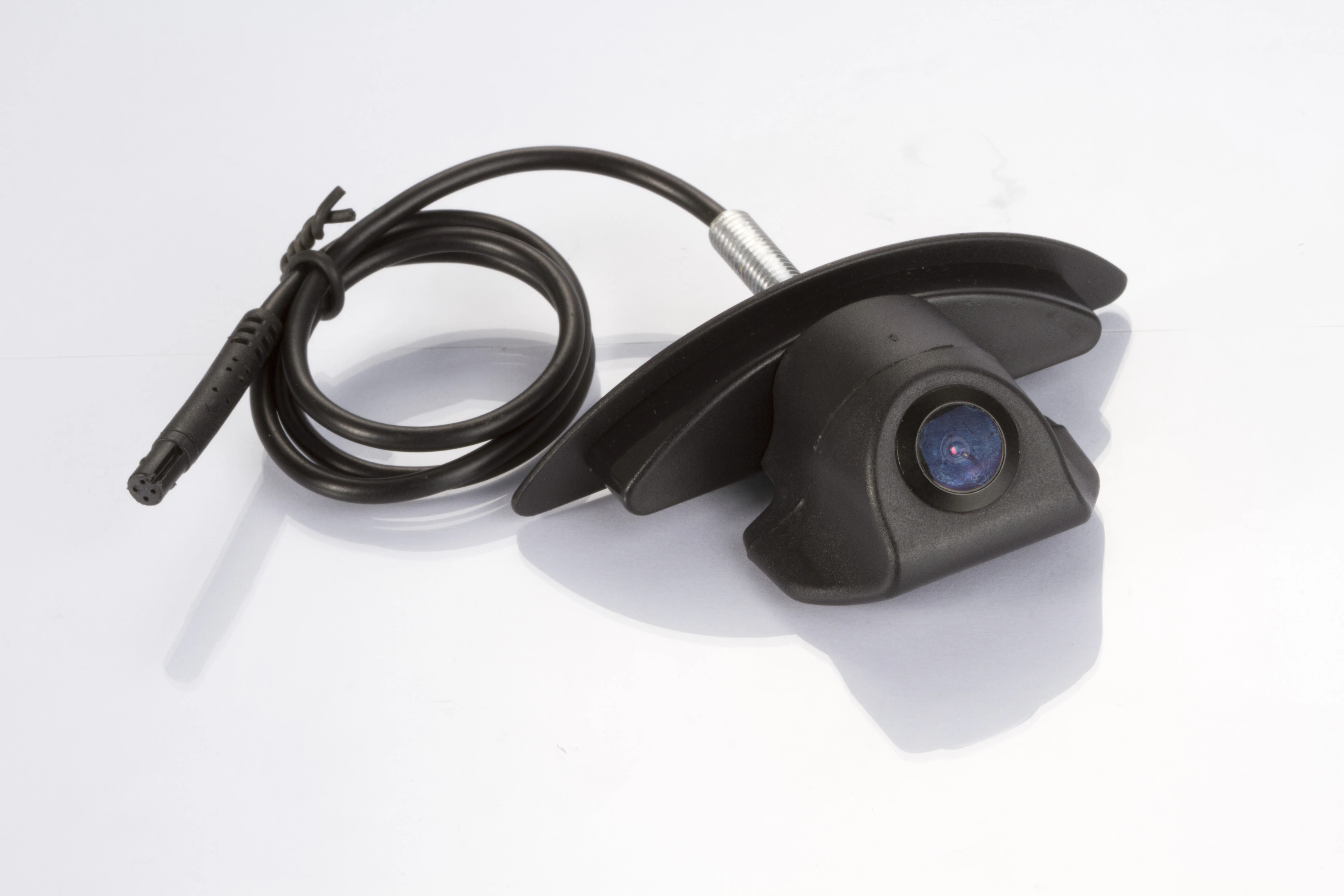
Vehicle-specific HD front-view logo camera for compatible Nissan installations.
1920 × 1080 · 170° wide view · IP69KView camera details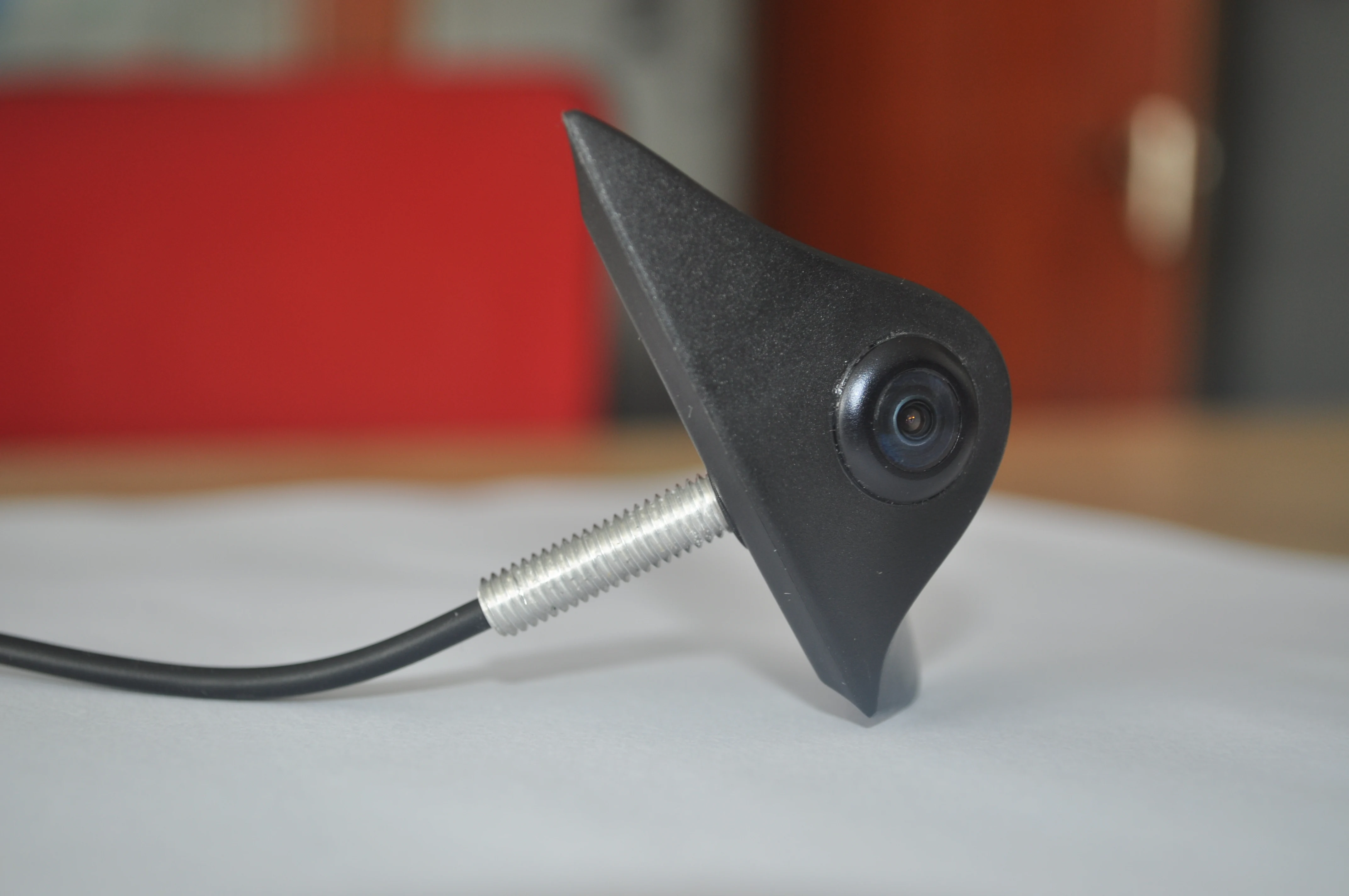
Vehicle-specific HD front-view logo camera for compatible Hyundai installations.
1920 × 1080 · 170° wide view · IP69KView camera details
Compact waterproof HD camera for buses, trucks, vans and construction vehicles.
1920 × 1080 · 170° wide view · IP69KView camera detailsCheck the published waterproof or IP rating for the selected camera and confirm that it fits the installation exposure.
Select the angle around the area that must be seen, camera position and required image detail rather than choosing the largest number by default.
Confirm available space, housing style, mounting surface and the intended rear, side or front view on the target vehicle.
Night-vision or low-illumination capability is model-dependent and should be specified only when confirmed for the proposed camera.
Match the camera connector, harness or cable route to the receiving monitor or system and the vehicle installation plan.
Select rear, side or other defined camera positions around the truck body, route and display requirements.
truck camera systemsReview body length, camera position, signal and driver display requirements for bus visibility projects.
bus camera systemsConfirm mounting, route conditions and camera-to-display compatibility for material-handling applications.
forklift camera solutionsEvaluate installation exposure, mounting and required views on the target machine before selecting a model.
construction vehicle camera applicationsPlan camera position, cable protection and environmental requirements around the specific machine.
agricultural vehicle camera applicationsMatch the rear or side view, cable route, camera signal and in-cab display to the vehicle dimensions.
Compare reversing-focused camera housings and model-level specifications for the required rear position.
Compare backup camerasMatch the camera signal and connector to a display with the required inputs and switching behavior.
Compare vehicle camera monitorsReview the camera, monitor, cable, connector, bracket and power arrangement as one project configuration.
Explore camera and monitor kitsWhere recording is required, evaluate a confirmed dash-camera product separately from the live-view camera system.
View the SUP-DVR30 dash cameraFor mixed-vehicle projects, review camera positions, displays and optional recording requirements as a defined system scope.
Review commercial fleet camera systemsOEM and project discussions can cover branding, connector or harness requirements, mounting, vehicle application matching and the complete configuration.
Learn about SuperPowerVehicle type, target market and required viewing position
Camera model, signal, connector and receiving display
Mounting, environment and sample configuration
Quantity, branding and approved project requirements
A commercial vehicle camera system normally combines one or more cameras with a compatible display, wiring or other connection hardware, power and any project-specific switching components. The exact configuration depends on the vehicle and required views.
Vehicle camera is the broader category for rear, front, side and other defined views. A backup camera is selected specifically for reversing or rear-view visibility.
Start with the required viewing position, then confirm the video signal, viewing angle, operating environment, mounting method, connector and monitor compatibility for the proposed camera model.
No. Environmental protection is model-dependent. Check the published IP rating and installation requirements for the specific camera rather than assuming one rating across the category.
No. AHD and CVBS availability depends on the individual camera model and configuration. The selected output must match the monitor or system input.
Branding, connector or harness requirements, mounting needs and project configuration can be discussed. The available scope and final compatibility must be confirmed for the selected model and vehicle application.

Share the vehicle type, camera position, required signal, viewing requirement, quantity, monitor needs and any OEM or branding requirements. We will review a suitable camera and system configuration.
24 時間以内に応答します 機密プロジェクトのレビュー