
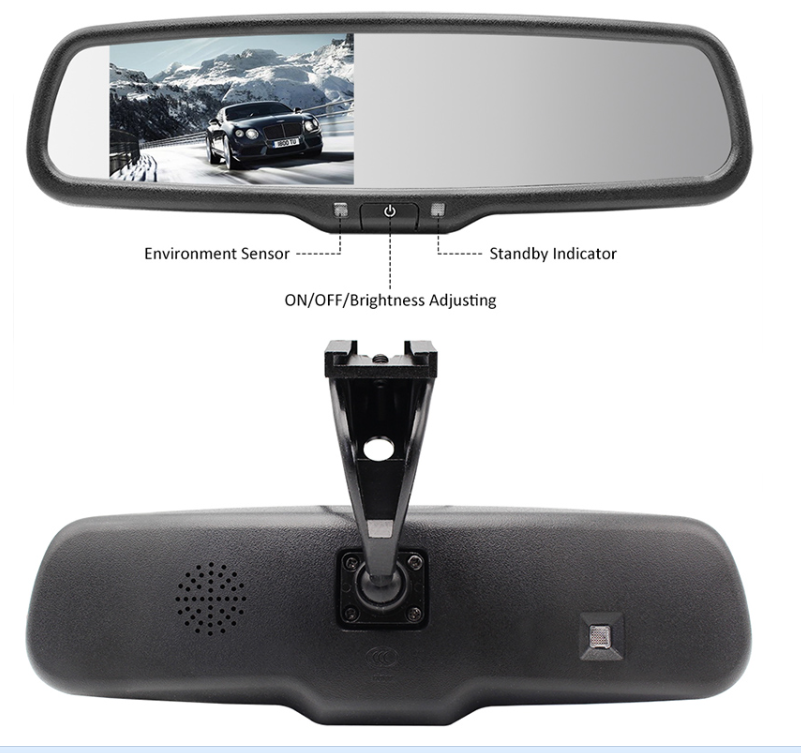
4.3-inch Rear-View Mirror Monitor
Compact rear view mirror monitor for installations where mirror position and cab space favor an integrated 4.3-inch display.
4.3-inch TFT LCD · DC12V · Automatic reverse switching4.3-inch rear-view mirror monitor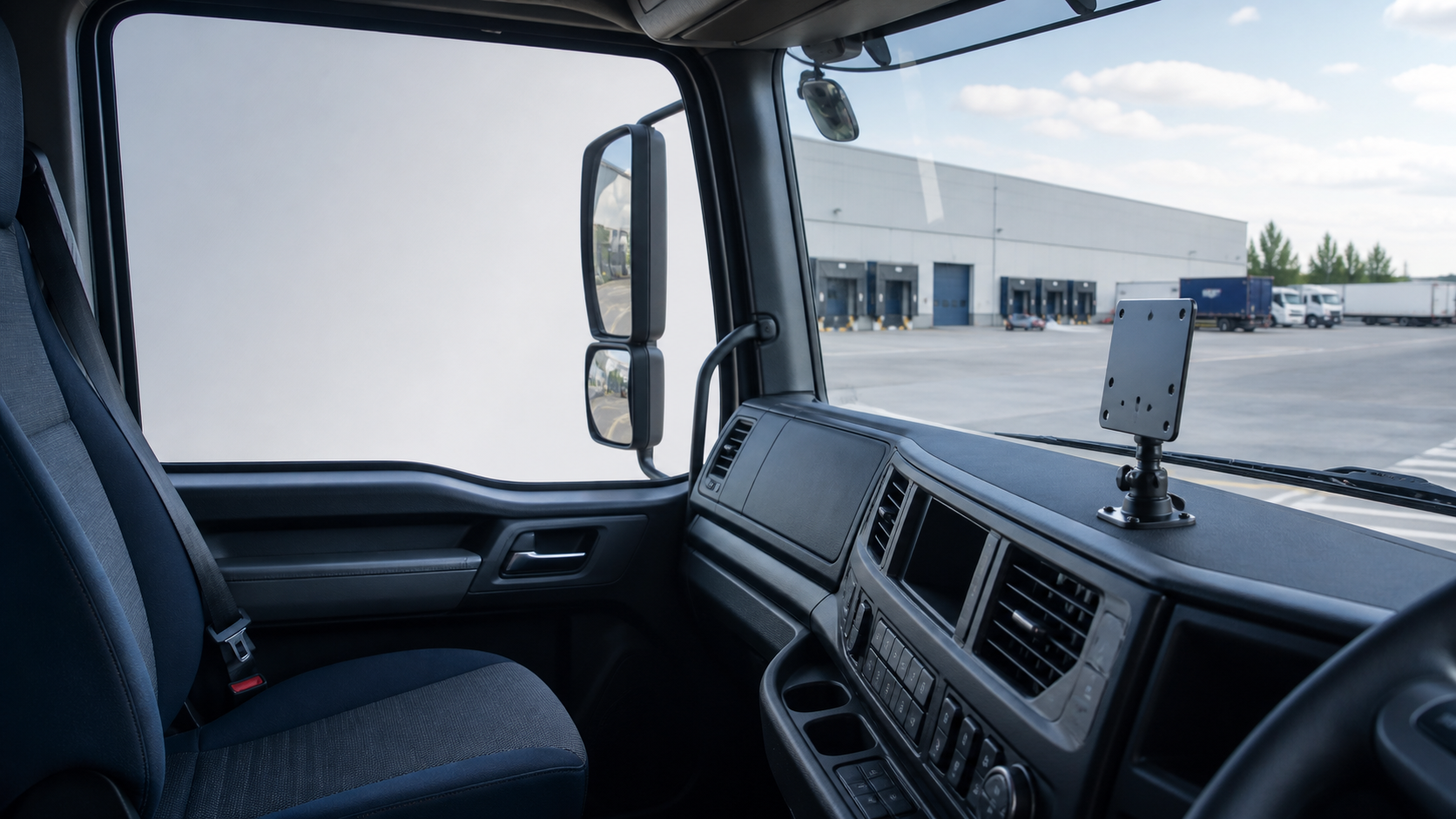
4.3-inch / 7-inchCurrent display sizes
TFT LCDConfirmed display type
AV1 / AV2SUP-M700 inputs
Reverse SwitchingSelected models
Choose a commercial vehicle camera monitor as part of the complete camera, signal, connector, power and installation plan. A rear view monitor should be matched to the target vehicle and required camera positions rather than selected by screen size alone.
Compact rear view mirror monitor for installations where mirror position and cab space favor an integrated 4.3-inch display.
4.3-inch TFT LCD · DC12V · Automatic reverse switching4.3-inch rear-view mirror monitor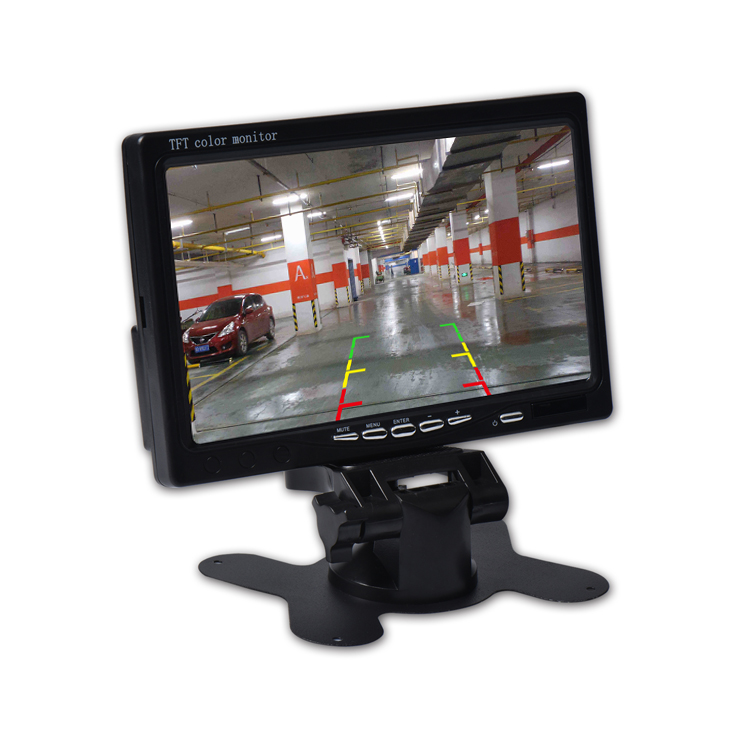
A 7 inch vehicle monitor for car, bus, construction and truck camera monitor projects; it is not limited to trucks.
7-inch TFT LCD · AV1 / AV2 · AV2 priorityView 7-inch vehicle monitorChoose a 4.3-inch, 7-inch or another confirmed size around the available mirror or dashboard space, viewing distance and required image area.
The available AV or video-input quantity affects how cameras can connect. Confirm the exact input count on the selected monitor rather than applying one number across the range.
Match the monitor input to the camera output. AHD and CVBS are different signal formats, so compatibility must be confirmed for the proposed camera, monitor and connector combination.
Selected monitors can switch the displayed view when reversing or give one input priority. Confirm the required trigger behavior against the specific model and vehicle wiring.
Review dashboard space, mirror position, cab layout and driver viewing angle before choosing the display format and mounting location.
Use an in-cab display for a defined rear view, then match screen position, camera quantity and signal compatibility for the truck.
truck camera systemsA bus display can present selected rear or side camera views when the inputs, connectors and installation plan are compatible.
bus camera systemsPair a compatible monitor with selected side-view vehicle cameras and confirm the required input and image orientation.
vehicle camerasA rear view camera monitor can support reversing when the camera signal, power, connector and trigger arrangement are matched.
backup camerasConfirm cab space, camera position and real operating conditions when planning displays for forklifts or industrial vehicles.
forklift camera and monitor systemVehicle, camera positions and driver viewing needs
Display size, signal, inputs and connectors
Trigger behavior, mounting and sample configuration
Quantity, branding and production requirements
A vehicle camera monitor is the in-cab display in a vehicle camera system. It presents a compatible rear-view, side-view or other selected camera image for the driver or operator.
Yes, when the camera signal, connector, power requirements and monitor compatibility are correctly matched. The complete camera and display configuration should be confirmed before installation.
There is no universal size. Choose according to cab space, driver viewing distance, camera quantity, required image area and the application on the target truck.
AHD and CVBS are different video signal formats. The camera output must match a supported monitor input, and the connector and complete signal path must also be confirmed.
Read the practical AHD vs CVBS vehicle camera guide for additional signal-selection context.
Branding, connector options, product configuration and other project requirements can be discussed. The final scope, model compatibility and production requirements must be confirmed for the specific project.

Share the vehicle type, camera quantity, camera signal type, required display size, input requirements, order quantity and any OEM or branding requirements. We will review a suitable monitor configuration for the project.
24 時間以内に応答します 機密プロジェクトのレビュー