
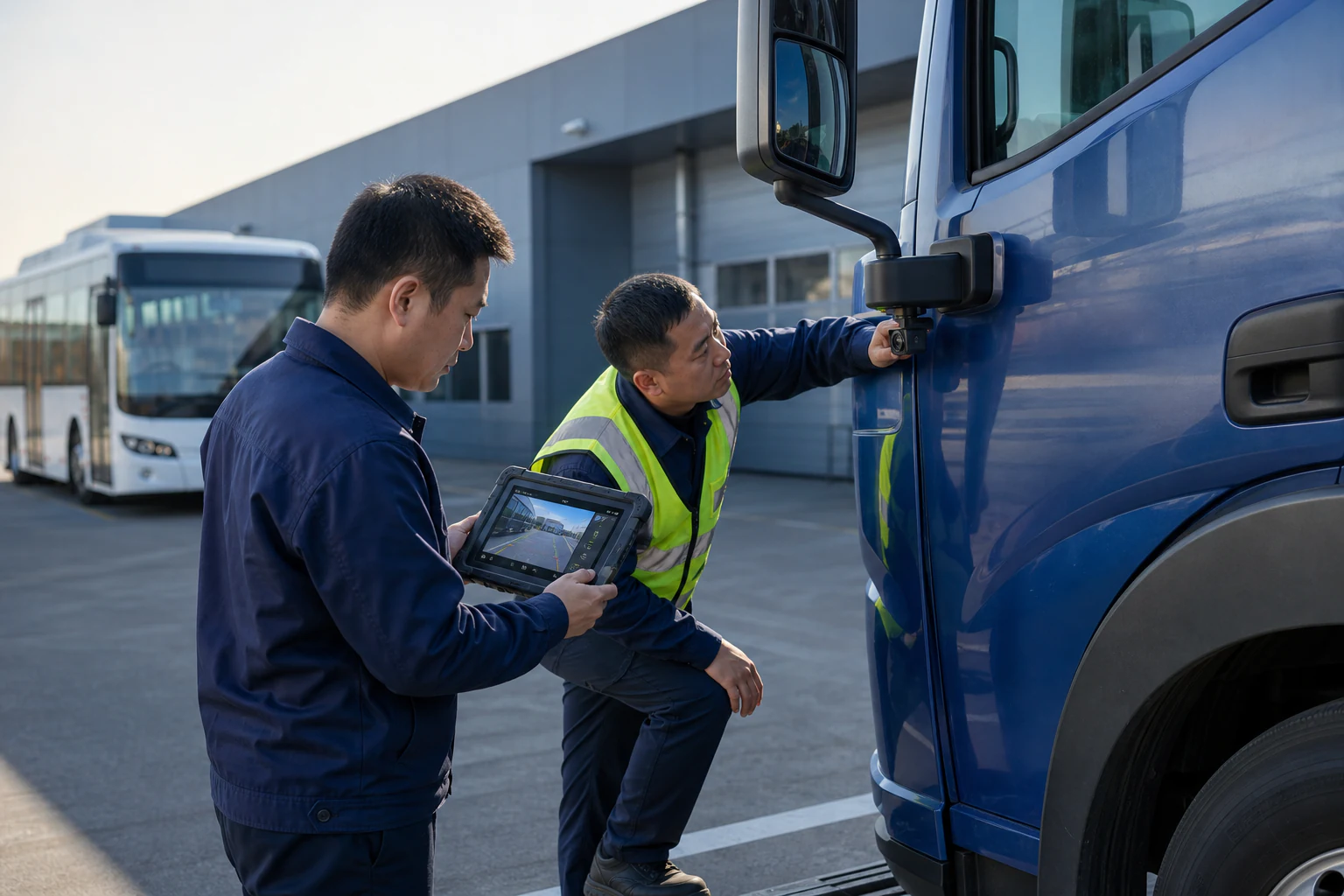
Truck Monitoring
Seven-inch in-cab display support for truck monitoring projects.
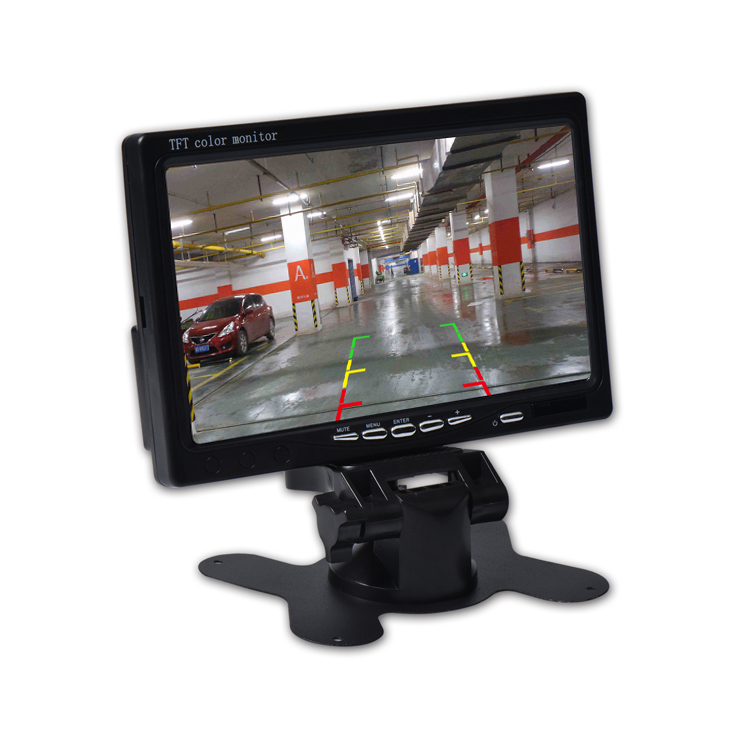
SUP-M700 7-inch TFT LCD Monitor
Slim 7-inch digital color TFT LCD monitor for reversing and commercial-vehicle display projects.
Features dual video inputs: AV1 for DVD video and AV2 for the backup camera, with AV2 priority and automatic reverse switching. Operates on DC 12V with RCA or 5-pin connector options.
The SUP-M700 provides a display for a compatible vehicle camera in cars and commercial vehicles. Its standing format places the view where it can be checked from the cab.
The camera input has reversing priority. Match the camera signal, connector, power and reverse trigger to the selected monitor configuration before installation.
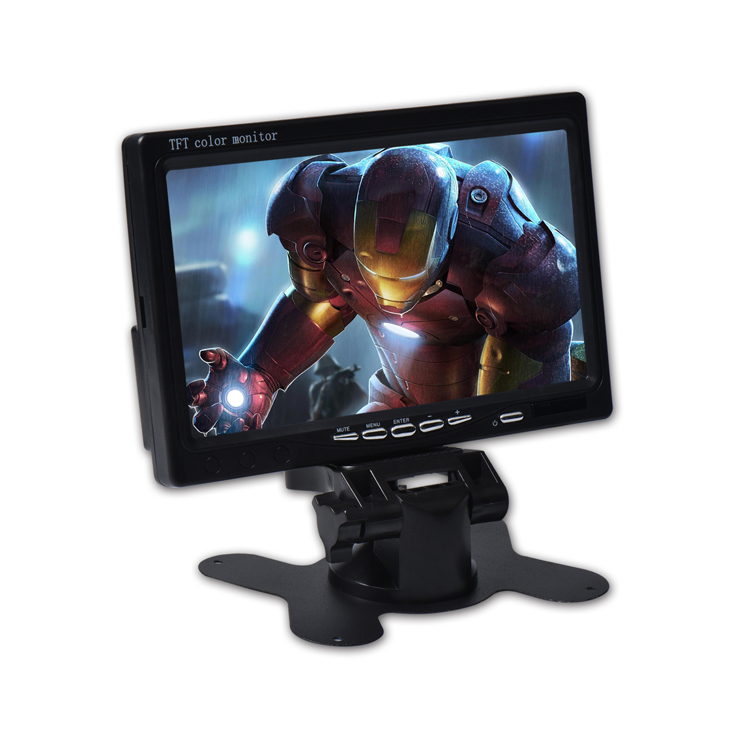
Explore the SUP-M700 product views and connection details.
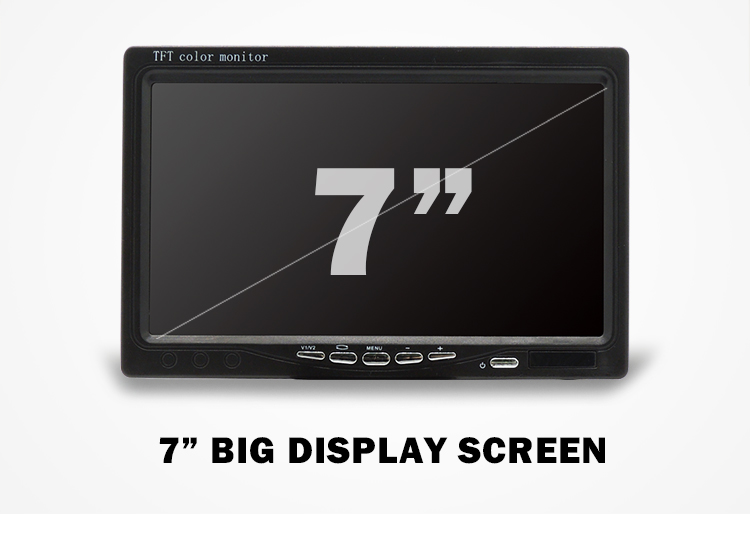
A standing monitor format for multiple commercial-vehicle platforms.
Seven-inch in-cab display support for truck monitoring projects.

Digital color monitor support for bus safety systems.
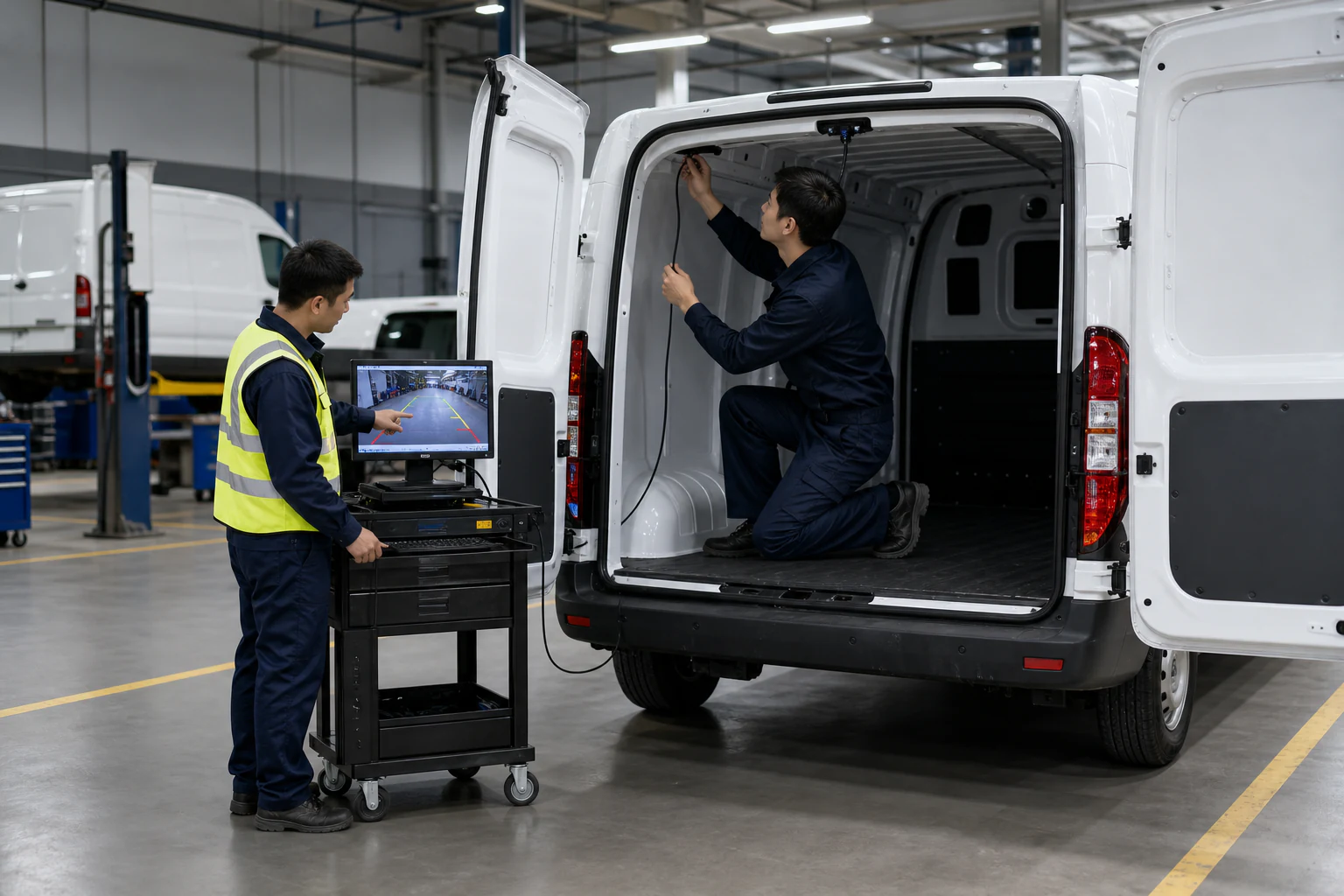
A consistent standing-monitor format for fleet installations.

In-cab display support for construction-vehicle monitoring.
It displays video from a compatible vehicle camera for an in-cab view.
Confirm the camera output, monitor input, connector, wiring and power requirements before connecting.
The listed AV2 reversing priority requires the correct connections and reverse-trigger wiring. Test the setup on the vehicle.
Share the camera signal, connector, vehicle power and the required display arrangement for review.

Tell us your vehicle type, video system, connector requirement and estimated quantity. Our team will help confirm the right configuration.