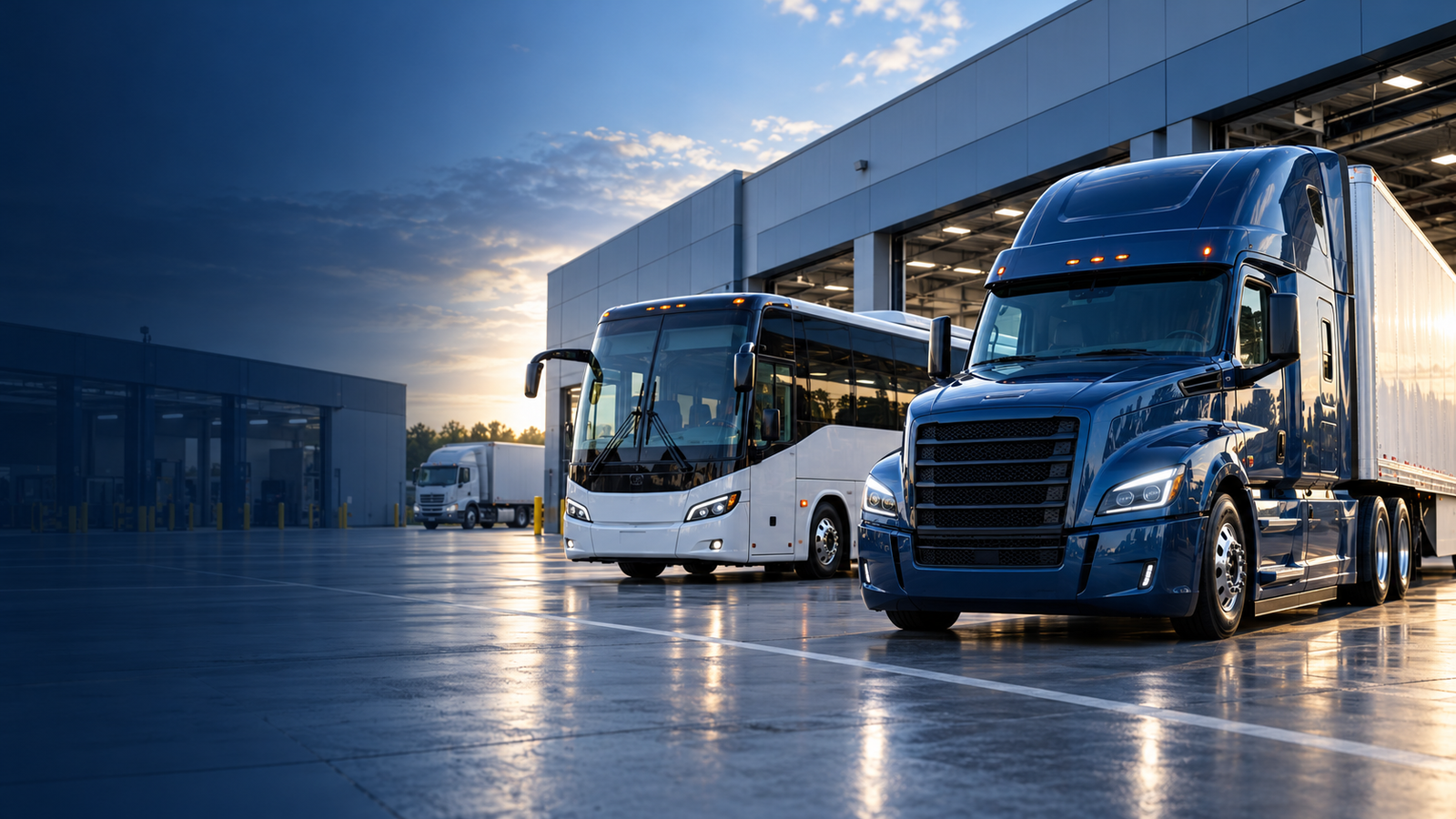
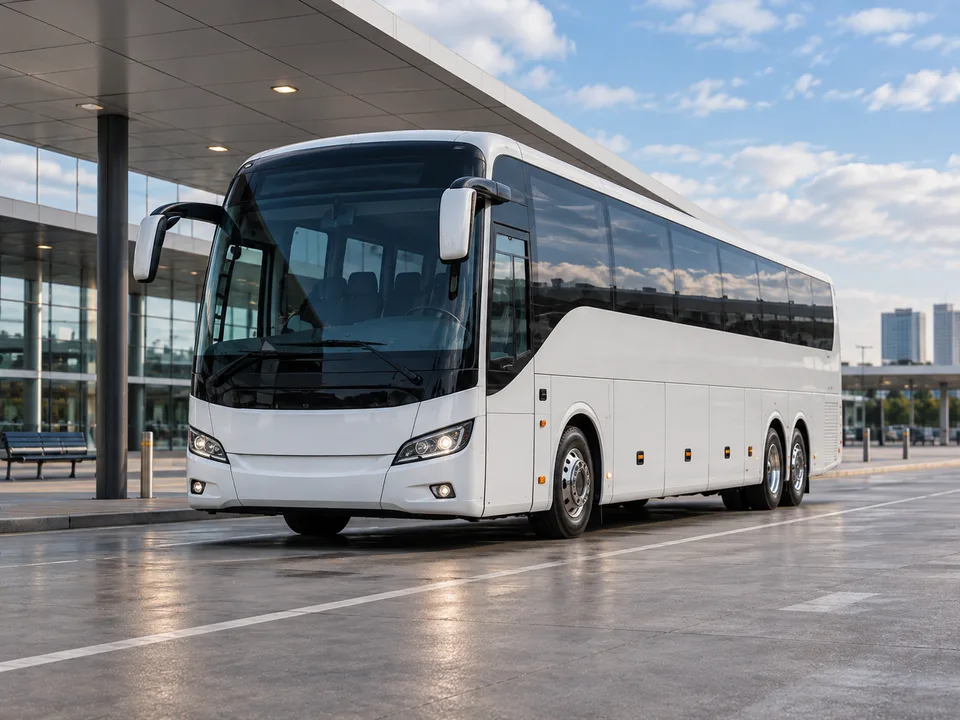


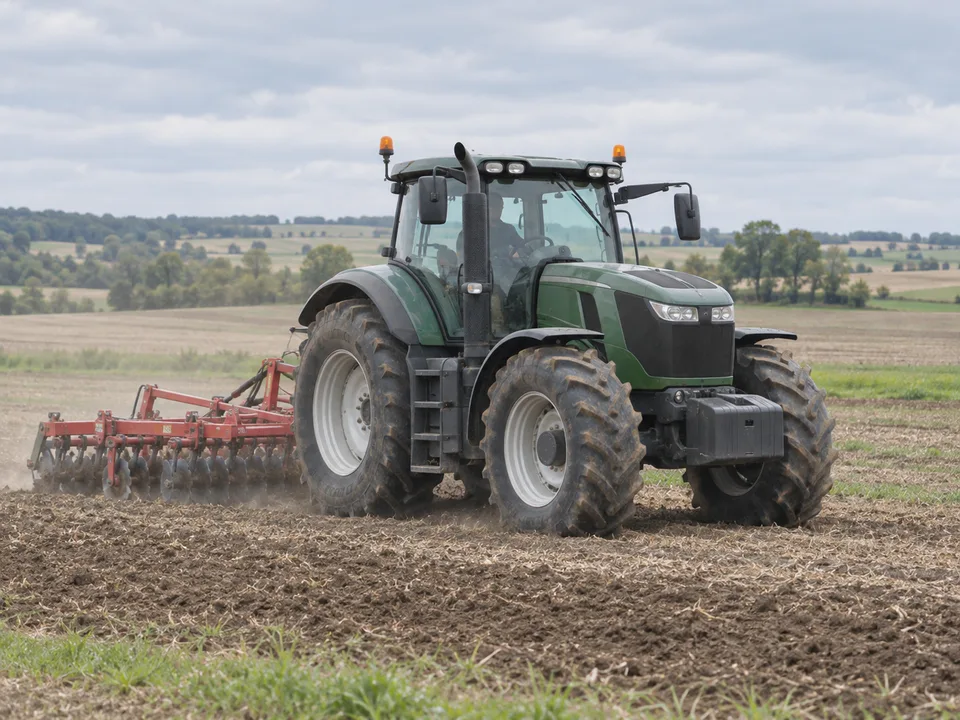
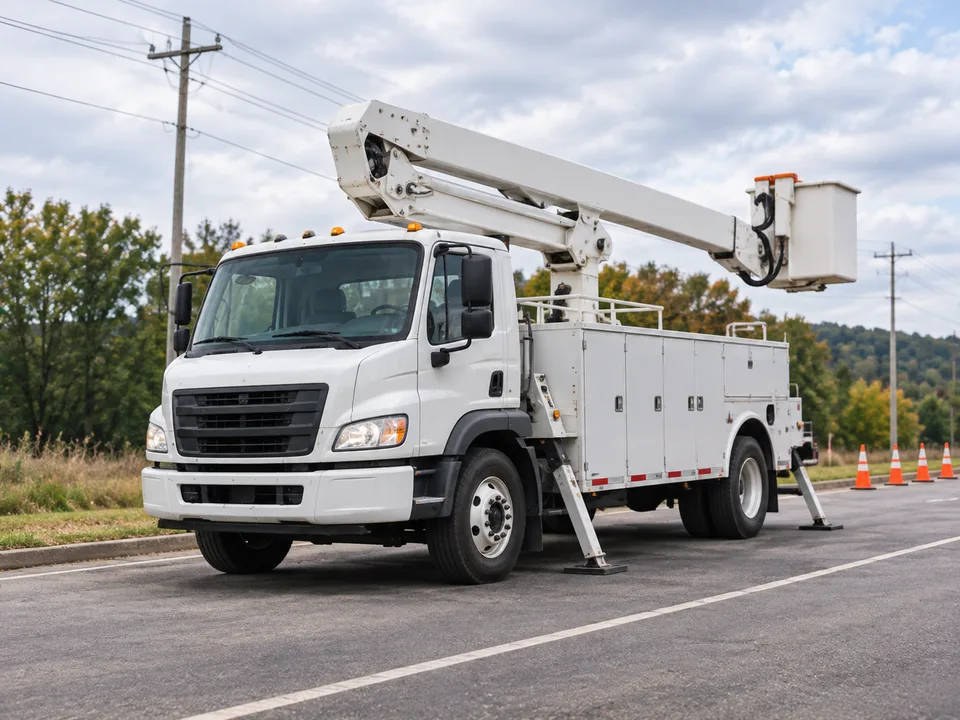
Application illustration of a truck and coach at a fleet depot at dawn

Commercial Vehicle Camera Solutions by Application

Choose by vehicle type, viewing task or operating environment, then review the relevant camera and monitor options.

Choose by Vehicle Type

Camera solutions designed around your vehicle, viewing requirements and operating environment. Browse all vehicle applications

For tipping bodies and quarry haulage, review the installation views for dump trucks and mining trucks.

Choose by Visibility Need

If the vehicle is already defined, use the required view to narrow the camera, display and installation path.

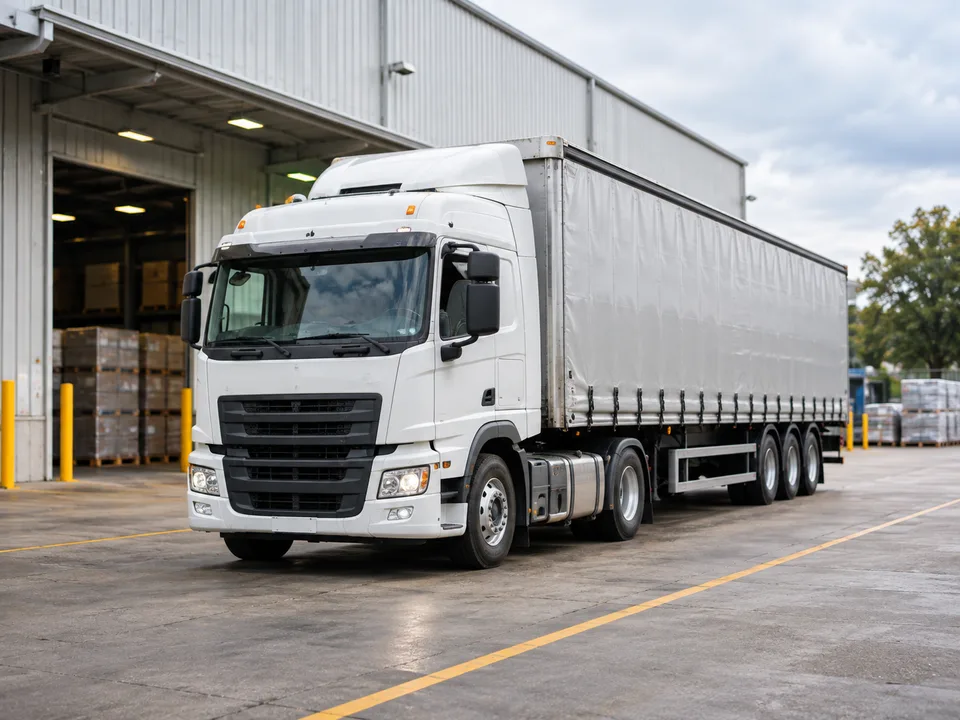
Rear of a commercial truck showing the area to review for reversing visibility

Rear & Reversing Visibility

Start with the rear area the driver needs to see, then match the camera position, display and connection path. The final view should be checked on the target vehicle.

Rear camera + compatible in-cab display; confirm signal, supply and reverse-trigger behavior.

Explore Backup Cameras
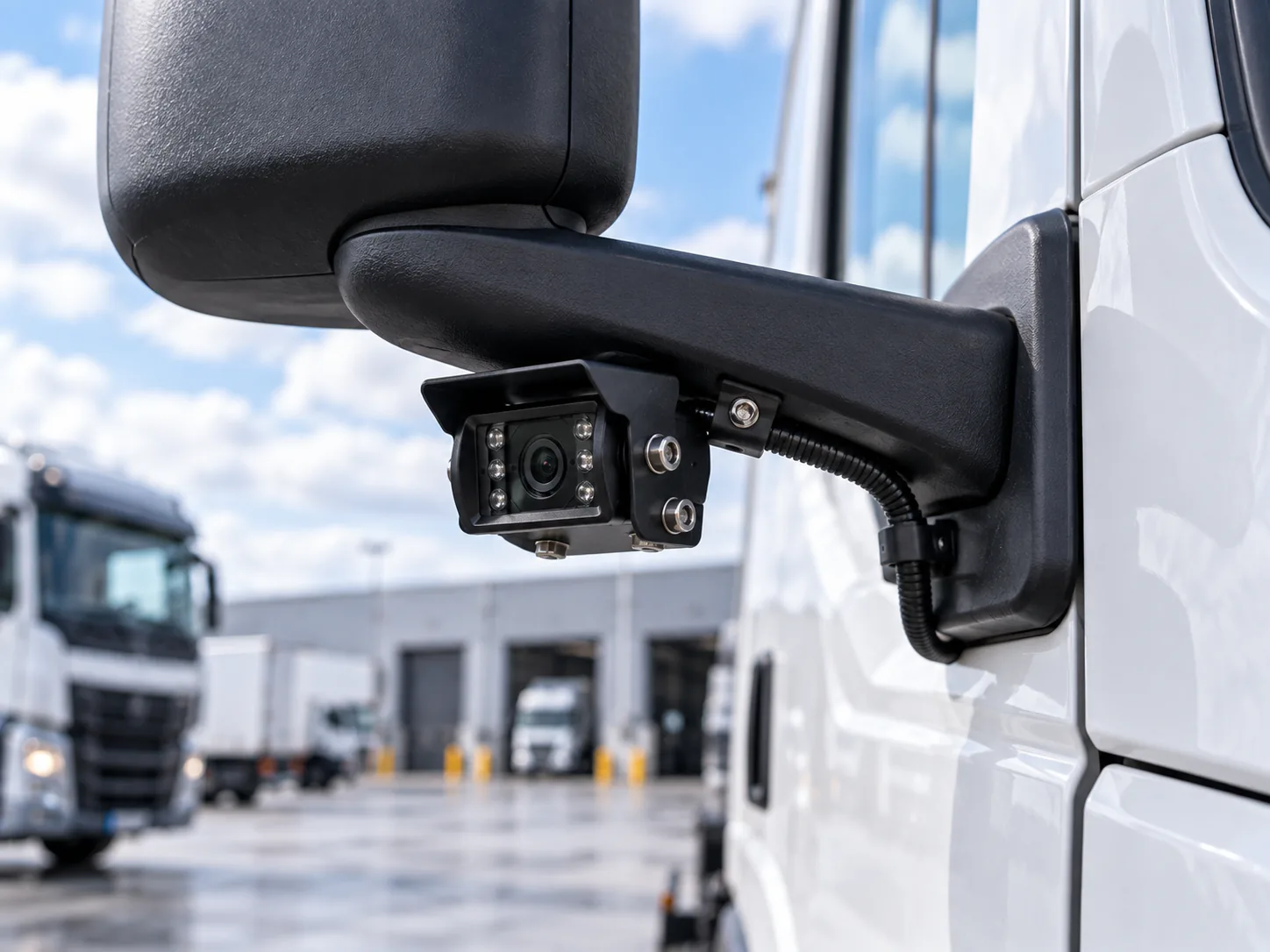
Reference illustration of a camera position beneath a truck mirror arm

Side & Blind-Area Visibility

Map the selected side or turning area before choosing hardware. Camera placement and driver-display behavior are then planned around that defined view.

Selected left or right camera position + driver display; validate the mounted view on the vehicle.

Plan Truck Blind-Spot Coverage
Wireless forklift camera and receiving monitor shown as separate components

Multi-Camera Monitoring

For multiple views, choose which feeds should appear together and which should switch manually or by trigger. Confirm split-screen support on the selected monitor; multiple inputs alone do not provide it.

Match camera quantity, signal format, monitor inputs and switching or split-screen support by model.

Explore Fleet Systems
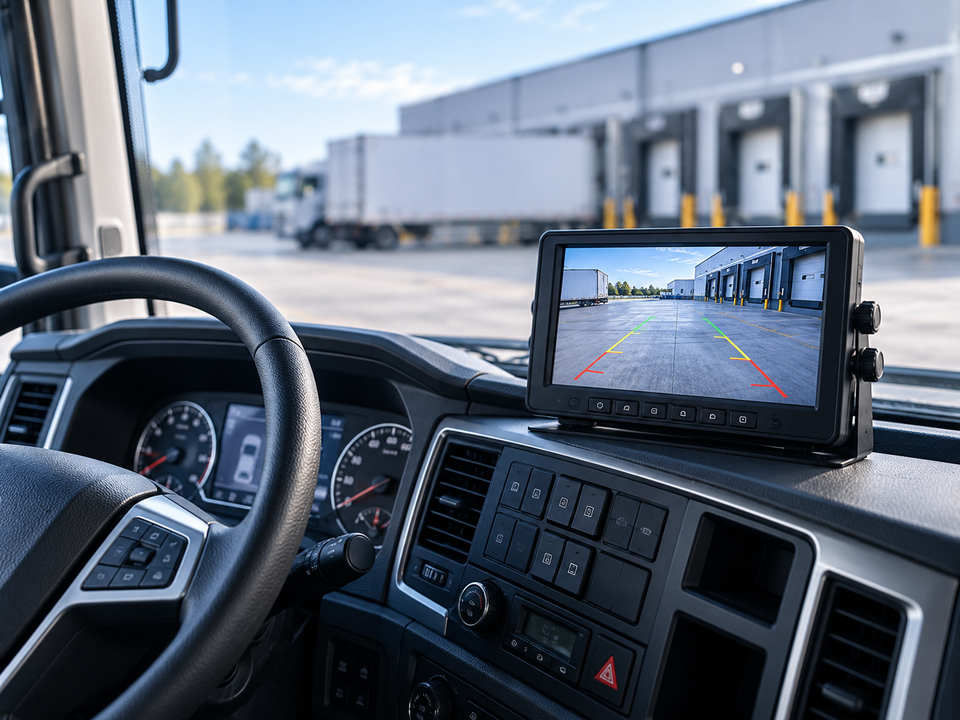
Application illustration of a truck cab monitor displaying a rear-camera view

Driver Display & Viewing

Choose a readable display position without obstructing controls or direct sight lines. Define when the driver needs a continuous, selected or reversing view.

Monitor + compatible camera feed; check input format, power, mounting and reverse priority.

Compare Vehicle Monitors
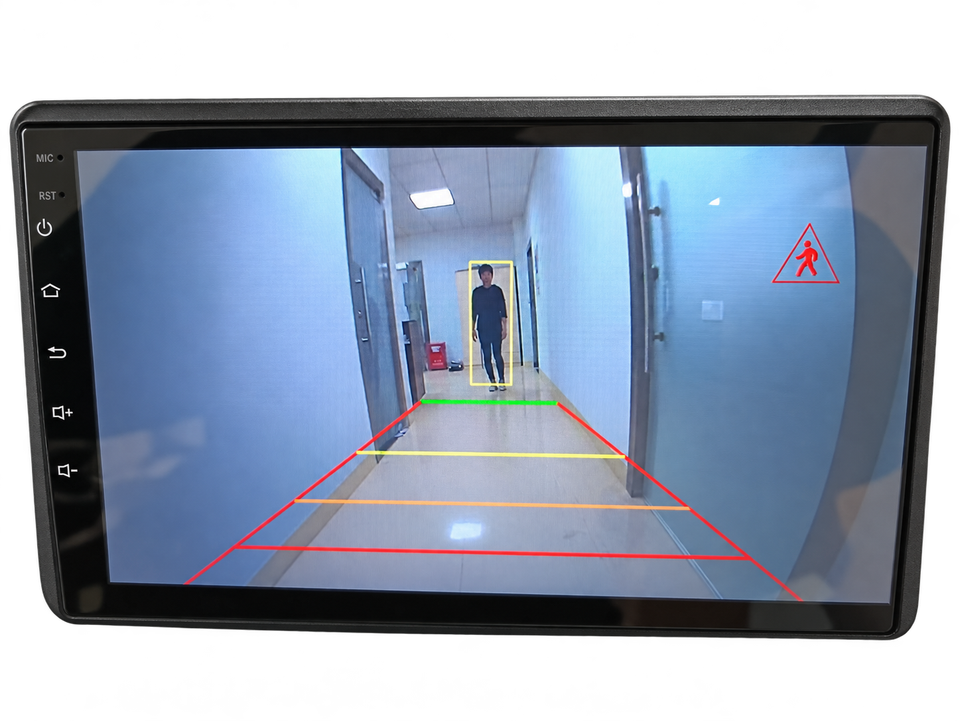
Reference display of pedestrian detection and a rear-view warning area

AI Detection & Safety Assistance

Where rear-view detection is required, the existing AI camera offers pedestrian and vehicle detection with visual warnings and adjustable buzzer alerts. Validate performance in the intended conditions.

AI rear-view camera + compatible display and warning arrangement; driver observation remains essential.

View AI Detection Camera

Choose by Operating Environment

With the vehicle and view defined, check exposure, lighting and installation conditions against the selected equipment.

Application illustration: earthmoving equipment loading a truck in a quarry

Water, Dust & Weather Exposure

Check the selected camera’s IP rating, exposed connectors and mounting. CAM-B09 and CAM-ST01 list IP69K; that rating does not apply to every component in the system.

Explore
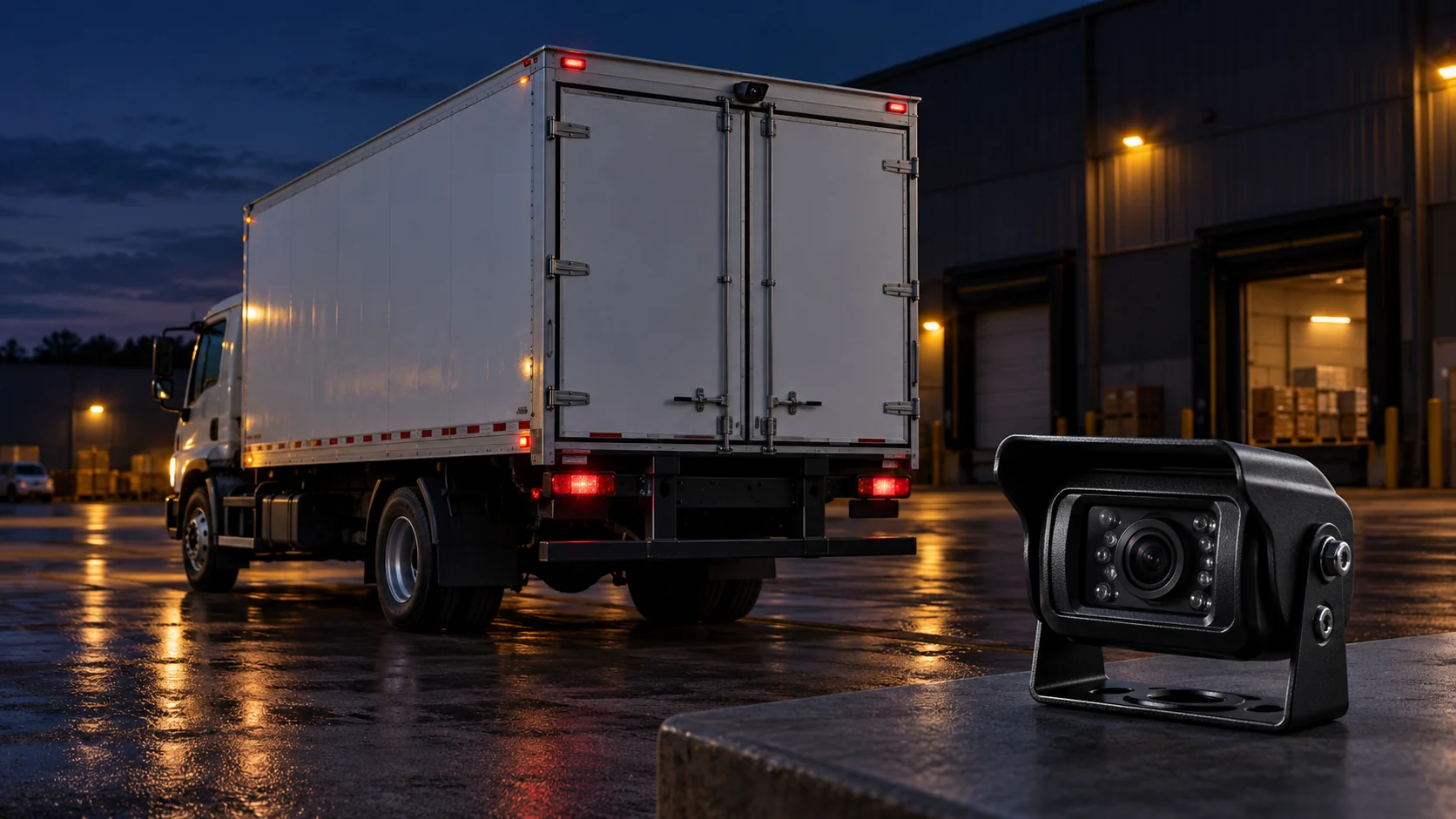
Reference illustration of a truck at a loading area at night

Low-Light & Night Operation

CAM-B09 and CAM-ST01 list night vision. Review available light, glare and the required view in a vehicle trial; no detection distance is assumed.

Explore
Battery-powered wireless forklift camera with magnetic mounting

Wired vs. Wireless Installation

Wired installations need protected cable routing. The wireless forklift system uses 2.4G video transmission and a battery-powered camera; display power, secure mounting and route testing still matter.

Explore

Start with the components below, then check signal, power and connectors together for your project.

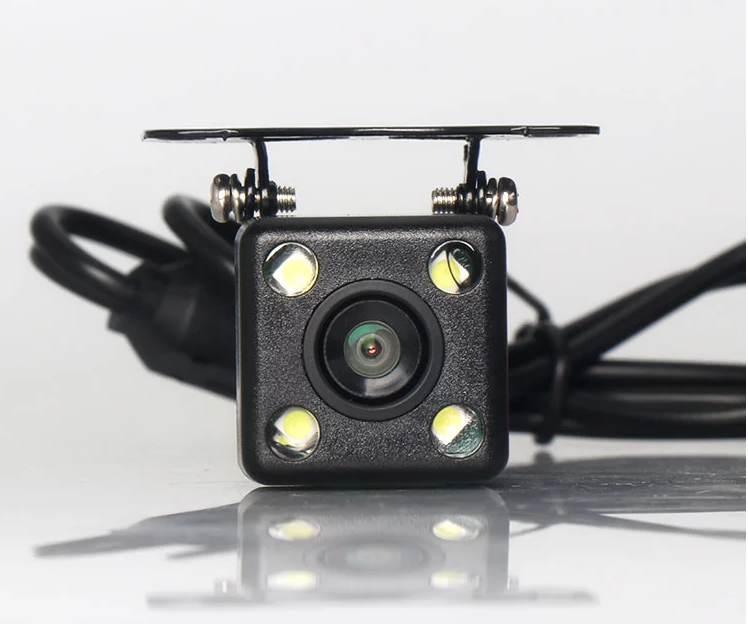
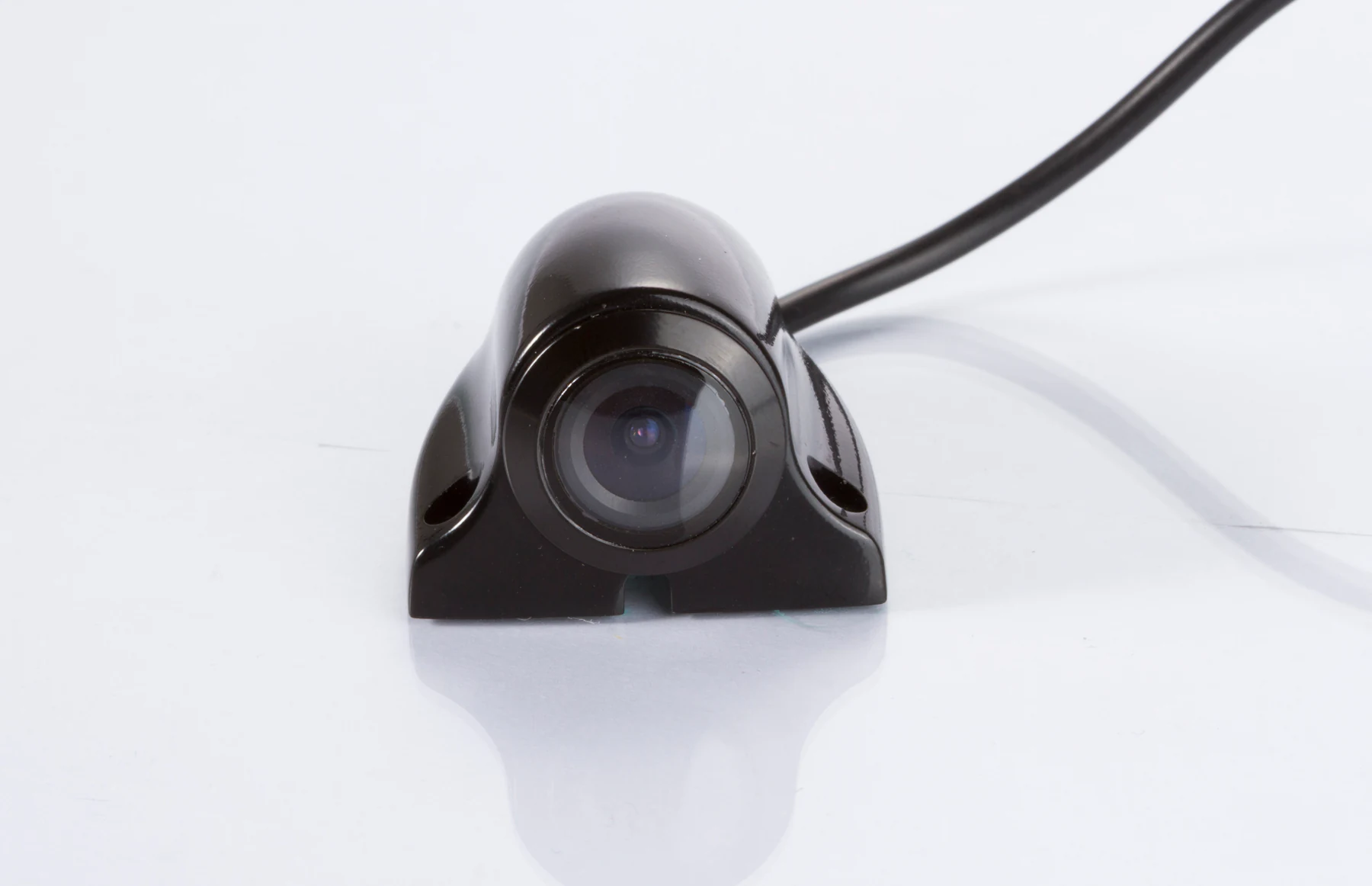
HD Universal Car Backup Camera

Rear-view starting point

CAM-B09 HD Universal Car Backup Camera

  • 1920 × 1080
  • 170° wide view
  • IP69K
View Product
CAM-ST01 Side View Camera

Side-view starting point

CAM-ST01 Side View Camera

  • 1920 × 1080
  • 170° wide view
  • IP69K
View Product
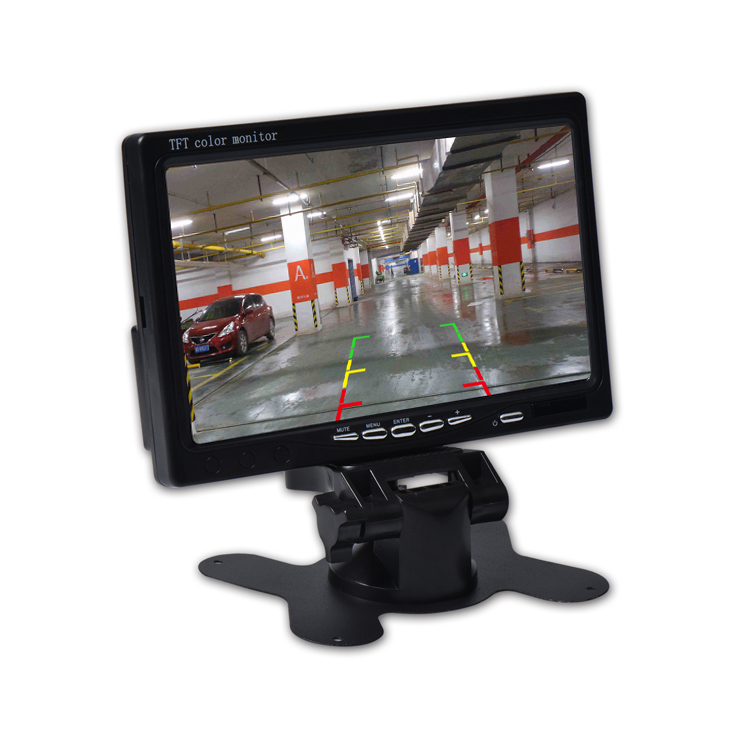
7-inch TFT LCD Vehicle Monitor

Driver-display starting point

SUP-M700 7-inch TFT LCD Vehicle Monitor

  • 7-inch TFT LCD
  • AV1 / AV2
  • AV2 priority
View Product

Confirm signal format, monitor inputs, power, connectors and mounting before pairing components. For a matched system starting point, review camera & monitor kits.

Need a Camera System for Your Vehicle?

Share your vehicle type, required viewing positions, operating environment and project requirements to help identify a suitable camera system.

For OEM / ODM projects, include connector, cable, branding or packaging requirements for review.

Discuss Your Project
01
Vehicle & Installation Positions
02
Required Views
03
Operating Environment
04
Quantity & OEM / ODM Brief