
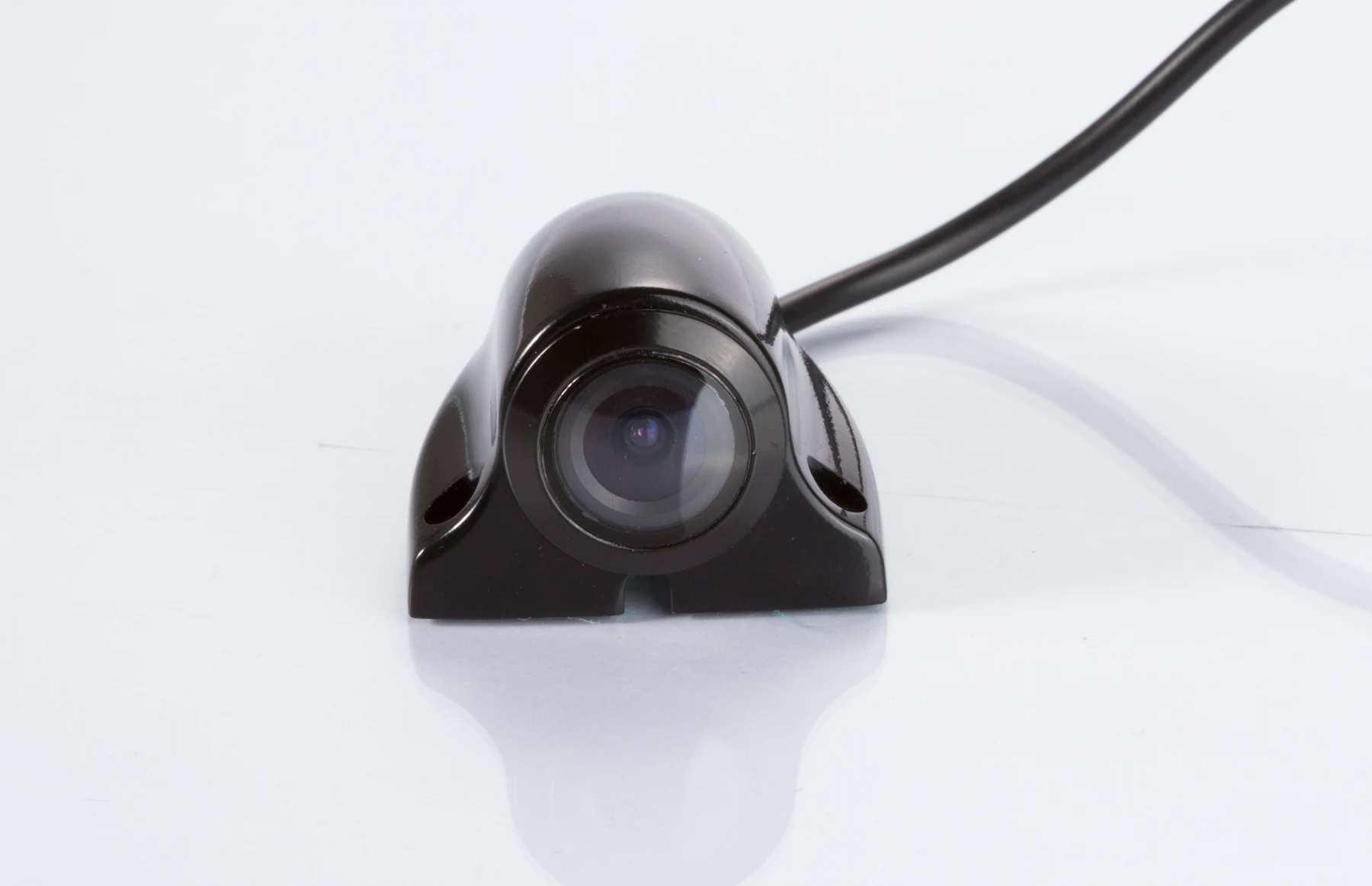
CAM-ST01 side view camera
Verified 1080P, 170° view and IP69K housing, with AHD/CVBS and night-vision options documented for this model.
View details
Truck blind spots vary with cab design, body length, trailer geometry, mirror coverage and the manoeuvre being performed. A side-view camera system should be positioned for the defined risk area and checked on the actual vehicle instead of promising complete coverage from one generic mounting point.

The system is useful only when the camera view, display behaviour and installation position work together.
 Side camera
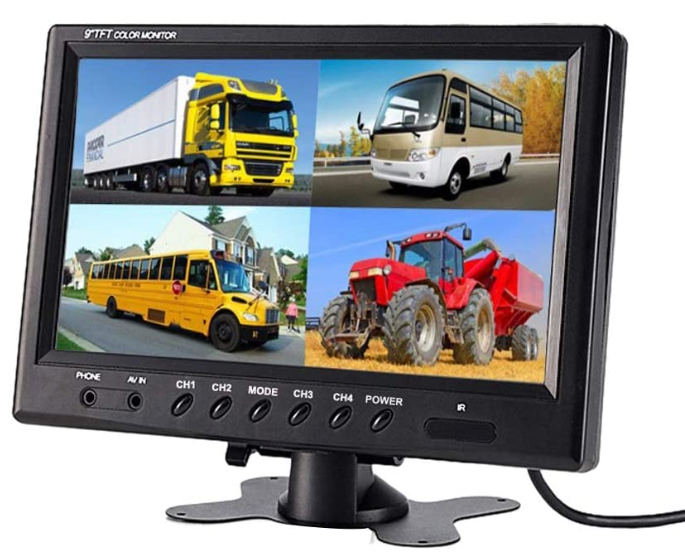 Monitor
Select the required side or rear-side view, then confirm the camera housing and model specifications.
Match the camera output to a compatible vehicle display and choose a practical cab position.
Define whether the view is continuous, selected manually or shown by a vehicle-side trigger arrangement.
Validate image orientation, sight line and the visible area on a sample truck before rollout.

These are planning positions, not universal installation instructions. The final point depends on the truck body and required view.
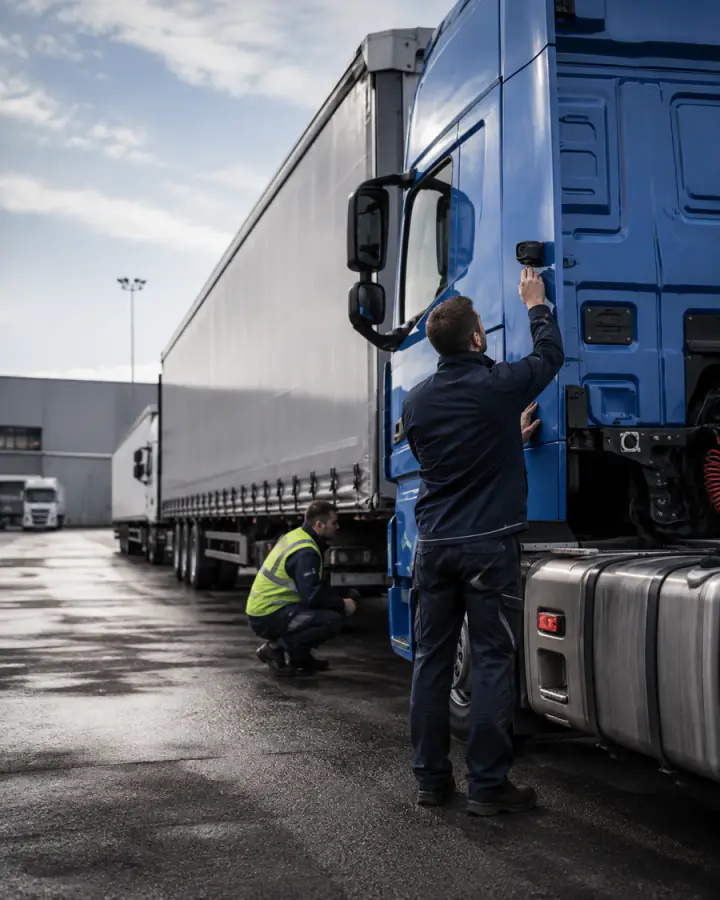
A forward side position can support observation beside the cab when its view is validated.
A position along a box body or rigid truck can help show the selected lateral area.
A rearward-facing side position can support viewing along the body or trailer side.
A side camera can be aimed for the turning area when display timing and driver workflow are confirmed.



Use model pages to confirm product facts, then validate signal, display, connector and mounting compatibility as one system.
Verified 1080P, 170° view and IP69K housing, with AHD/CVBS and night-vision options documented for this model.
View details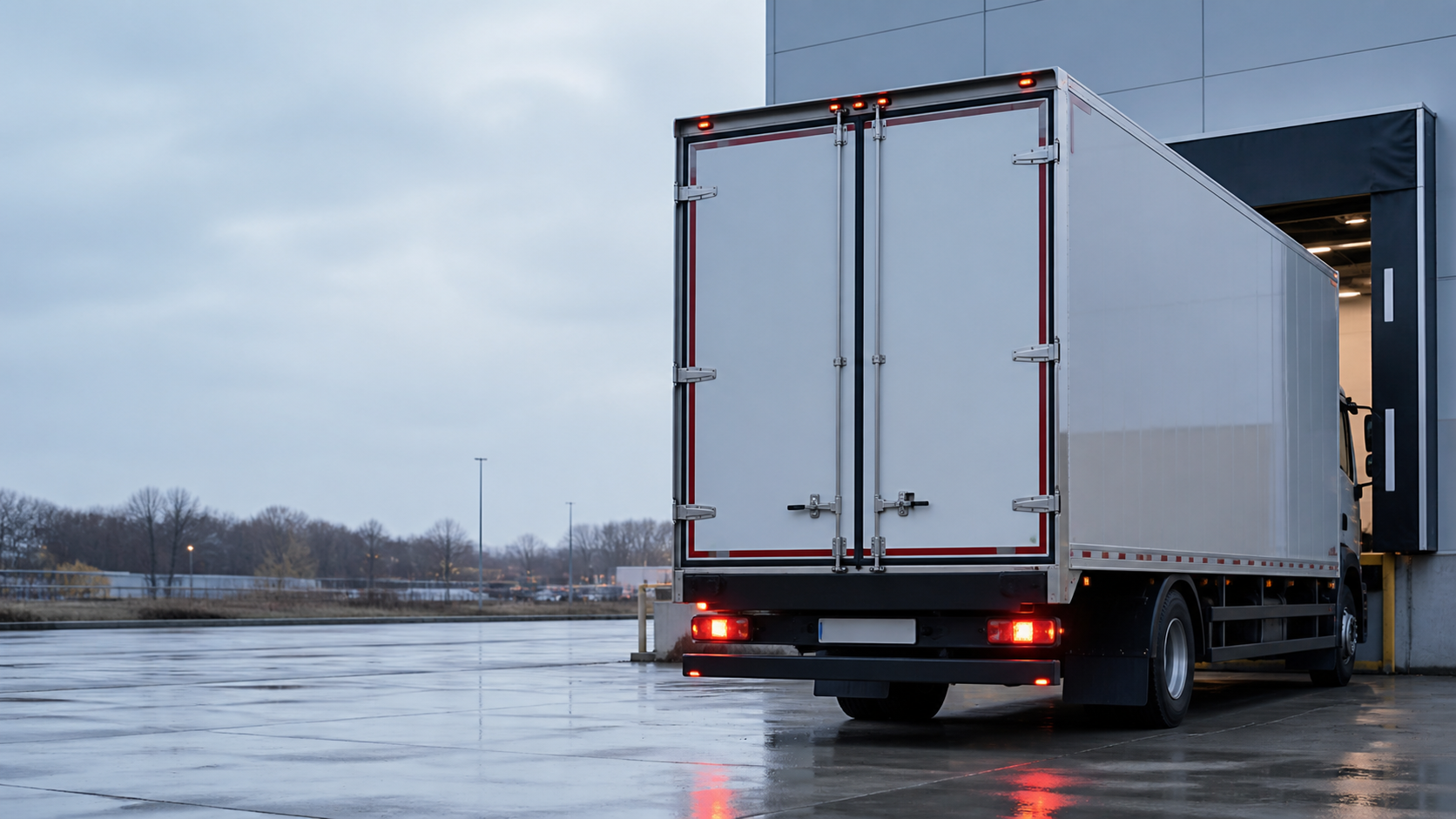
Compare side-view and other vehicle camera models by position and model-confirmed specification.
View details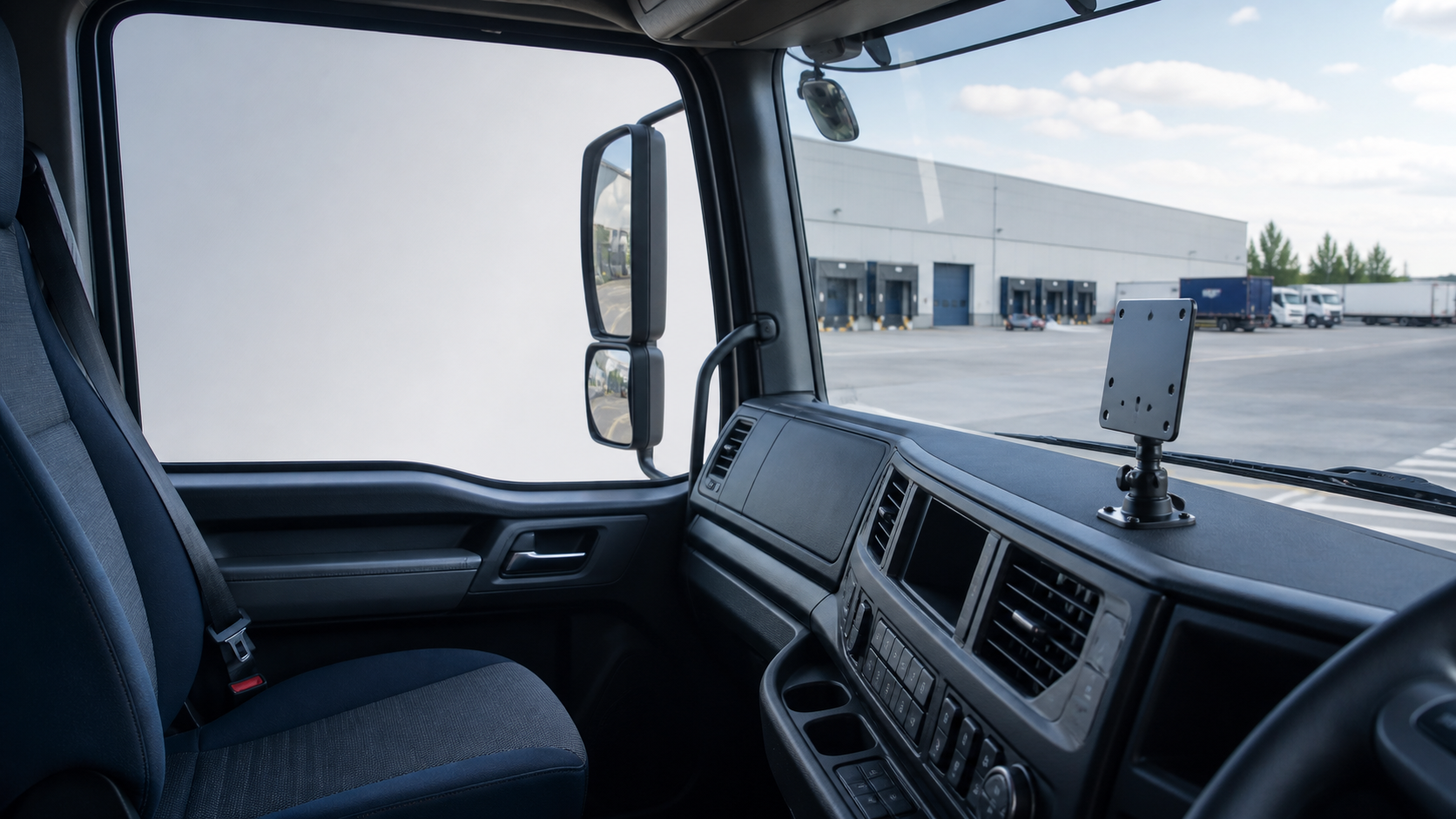
Review monitor size, inputs and trigger behaviour for the planned side-camera view.
View detailsConfirm the viewing need and system interfaces before choosing the installation point.

OEM/ODM review can cover selected-model configuration, connector and cable requirements, labeling and packaging. It does not replace vehicle-level validation of the camera position and visible area.
Discuss project requirementsAnswers are limited to the product and project capabilities documented on this site.
It is a vehicle camera and display configuration intended to show a selected side, rear-side or turning area that is difficult to judge from the cab. The camera position and monitor behaviour must be validated on the truck.
No. A side camera provides an additional view and does not replace mirrors, direct observation or the driver’s normal safety procedures.
Possible planning positions include the cab side, body side or a rearward-facing side position. The correct location depends on the body, target visibility area, mounting surface, cable route and verified camera view.
A trigger-based display arrangement may be planned when the selected monitor, wiring and vehicle signal support it. Trigger behaviour must be confirmed for the proposed components and installation.
Selected models support these features. CAM-ST01 has documented AHD/CVBS options, night vision and IP69K protection, but each proposed model must be checked individually.
Provide the truck and body type, target side area, preferred camera position, monitor requirement, signal format, voltage, cable length, connector preference and target quantity.
Share the truck body, target visibility area, preferred display behaviour and quantity for a project-level configuration review.