
Rear View System
A rear camera and compatible monitor provide a defined view for reversing, loading or positioning. Validate mounting and image orientation on the vehicle.
Explore rear camera options
A commercial fleet camera system combines cameras, a driver display and connection hardware around defined viewing requirements. Recording is optional and must be confirmed separately.
Mixed fleets may need different camera positions or cable routes while retaining a consistent procurement and installation standard. Commercial vehicle CCTV may mean live viewing or a specified recording setup, depending on the selected equipment.
Camera visibility supports driver observation within a broader commercial vehicle safety system; it does not by itself provide automatic detection or ADAS.
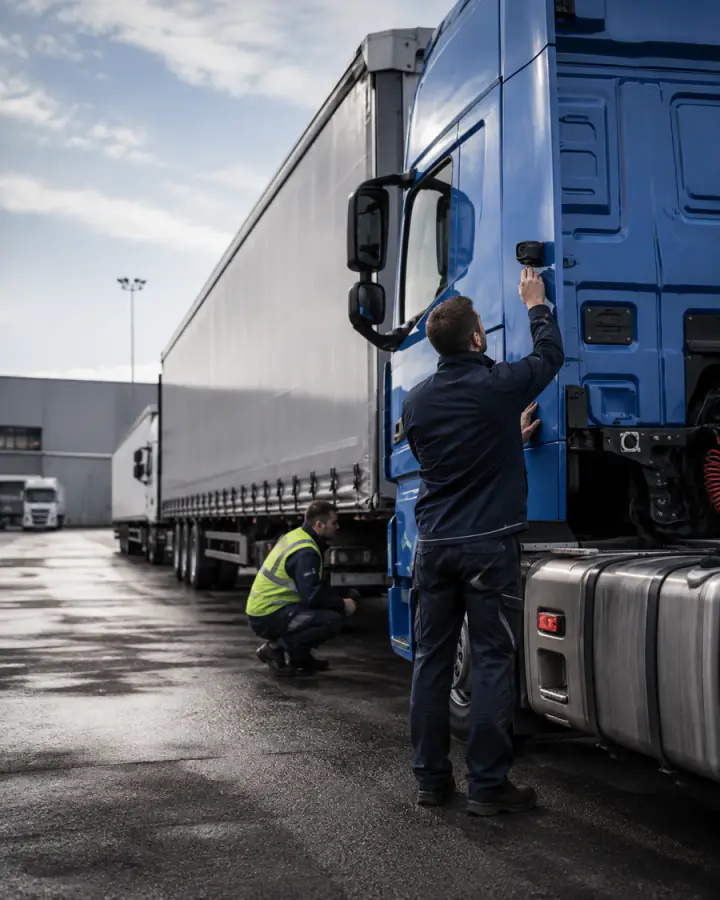
Use these common viewing arrangements as planning points, then confirm components and installation for the vehicle.
A rear camera and compatible monitor provide a defined view for reversing, loading or positioning. Validate mounting and image orientation on the vehicle.
Explore rear camera optionsA side camera covers a selected area beside the cab, body or trailer. Confirm field of view, mounting and signal compatibility.
Review a side camera modelPlan camera visibility for areas that remain difficult to judge from the cab or mirrors. It supplements, rather than replaces, driver observation.
Plan blind-spot visibilityCombine rear and side views with a compatible monitor. Confirm input count, switching and simultaneous display requirements before selection.
Compare camera monitor kitsEach component is confirmed as part of one signal, power and installation path.
Match each viewing position with a camera whose housing, field of view and low-light capability suit the task.
Confirm display size, video inputs and trigger behaviour for the required live views.
Add recording only when stored video is required, with storage and review confirmed separately.
Match signal format, connector type, extension length and a protected cable route.
Validate mounting, driver sight lines, power and trigger behaviour on a sample vehicle.
Record five essentials before quotation and sample validation.
List the vehicle groups, body variants and a representative sample.
Define the rear, side, front or work-area views required.
Set the camera count and confirm the display workflow.
Match voltage, video format, connectors and protected cable routes.
Check the proposed setup on a sample vehicle before rollout.
Use the vehicle page to define installation areas, then return to the fleet brief to standardize components where practical.
Confirm four fundamentals before shortlisting a commercial vehicle camera system.
Identify the body, cab space and moving sections that affect camera placement and cable routing.
Define rear, side, blind-spot or work-area views by operating task, then set the camera count.
Match the exact camera output to the monitor or DVR input. A connector that fits is not proof of signal compatibility.
Read the AHD and CVBS comparisonReview the screen from the driver position and confirm inputs, switching and required views.
Compare monitor optionsThese pages provide the product-level facts needed to shortlist components. Final compatibility remains project-specific.
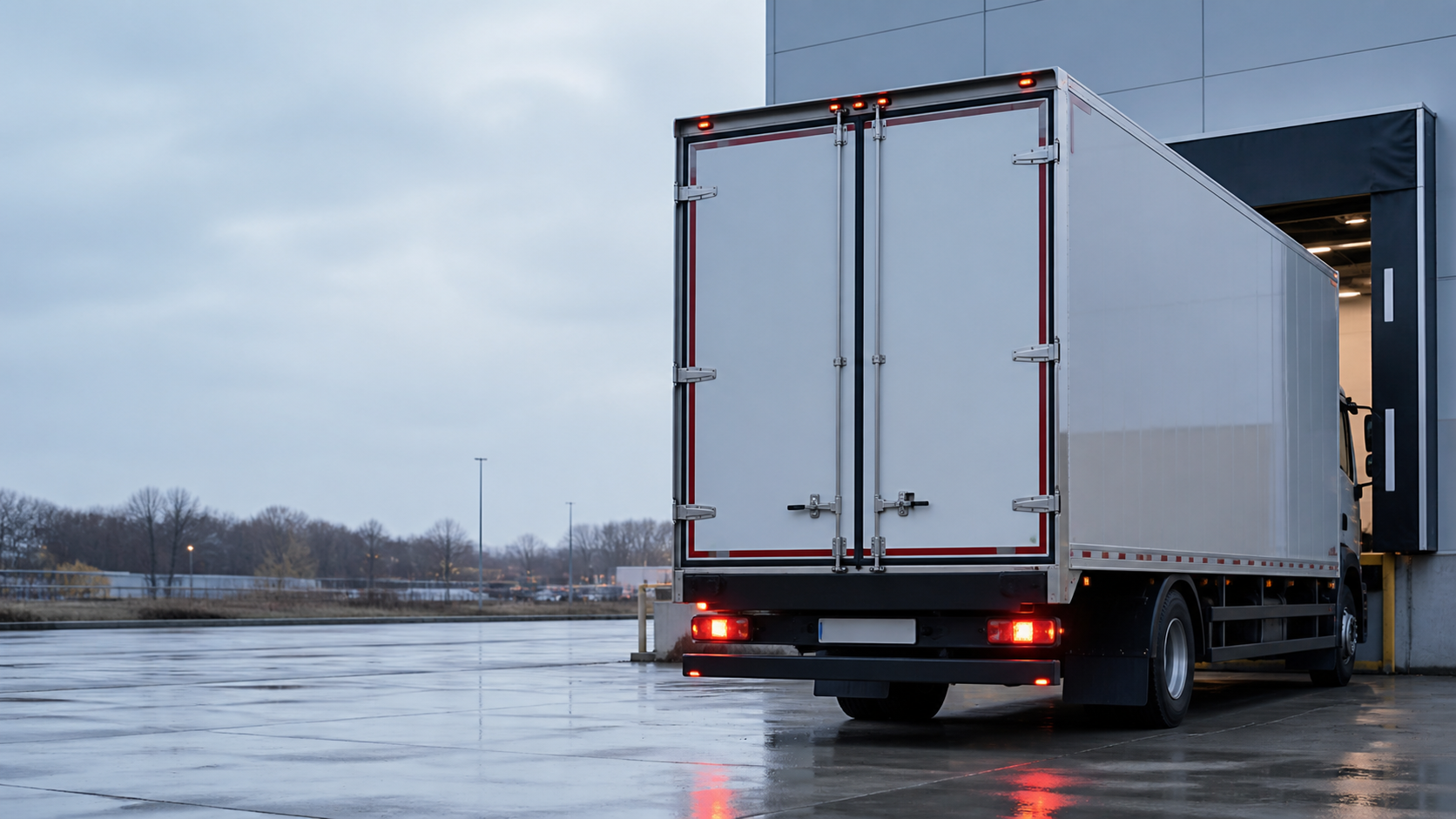
Compare rear, side, front and blind-spot cameras by confirmed specification.
View details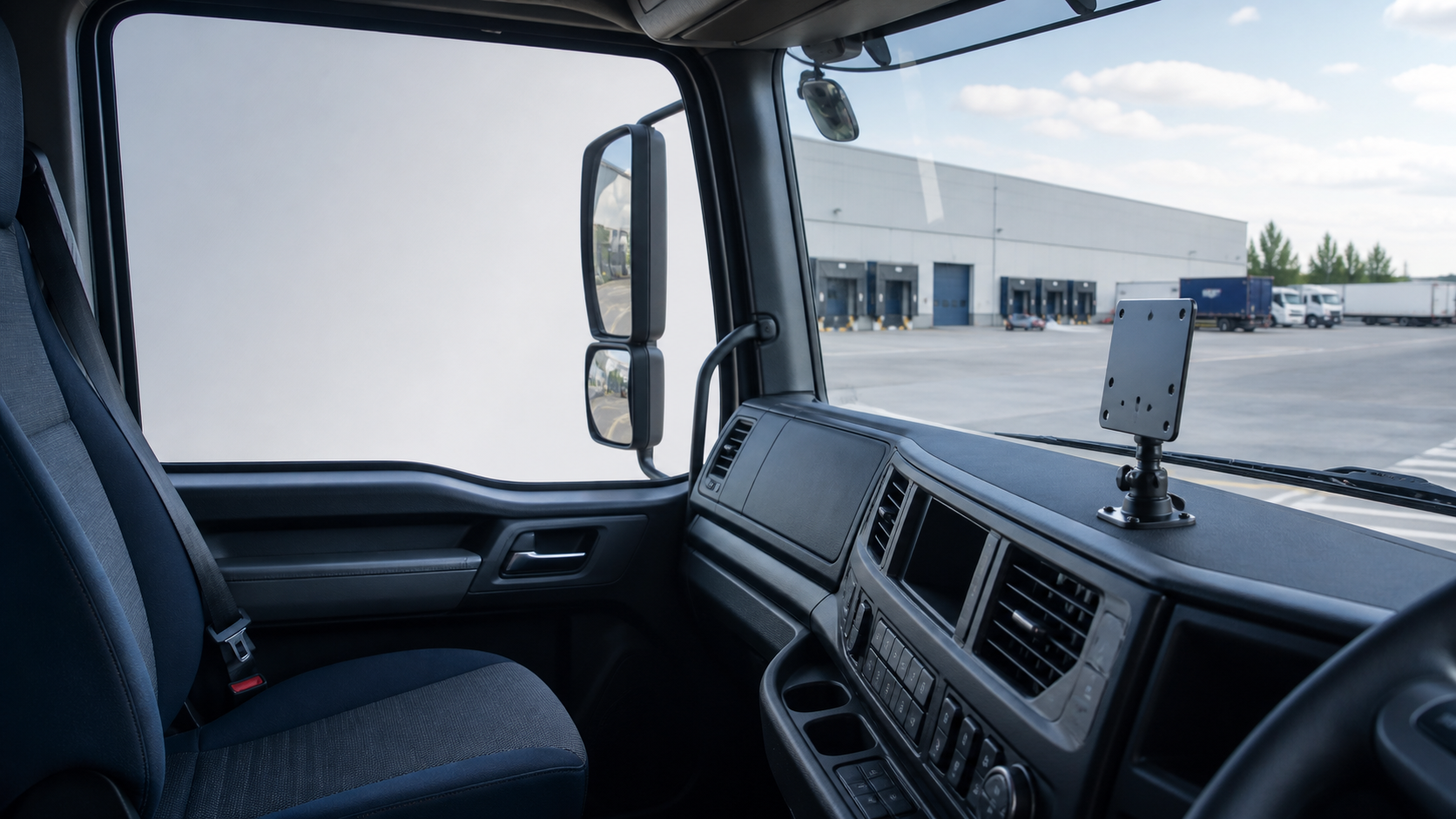
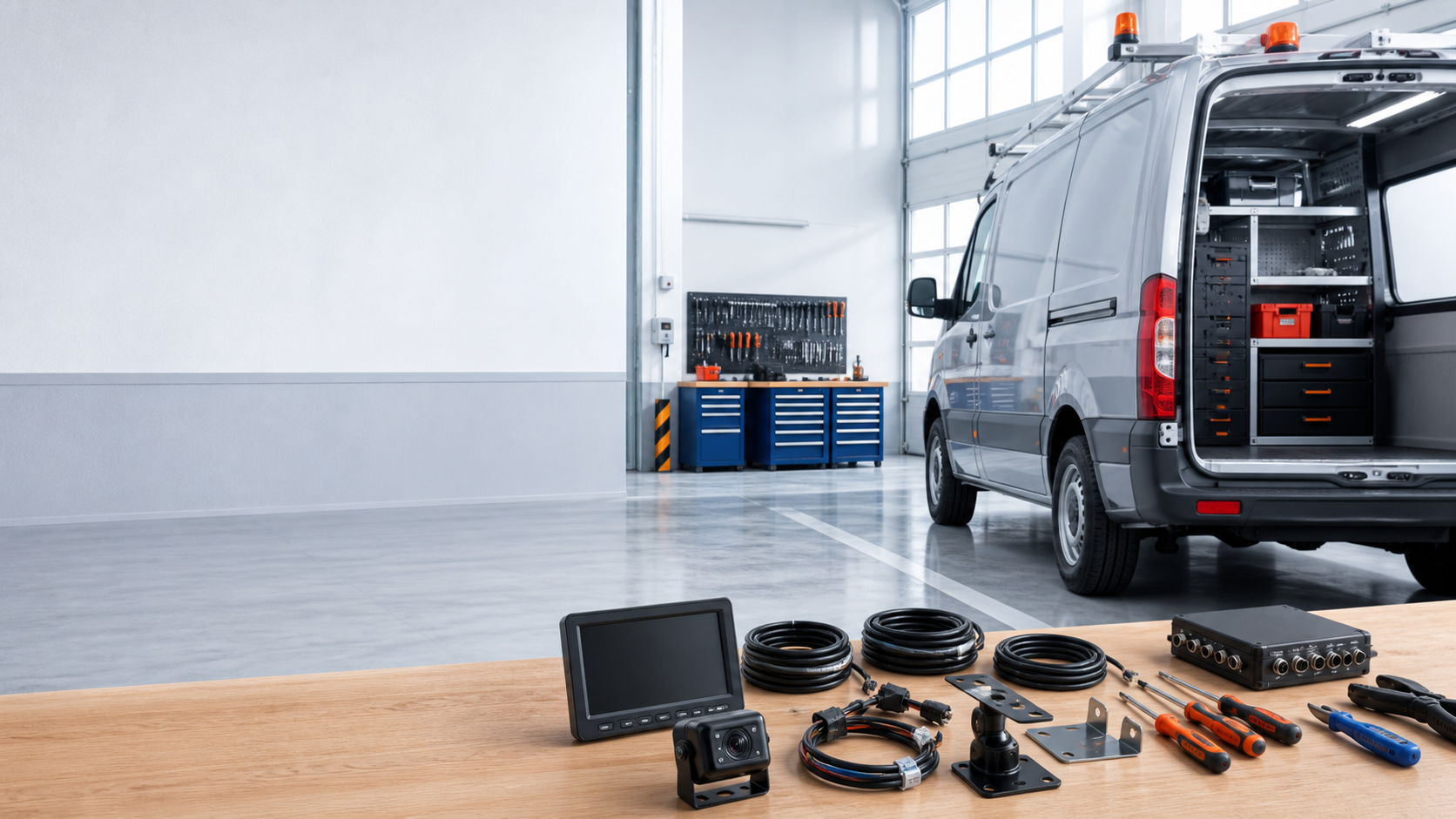

SuperPower can review product configuration, connectors, cable lengths, brackets, labeling and packaging against selected models and project quantity.
Camera and monitor matching, vehicle integration and sample validation can be coordinated before batch supply. Availability, tooling, MOQ and sample scope are confirmed during quotation.
Discuss project requirementsAnswers are limited to the product and project capabilities documented on this site.
It combines cameras, a compatible driver display and connection hardware for defined vehicle viewing areas. Recording is a separate, optional requirement that depends on the selected equipment and configuration.
There is no universal count. Start with the required viewing areas, body and trailer geometry, then confirm monitor inputs and the display workflow for the proposed configuration.
AHD carries analog HD video; CVBS carries standard-definition composite video. The camera output must match the exact mode supported by the monitor or DVR. Neither format name alone confirms power, wiring or recording compatibility.
It depends on the selected monitor inputs and supported display modes. Confirm whether the project needs switching between cameras or simultaneous views, and check the quoted monitor configuration rather than assuming either function.
Compatibility depends on the documented input voltage of each selected camera, monitor and accessory, and the approved power arrangement. Do not assume that every product supports both 12V and 24V supplies; confirm the actual configuration before connection.
Provide vehicle types, viewing positions, camera count, display needs, signal format, voltage, cable lengths, connector preferences, target quantity and any labeling or packaging requirements.
Tell us your vehicle type, required viewing areas, voltage and monitor needs. We can help match a suitable camera and display configuration, with any recording scope confirmed separately.