

Compare the task, not just the product label
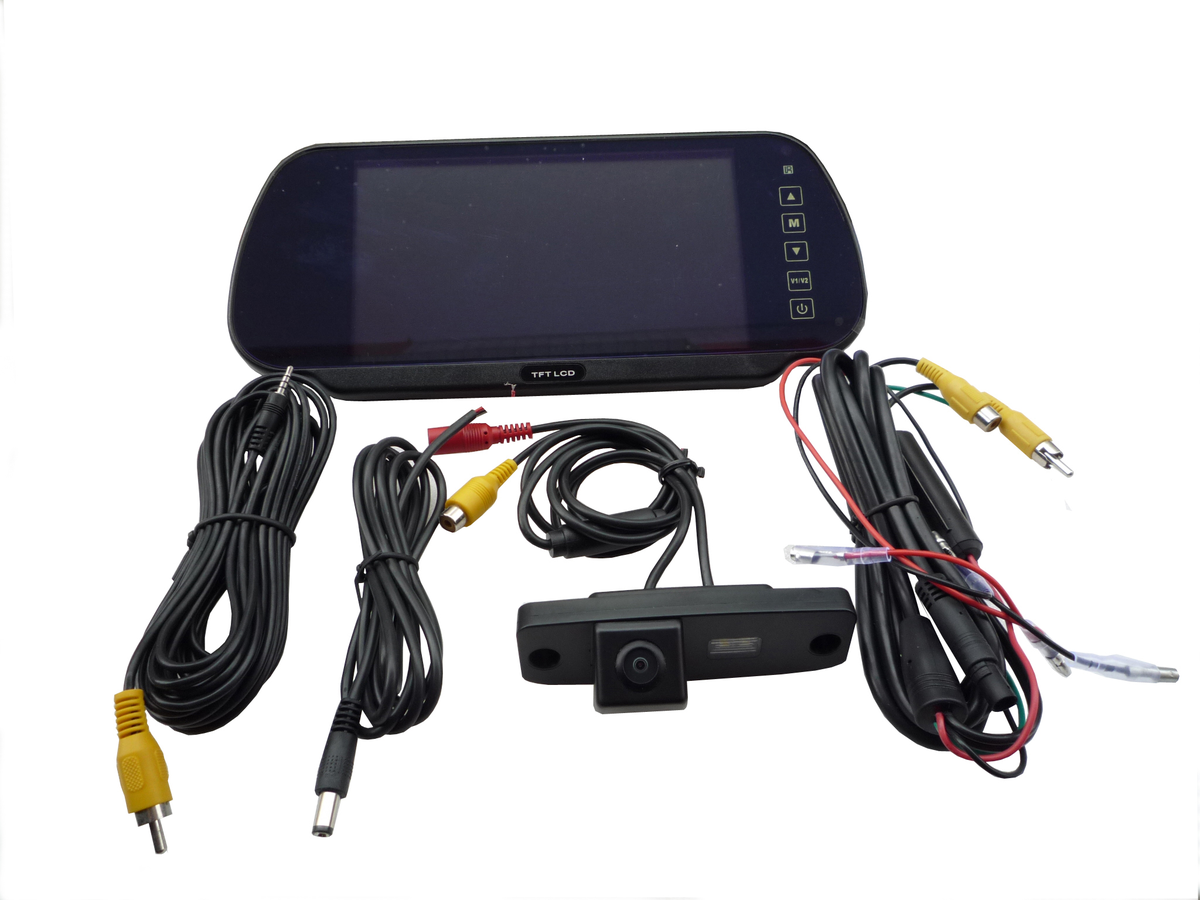
A quotation labeled “vehicle camera system” can mean cameras and a cab monitor, a recording package, or both. Before comparing prices, ask the supplier to identify the driver display and recording equipment separately. This prevents a live-view assembly from being compared with a recorder-only offer as though they perform the same job.
Some configurations combine functions, but their inputs, outputs and recording workflow must be documented. Ask the supplier to draw the path from each camera to the driver display and, separately, to any recorder. A disconnected path is a requirement that remains unresolved.
Side-by-side procurement comparison
| Decision | Camera and monitor system | Dash cam or camera-recorder |
|---|---|---|
| Main question | What does the driver need to see now? | What footage needs to be reviewed later? |
| Placement to evaluate | Exterior rear, side or defined work area | Position that captures the required recorded scene |
| Driver interface | Confirm screen location, inputs and view selection | Do not assume an external-camera display |
| Recording | Requires a verified recording arrangement | Confirm storage and retrieval for the model |
| Installation | Match camera, display, power and cable route | Match mount, power and maintenance access |
| Acceptance | Demonstrate the useful live view | Demonstrate event capture and retrieval |
The table describes purchasing roles, not universal specifications. Coverage and supported functions depend on the selected model and configuration.

When to choose live visibility first
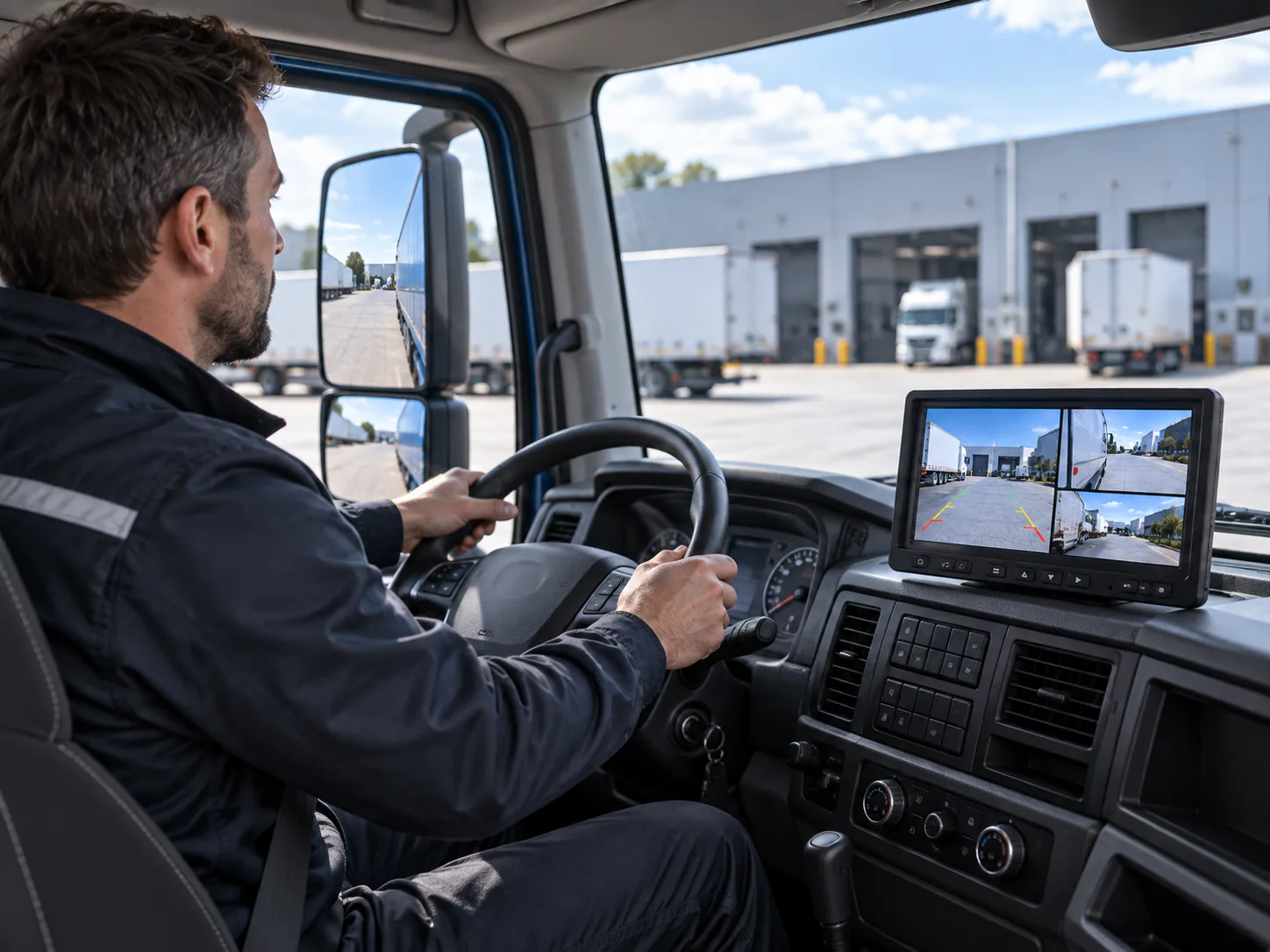
If the concern is reversing at a depot, turning beside a long body or seeing a work area, specify that view and its driver interface first. The question is not whether an image exists somewhere in the system; it is whether the driver can see the relevant area at the required time.
Use the vehicle camera category for available cameras and camera monitor kits for the complete display path. For a specific task, continue with the backup camera comparison.
When to choose recording first
If the project is about reviewing a road event, begin with the recorded view, retention and export process. Define who retrieves footage and the operational handoff. Confirm the workflow on the proposed model instead of relying on a generic list of fleet functions.
The SUP-DVR30 camera-recorder illustrates a different device role from a standalone exterior camera feeding a monitor. Do not list it as the recorder for external cameras without a documented compatible input. Once recording is the agreed scope, use the fleet dash cam guide for retention, retrieval and maintenance questions.
When the project needs both
Keep the two acceptance tasks separate
The driver should demonstrate the required live view. The designated reviewer should demonstrate footage retrieval. Passing one does not prove the other. If components are shared, confirm the interface and whether one activity changes the other, such as display selection affecting a requested view.
Check the interfaces between the two systems
Where one camera is proposed for both display and recording, ask for the documented connection arrangement. Matching connector shapes do not establish that a signal can be shared, and a passive cable adapter is not proof of conversion or distribution capability. If the interfaces are not documented, keep the two assemblies separate in the proposal until compatibility is resolved.
For an importer or OEM buyer, the approved system diagram should identify each device and interface. It should be clear which equipment the driver uses and which equipment stores the footage, including any separately required adapters or controllers.
For related application planning, see Commercial Fleet Camera Systems.
Decision checklist
- Live viewing and later review are separate requirements.
- Every required area has an identified camera position.
- Driver display and recording paths are documented independently.
- Storage, connectivity and integration claims have model-specific support.
- Quoted accessories, installation and maintenance scope are comparable.
- The sample plan demonstrates every must-have task.
Request a task-based quotation
Send required live views, recorded views, vehicle groups and quantity. Include current equipment references where components will be retained.

