

Separate rear recording from a reversing view
A recording may show a road scene behind a vehicle while omitting the area close to the body that matters during reversing. Mounting height, camera aim and body shape change that view. Begin a commercial backup camera versus dash cam comparison with the area the driver needs to see, rather than the word rear on an equipment list.
For example, a camera aimed down the road may leave the loading edge outside the picture. Check the near-body area and the rear path on the intended display before accepting a rear-recording package for reversing use.
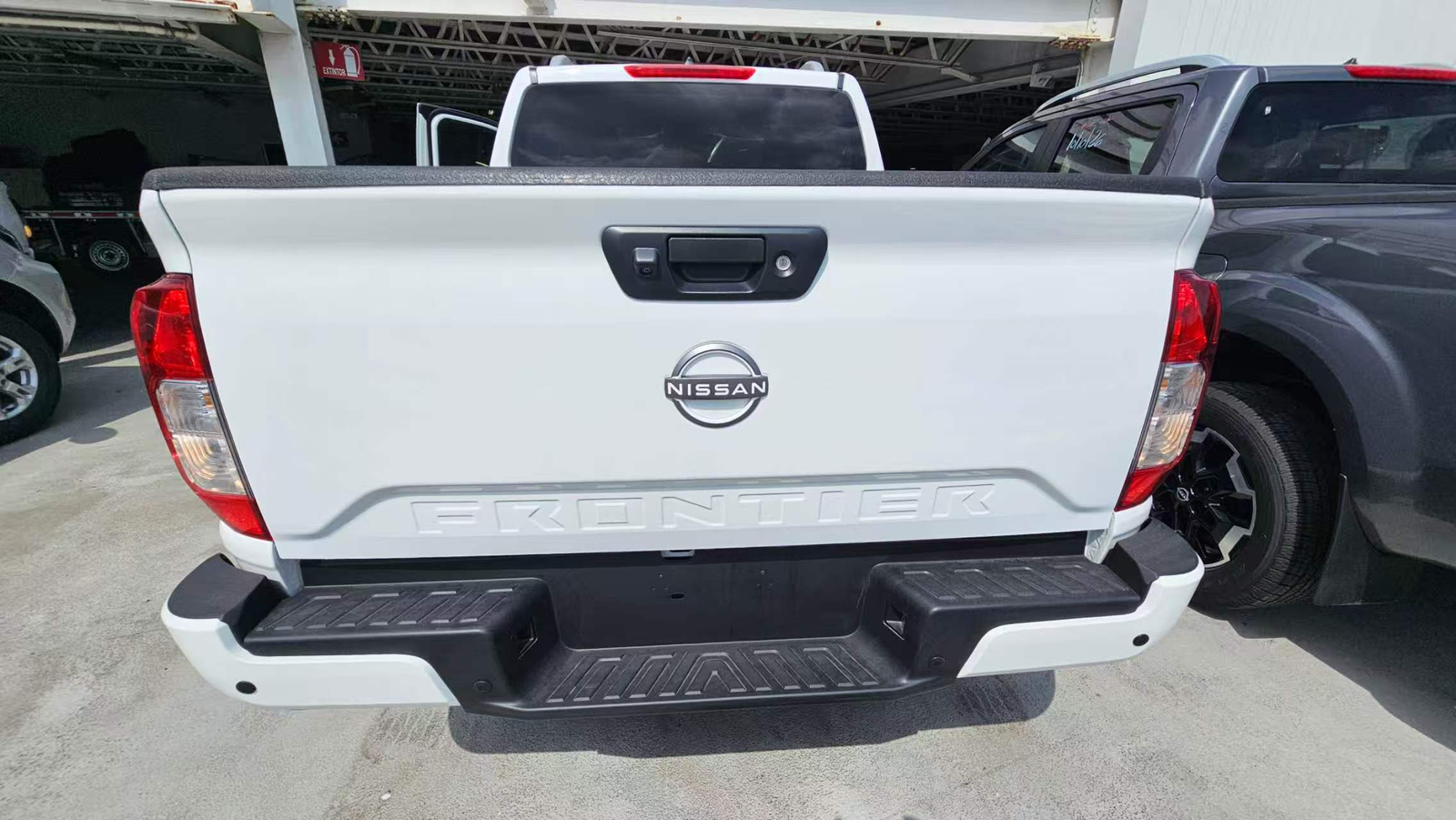
Compare the purchase requirements
| Reversing requirement | Backup camera with display | Rear dash cam configuration |
|---|---|---|
| Area close to the body | Aim the camera to include the required loading or reversing area | A rear-road recording may exclude the near-body area |
| Image when reverse is selected | Confirm the supported trigger and display behavior | Do not assume a reverse-triggered driver display |
| Image orientation | Approve the rear view from the driver position | Check whether the displayed orientation suits reversing |
| Doors or loading equipment | Inspect the view in intended operating positions | A clear recorded road view alone is insufficient |
| Evidence after manoeuvring | Requires a confirmed recording path | Verify the recorded area and retrieval procedure |
Confirm the reversing display workflow
Agree when the rear view should appear
Specify a continuous view, manual selection or documented reverse-trigger arrangement. Check the monitor and vehicle interface instead of assuming automatic switching. Where cameras share a screen, verify which view has priority and how the driver returns to the required rear image.
Check the installed image
Review the actual body type, including loading equipment or doors that could obstruct the lens. Confirm image orientation and whether displayed guides are appropriate to the installation. Do not treat generic guide lines as calibrated distance measurements.
Review the installed view from the driver’s seat under the lighting conditions the fleet expects. A night-vision label does not specify the useful viewing distance in that installation; ask for the selected model’s documentation and evaluate a sample.
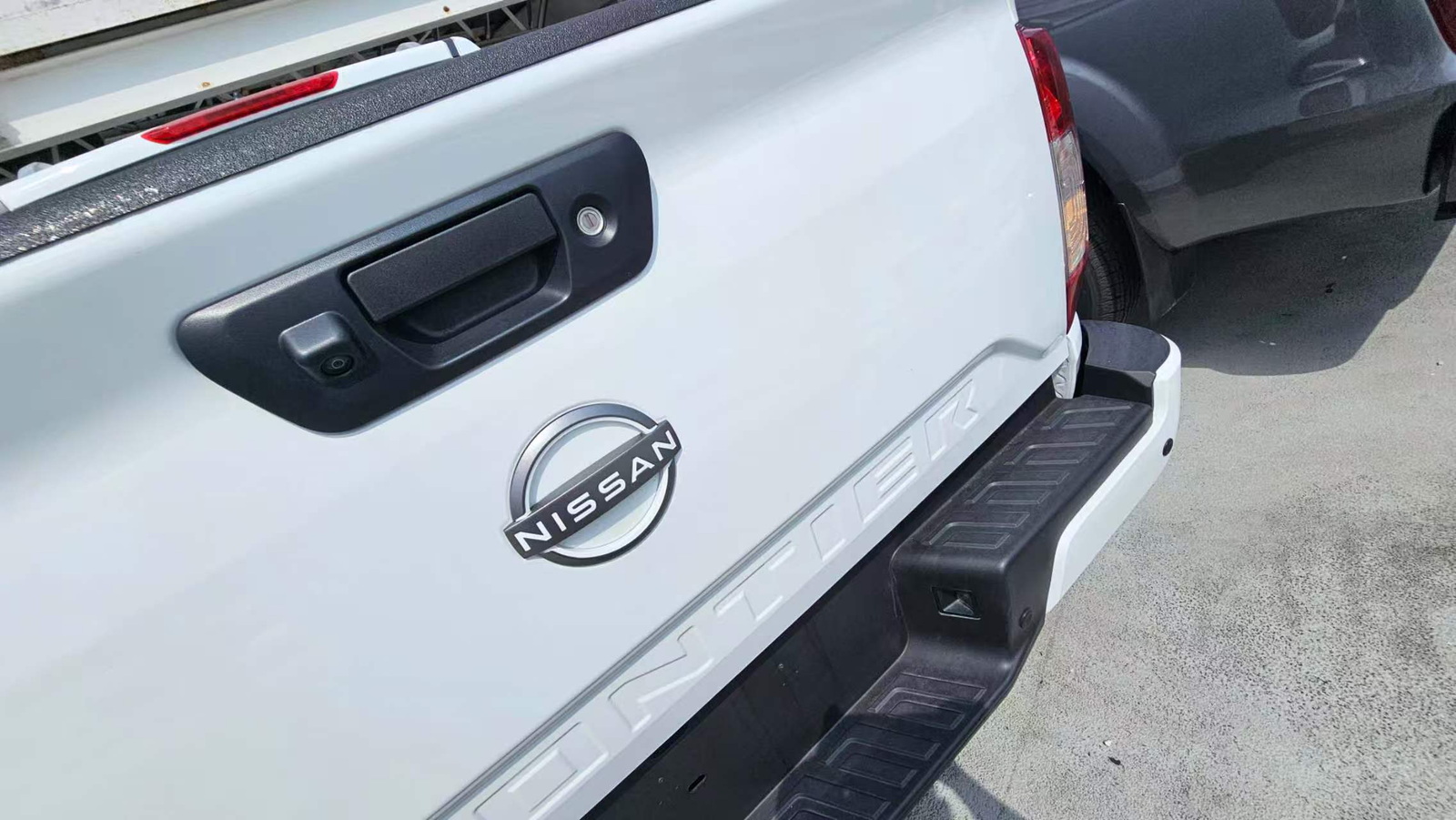
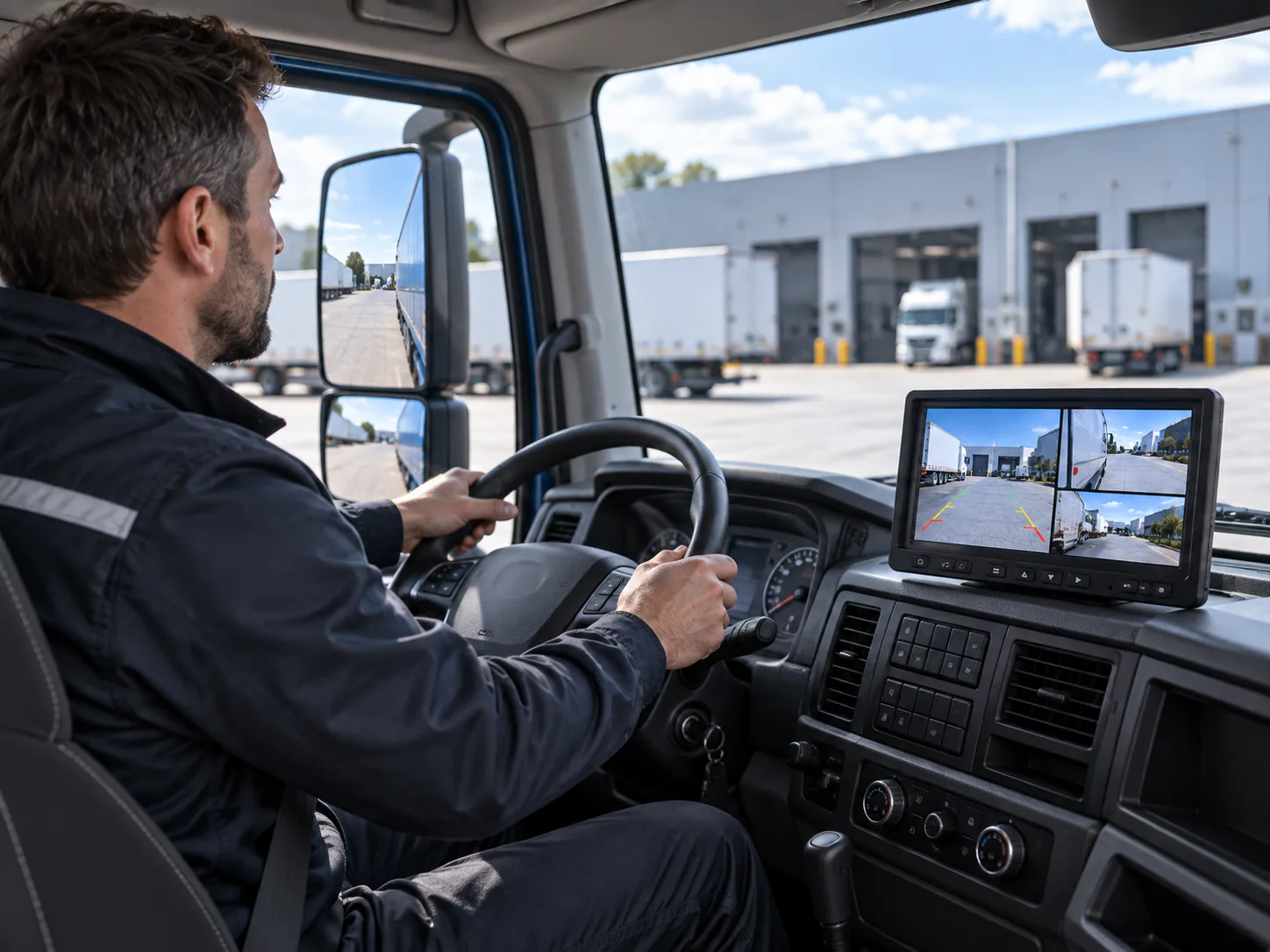
Check the replacement camera against the existing screen
Use the Backup Cameras category for current models and mounting choices. The CAM-D05 backup camera is one product to review against the mounting requirement. Confirm model-specific signal, connector, supply and environmental specifications before pairing it with a display.
If retaining a receiver, use the AHD versus CVBS compatibility guide. Where rear footage is also needed, request a documented recording input for the selected backup camera; the system versus dash cam comparison explains that separate connection requirement.
Installation and procurement checklist
- The required rear area is defined for each body type.
- Camera position avoids identified obstructions and permits maintenance.
- Receiver input, camera output, power and pinout match.
- The cable route is measured, including any trailer connection.
- View selection and orientation are verified on a sample.
- Recording, if needed, has a separate capture and retrieval check.
- The order identifies approved mounts, cables and replacements.
For a distributor, ask whether the customer is replacing a rear camera or fitting a complete system; the quotation scope differs. For an OEM buyer, retain the approved body and mounting assumptions. For a fleet operator, avoid approving one van installation as evidence for a longer articulated truck.
Ask the installer to identify accessible connections and inspection points in the handover. A serviceable cable route and an identifiable replacement part can matter to procurement as much as the initial camera choice. Confirm these items in the supplied scope instead of assuming they are included.
For related application planning, see Truck Camera Applications.
Send a rear-view project brief
Include rear-body photos, the required visible area, display reference, cable route and quantity. Use the Truck vehicle page for installation context. Continue to the truck selection guide for a wider order or the side-view comparison for adjacent coverage needs.

