

Side-view visibility and dash-cam recording
What Is a Truck Side View Camera?
A side camera for a truck is an exterior camera aimed at a useful lateral area and connected to a compatible monitor. Depending on the vehicle and mounting hardware, a suitable position may be on the body or near the mirror area. The installed image must be reviewed; neither a mounting location nor a wide-angle label proves complete blind-spot coverage.
What Is a Dash Cam?
A dash cam is primarily selected to record driving footage, commonly through a windscreen-facing camera and sometimes an interior camera. Some packages accept additional cameras, but their recorded views and live-display functions need separate confirmation. A front recording camera is not automatically a dedicated side-visibility system.
Identify the area beside the truck that matters
Mark the area the driver needs to judge during the intended manoeuvre. Include cab shape, bodywork and trailer movement when reviewing a mounting position. A camera beside the cab can still leave an important area outside its image; check the useful view on the intended vehicle.
Ask the installer for an image from the proposed side position, with the body or trailer in the relevant operating position. Compare it with the marked requirement: which part of the area is visible, and which part remains outside the image? A wide-angle label alone does not answer that question.
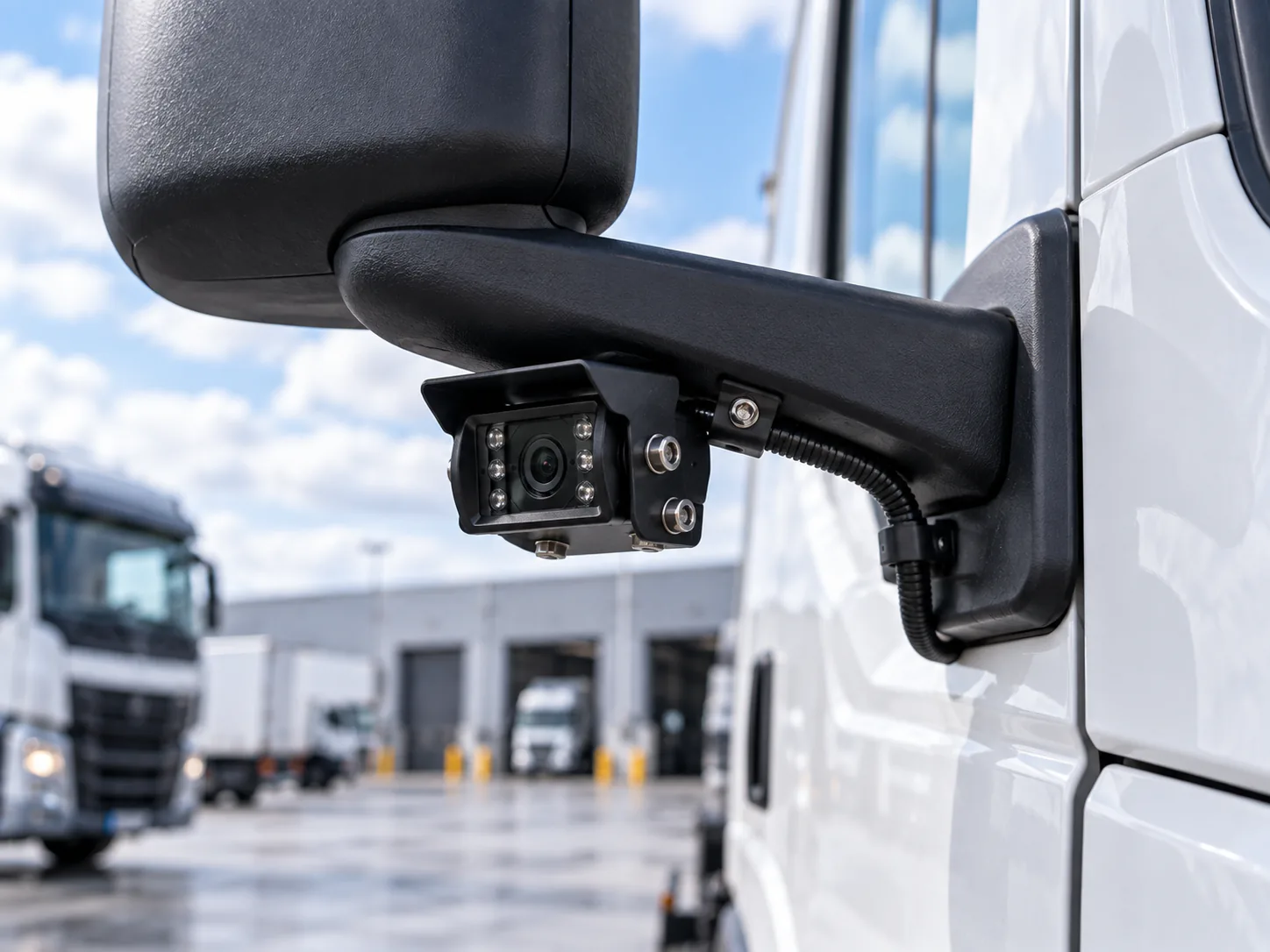
Truck Side View Camera vs Dash Cam at a Glance
| Feature | Truck Side View Camera | Dash Cam |
|---|---|---|
| Primary purpose | Live visibility of a defined side area | Driving records and incident footage for later review |
| Area beside the cab | Aim at the marked lateral area | Forward viewpoint may exclude that area |
| View along the trailer | Review the image against body length and articulation | Forward footage does not establish a trailer-side view |
| Blind-spot support | Can help show the verified side zone; gaps may remain | Front footage does not establish side blind-zone coverage |
| Lane-change visibility | Review the required adjacent area on the driver display | Front recording alone does not provide the required side view |
| Image during a turn | Confirm continuous or supported trigger selection | Recording alone does not supply this driver view |
| Image orientation | Approve the side image from the driver position | Review any additional-camera display separately |
| Side footage after an event | Confirm a recording connection if required | Confirm the additional views recorded by the package |
| Parking / reversing | Can support side clearance; confirm rear views separately | Recording does not establish a live reversing view |
| Installation position | Suitable exterior position, subject to mounting review | Commonly windscreen-facing or inside the cab |
| Best suited for / commercial use | Trucks needing real-time side visibility | Fleets prioritizing driving records; can complement side cameras |
If a dash cam configuration includes an additional side camera, evaluate that camera, the live display and recording path individually. The package name does not establish whether the driver can access the view or whether it is recorded.
Can a Dash Cam Replace a Truck Side View Camera?
Usually, a forward-facing dash cam should not be treated as a direct replacement. Its viewing angle, installation position and recording purpose may leave the required side area outside the image or unavailable on the driver display. A package with additional side cameras may meet the need, but only after its actual lateral view and live-display behavior have been verified.
Which Setup Fits Commercial Trucks and Fleets?
Large trucks may need different truck camera views for lane changes, left or right turns, loading yards and narrow access roads. In an articulated truck camera project, review the side image with the tractor and trailer in relevant turning positions: articulation can change obstructions and useful coverage. Semi-truck mounting, cable movement and clearance need vehicle-specific review rather than assuming a camera beside the cab shows the full trailer side.
For fleet operations, the two systems can serve complementary roles: a side camera provides the verified live lateral view, while a dash cam captures the driving records its configuration supports. Approve views and recording separately on a representative vehicle before standardizing replacement stock.
- Choose a side-view camera path when lateral blind-zone visibility, turns or lane changes are priorities. In a multi-camera monitor system, verify each required view and how the driver selects it.
- A dash cam may be enough for the recording brief when forward footage and incident documentation are the main needs and no dedicated side-view requirement has been identified. That decision does not establish complete visibility around the truck.
Specify the driver display behavior
Continuous, manual or triggered viewing
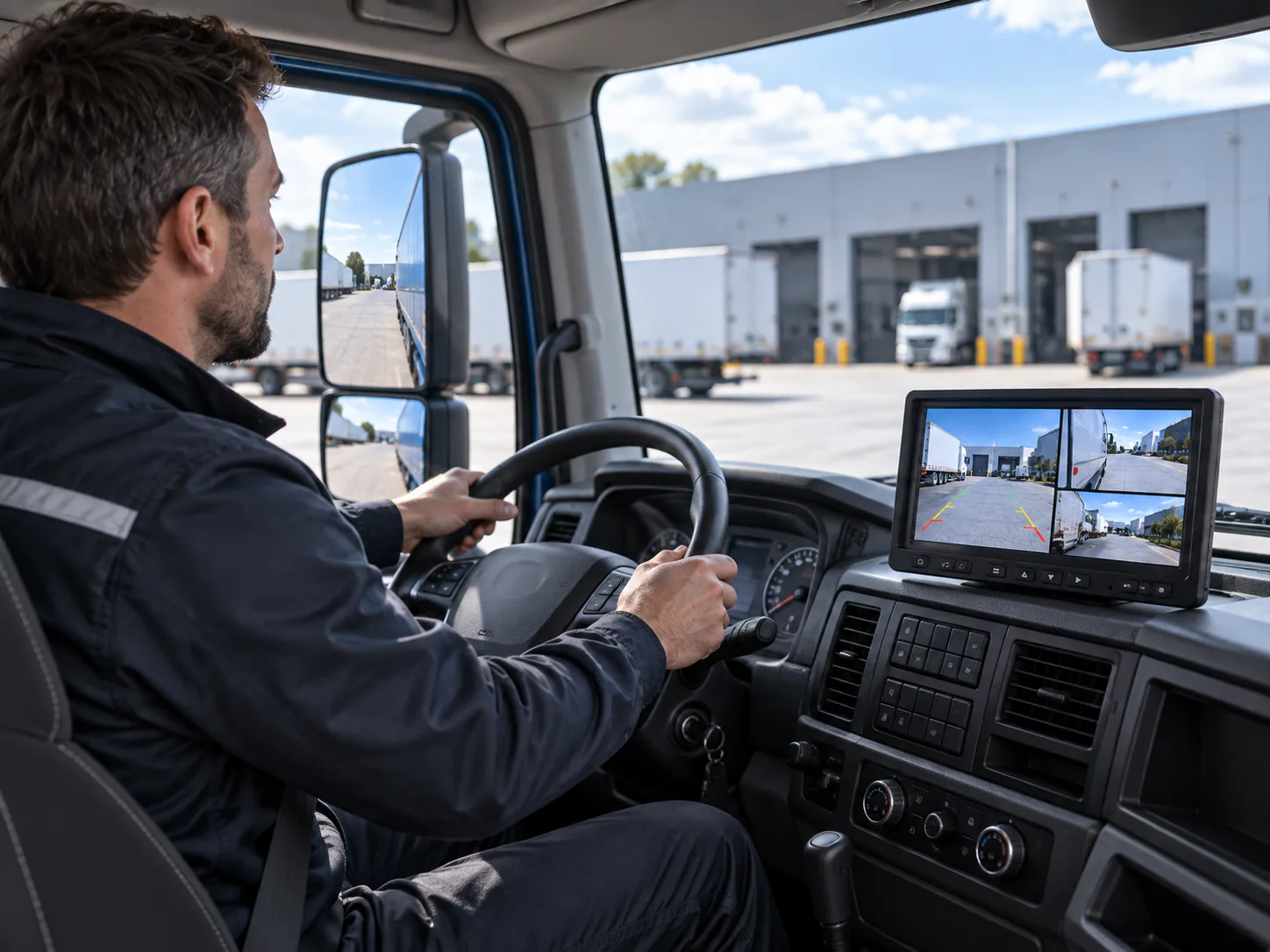
Write down when the side image should appear. Confirm whether the selected monitor supports that behavior and how it handles competing inputs. For a vehicle-triggered request, have the installer document the interface and verify behavior on a sample. Do not assume every monitor switches automatically with the turn signal.
Orientation and driver interpretation
Agree image orientation and display position before approval. Check that the driver can interpret the image from the normal seating position without the display hiding another important sight line. Include relevant body configurations and operating conditions in sample review.
Match the side camera to the receiving display
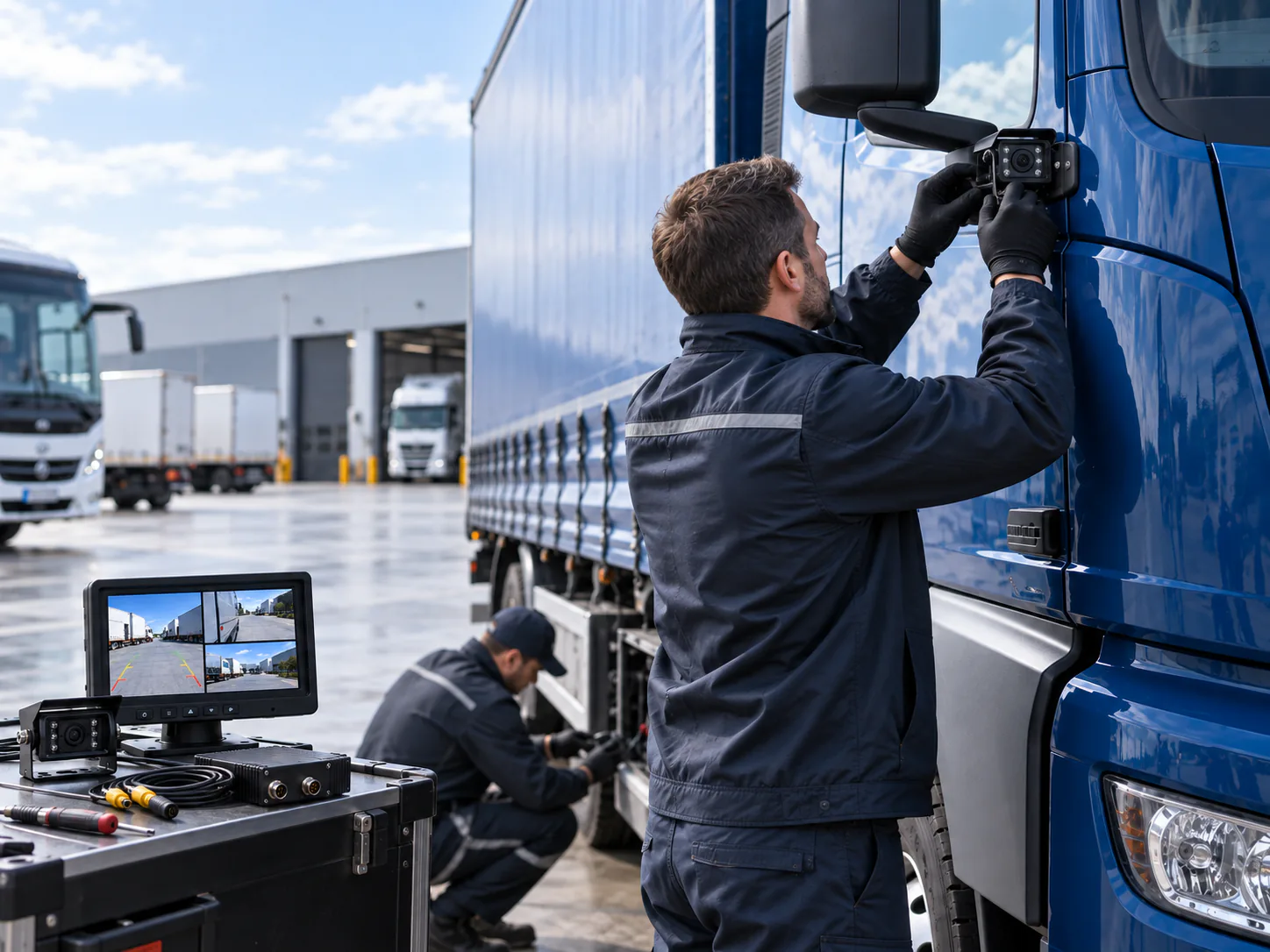
The CAM-ST01 side view camera is a product-level starting point. Use its published specifications to review fit, then confirm the selected output, connector and receiving display. Its role as a camera does not establish recording, automated alerts or coverage of every blind area.
Browse the vehicle camera category for alternative housings and mounting arrangements. If the customer is retaining a monitor, use the AHD versus CVBS guide to check the receiver before ordering the camera.
Compare vehicle camera monitors for the required inputs and view-selection behavior; a display input does not by itself establish a recording connection.
Side-view sample checklist
- The required area is marked on a vehicle plan or photograph.
- The installed image is checked against bodywork and trailer movement.
- Camera output, display input, power and connections are confirmed.
- View selection, trigger priority if applicable and orientation are agreed.
- Lens and cable can be inspected and maintained after installation.
- Any required side recording is captured and retrieved during the pilot.
For installers, retain the approved mounting reference and cable route with the vehicle configuration. For distributors and OEM buyers, attach those assumptions to sample sign-off so a housing or connector substitution is not accepted only because it looks similar.
Record the selected side-camera position and orientation in the fitting instructions. If another truck body requires a different mount, review that image separately rather than copying the first vehicle’s approval.
For related application planning, see Truck Camera Applications.
Prepare the side-view inquiry
Use the truck camera systems page for the application brief. Send the intended side area, truck and trailer photos, current monitor reference and quantity. For a whole-vehicle order, read the truck selection guide; for rear manoeuvring, read the backup camera comparison.

