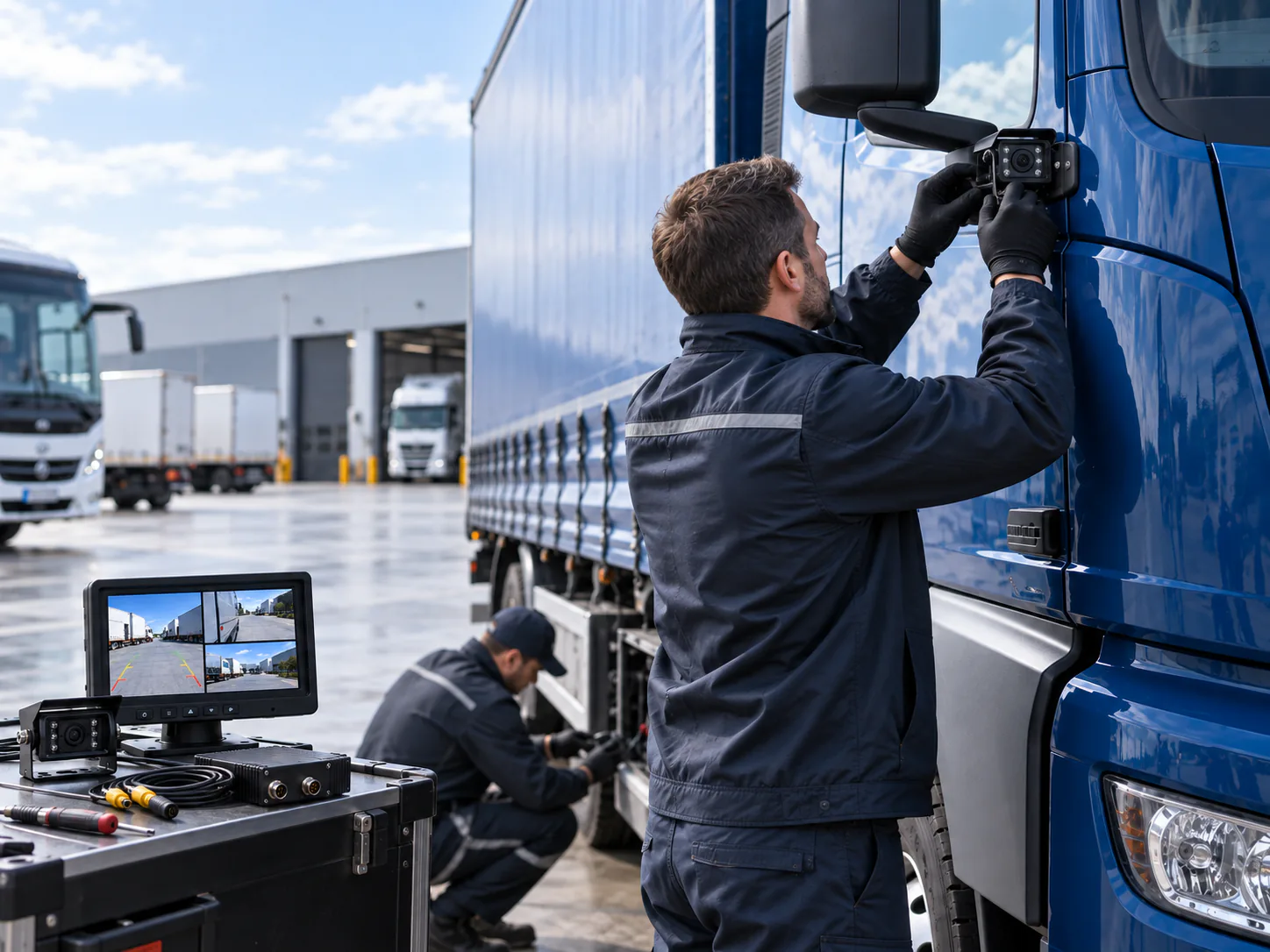

For related comparisons, compatibility guides and planning tools, visit the Vehicle Camera Knowledge Center.
Start with the visibility task
A commercial vehicle camera system should solve a defined operating problem. “Better visibility” is too broad for purchasing or engineering. Record whether the driver needs a continuous rear view, a side view during turns, a reversing view triggered by the vehicle, a work-area view, or several views selected on one monitor.
Vehicle geometry matters as much as the camera specification. A rigid truck, articulated trailer, city bus, delivery van and forklift have different mounting surfaces, cable routes and driver sight lines. Map each required view on a representative vehicle before choosing the number of cameras.
The camera is a visibility aid. It does not replace trained operators, mirrors, spotters or site procedures, and its image must be checked from the normal driving position.
For related application planning, see Commercial Fleet Camera Systems.
Define the complete system before comparing models
A usable system is a compatible path from the scene outside the vehicle to the image seen by the driver or recorder. Buying a camera by resolution alone can still lead to a blank, unstable or incorrectly oriented picture.
| System element | Decision to record | Why it matters |
|---|---|---|
| Camera position | Rear, side, front, interior or work-area view | Determines housing, lens direction, bracket and image orientation |
| Video format | AHD or CVBS, with the exact supported mode | The camera output must match the monitor, DVR or interface input |
| Monitor | Screen size, inputs, split view and trigger behaviour | Defines how the driver receives and selects each view |
| Power | Vehicle voltage and regulated component voltage | Prevents incorrect power assumptions and helps plan protection |
| Cable and connector | Type, pinout, length and routing | A physical fit does not prove signal, power or pin compatibility |
| Environment | Rain, dust, wash-down, vibration, low light and temperature | Product capability varies by model and must be confirmed |
| Recording | Storage duration and retrieval workflow, if required | Recording is a separate requirement, not an automatic camera feature |
Choose camera positions around the vehicle
Rear and reversing views
For a reversing view, define the nearest area that must be visible, the width of the vehicle body and the useful distance behind it. Mounting height and angle affect whether the image prioritizes the bumper area, a loading zone or a longer rear path. Confirm whether the image should appear continuously or only with a reverse trigger.
Side and blind-area views
Side-view planning begins with the area that remains difficult to judge from the cab and mirrors. Cab shape, body length and trailer articulation can change that area. One generic mounting point should not be assumed to cover every truck configuration; check the actual image on a sample vehicle.
Front and work-area views
A front or equipment-facing camera can support a defined low-speed manoeuvring or work-area task. Record the obstruction, tool or zone that the operator needs to see, then choose a position that protects the camera without hiding the required view.

Match the camera, monitor and signal format
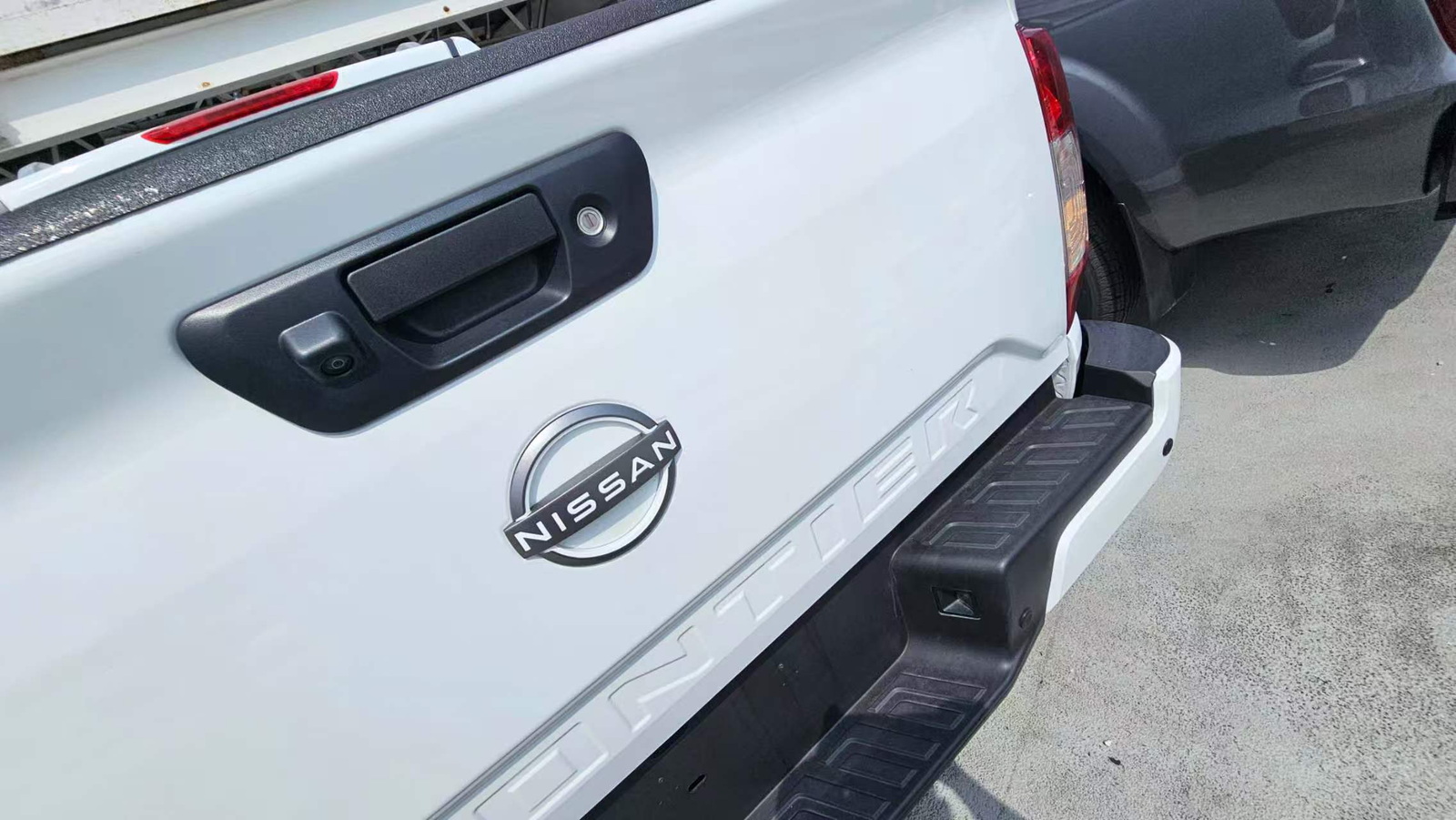
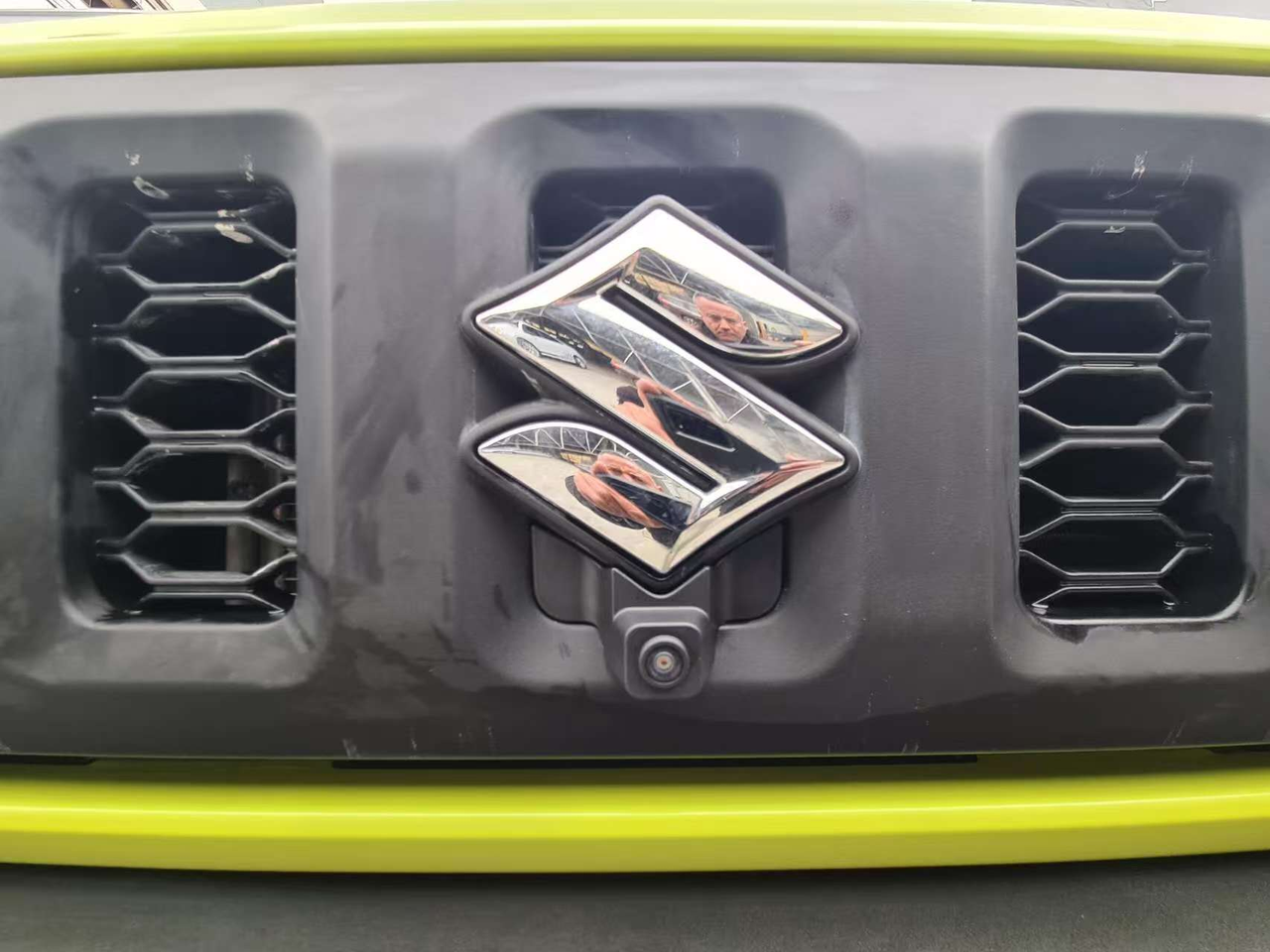
Also document the vehicle camera video format, including applicable PAL/NTSC timing, so purchasing and installation teams approve the same configuration.
AHD and CVBS describe different video formats, but neither label confirms the whole system. Verify the exact output supported by the camera and the exact input accepted by the monitor or DVR. A monitor panel advertised with a high screen resolution may still have a different input limitation.
Connector shape is also insufficient evidence. Commercial systems often use locking multi-pin connectors, but pin assignments can vary. Confirm the wiring diagram or approved pinout for video, ground, power and any audio or control conductors. If an adapter is required, include it in the sample test rather than assuming it is electrically transparent.
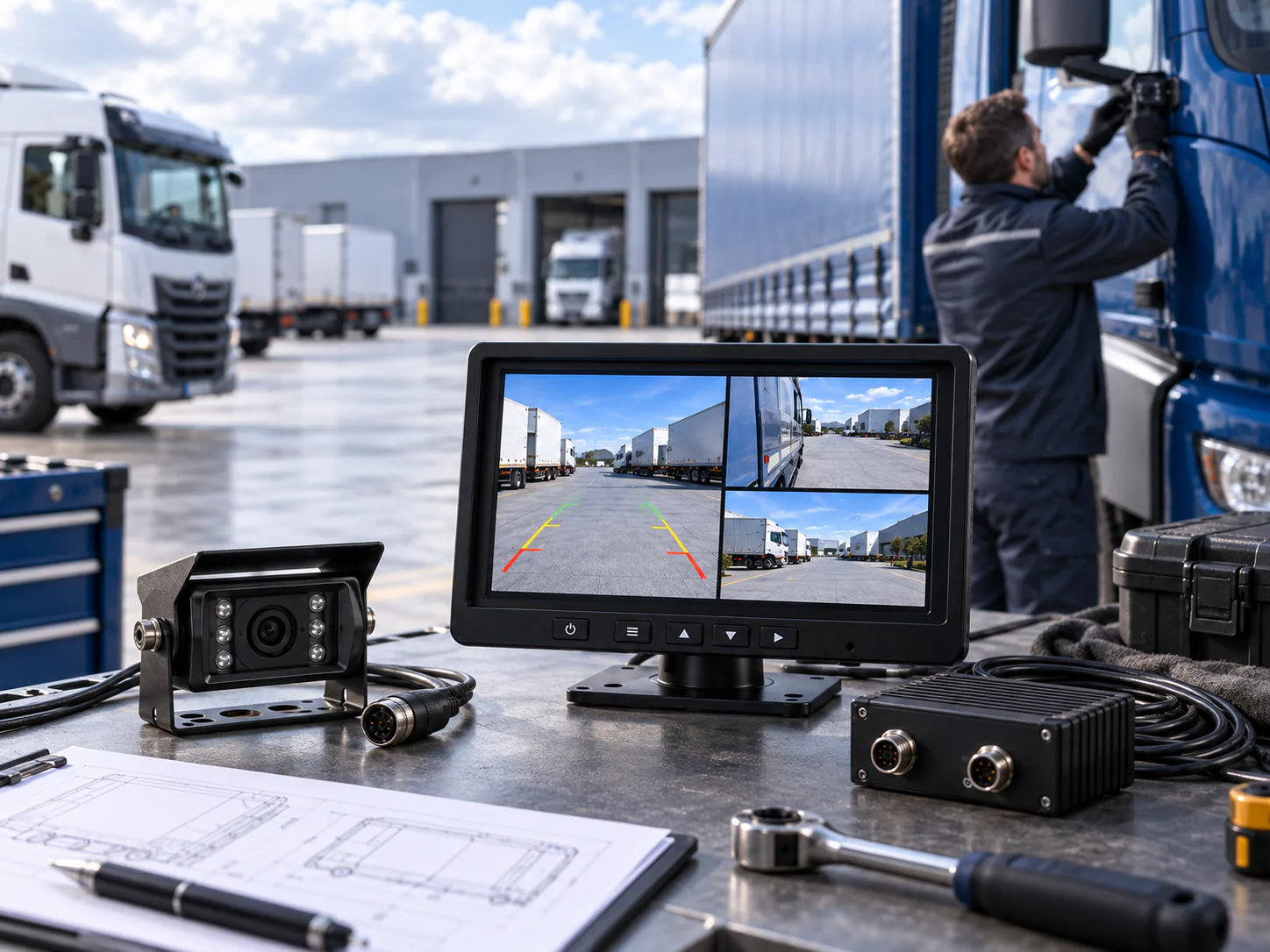
For an existing fleet, document the current monitor model, input labels, menu settings, connector photos and a working camera. For a new installation, a matched camera-monitor kit can reduce uncertainty because the video, power and connection path is reviewed as one system.
Plan power, triggers and cable routing
Confirm the vehicle supply voltage and where component regulation occurs. A camera may receive regulated power from a monitor or controller even when the vehicle uses a higher-voltage electrical system. Do not apply vehicle voltage directly unless the product documentation supports that arrangement.
Record when each image should appear. A reversing trigger, turn-signal trigger, manual input selection and continuous display are different workflows. The trigger wiring, input priority and screen behaviour should be tested together on the proposed monitor.
Measure the real cable route rather than the straight-line distance. Allow for protected routing, service loops, cab movement, articulation and access for maintenance. On trailers or moving equipment, identify every connector and flex point that will experience repeated movement.
Compare specifications without over-reading them
Resolution, viewing angle, waterproof rating and night-vision capability can help shortlist a camera, but each value must be tied to a confirmed model. A wider stated angle is not automatically better if it makes important objects appear too small on the selected display. Likewise, a waterproof rating does not replace correct connector sealing, cable protection and mounting.
Ask for the specification of the proposed production configuration, especially when output format, connector, cable length or image orientation can be customized. Keep model-dependent choices in the quotation and sample record so purchasing, installation and quality teams review the same version.
Validate one complete sample installation
Bench testing proves basic compatibility, but the vehicle test proves the application. Install the proposed camera, monitor, cable and connector path on a representative vehicle. Check the image in daylight and the relevant low-light condition, then repeat the operating triggers that drivers will use.
Review the image from the normal driving position, confirm that the display does not obstruct the driver’s view and inspect the mounting and cable route after realistic vehicle movement. Record approved positions, component versions and settings before scaling to the wider fleet.