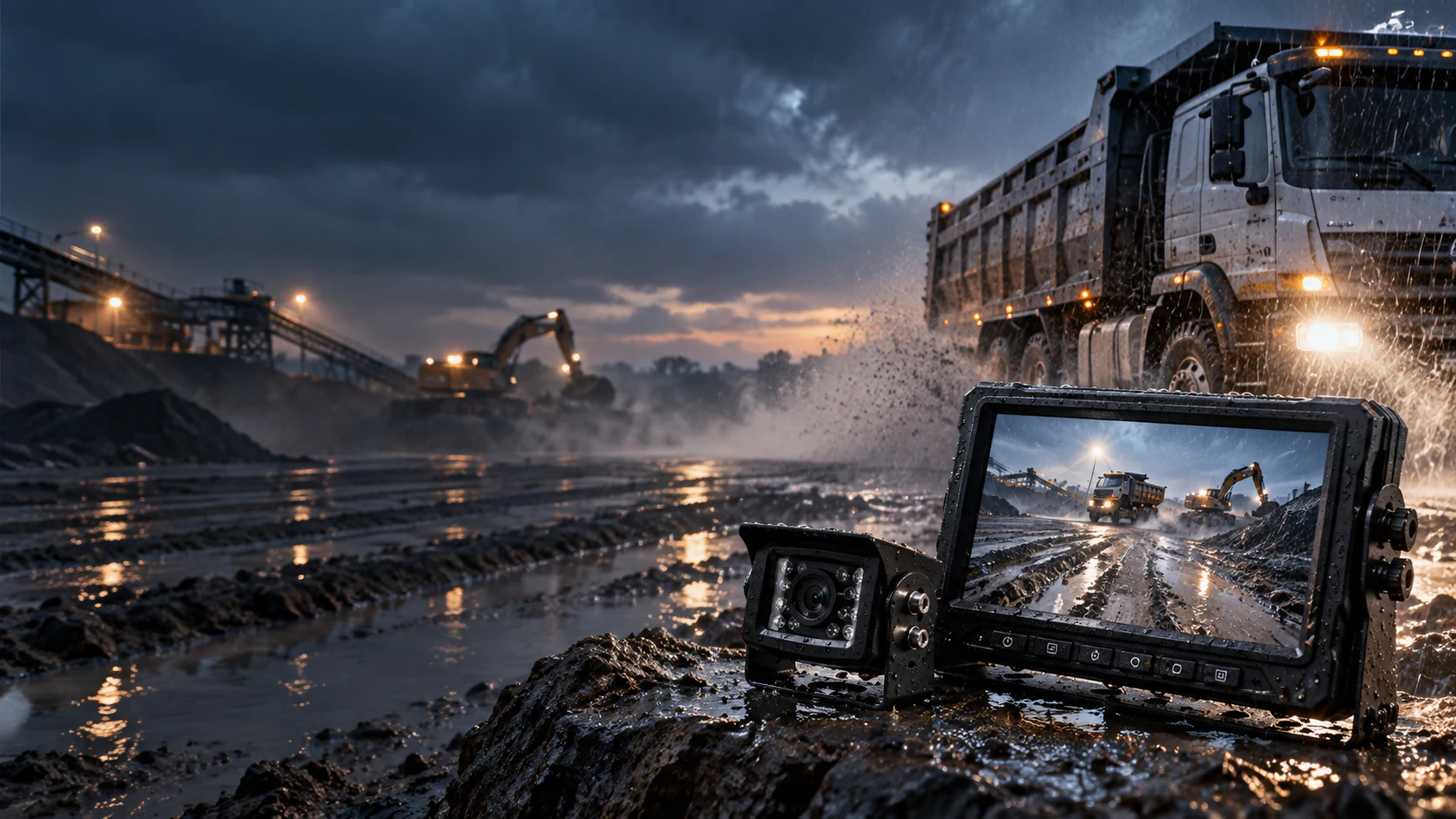

Introduction
A forklift camera system should solve a specific visibility task. A rear-view camera helps with reversing, a mast or fork camera can help an operator see pallet entry or load position, and a forward or side camera may address a defined obstruction. One kit rarely solves every task equally well.
The wired-versus-wireless decision is most important when the camera moves with the carriage or mast. A cable can provide a stable physical video path, but it must flex through every lift cycle without rubbing, pinching, exceeding its bend limit, or interfering with the machine. A wireless link avoids that video cable route, but radio performance and camera power must remain reliable in a warehouse full of steel racks, access points, electrical equipment, moving loads, and changing sightlines.
This guide helps warehouse operators, forklift dealers, integrators, and industrial equipment buyers define the application before requesting samples or fleet pricing.
Start with the visibility problem, not the camera catalog
OSHA guidance for powered industrial trucks emphasizes maintaining a clear view and using aids such as spotters or mirrors when visibility is impaired. A camera can be one such aid, but it does not authorize movement when the operator lacks a clear, safe travel view. Training, operating procedures, pedestrian separation, mirrors, alarms, and site controls remain essential.
Begin with a task observation. Ask a trained operator and safety representative to identify exactly where visibility is lost and what information would help. Do not perform observations from an unsafe position or during uncontrolled operation.
Common camera tasks include:
- Rear travel view: showing the path behind a counterbalance forklift and areas affected by rear swing.
- Fork-tip view: helping align forks with pallet openings at floor or rack level.
- Load or carriage view: showing load engagement when the mast, carriage, or load blocks direct sight.
- High-rack placement view: improving visibility at height, subject to the camera position and lens.
- Side or attachment view: supporting a specialized clamp, rotator, reach mechanism, or narrow-aisle task.
- Recording or incident review: a different objective that may require a DVR, storage policy, time synchronization, and privacy review.
For each task, define the critical area, working distance, required detail, normal lighting, and whether the camera moves. A wide rear camera and a narrow fork-tip camera have different lens requirements even if both connect to the same monitor.

Wired vs wireless forklift cameras at a glance
| Decision factor | Wired system | Wireless system | Project question |
|---|---|---|---|
| Video path | Physical cable | Radio link between camera/transmitter and receiver | Does the camera move through the mast? |
| Installation | More routing and cable protection | Less video cabling, but still needs power and mounting | Is there an approved protected route? |
| Interference | Generally not affected by RF congestion | Must be tested in the facility | Are steel racks and busy 2.4 GHz networks present? |
| Power | Often supplied through system wiring | Vehicle power or rechargeable camera battery | Who charges, checks, and replaces batteries? |
| Moving mast | Cable management can be complex | Often attractive for retrofit | Can the radio path remain stable at full lift? |
| Maintenance | Inspect cable wear and connectors | Inspect battery, antenna, pairing, and radio performance | Which burden fits site routines? |
| Best use | Fixed rear/side camera or engineered mast cable path | Moving camera where cable routing is impractical | What does the pilot test prove? |
Neither architecture is universally more reliable. Reliability means predictable operation in the target environment over time, with maintenance the site can actually perform.
When to choose a wired forklift camera system
A wired system is a strong choice when the camera remains fixed on the truck, such as a rear camera on the overhead guard or counterweight, and an approved route can protect the cable. It can also work on a moving mast when the forklift design provides a suitable cable chain, reel, or manufacturer-approved routing method.
Benefits include continuous power, no camera-battery charging, and a video path that is not affected by nearby radio traffic. Troubleshooting can be straightforward when drawings and test points are documented.
The main risk is mechanical. Forklift masts extend, retract, tilt, vibrate, and operate around chains, rollers, hoses, carriage components, and loads. A poorly routed cable can wear through, snag, become a falling-object hazard, or interfere with equipment operation. Adhesive clips and loose loops are not a substitute for an engineered route.
Choose wired when:
- the camera is fixed and a short protected route is available;
- the forklift or attachment manufacturer provides an approved route;
- continuous operation makes battery charging undesirable;
- the site has severe or unpredictable radio congestion; and
- maintenance staff can inspect cables and connectors at defined intervals.
Any drilling, welding, or modification that could affect the truck’s safe operation, capacity, stability, or guarding requires review and authorization under the applicable manufacturer and workplace requirements. Coordinate with the forklift owner, dealer, and safety team before modifying the machine.
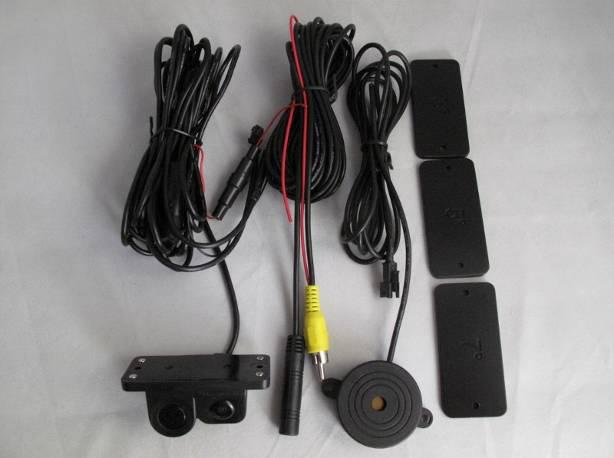
These are generic accessory leads. The photo does not show an approved mast route; routing and connectors must be specified for the selected forklift.
When to choose a wireless forklift camera system
Wireless is often attractive for a camera mounted on a moving carriage or fork assembly because it removes the mast-length video cable. It can shorten retrofit time and allow a sample to be positioned and evaluated before a permanent architecture is approved.
For a battery-powered magnetic option, review the wireless forklift camera system alongside the vehicle's mounting and power requirements.
However, “wireless” generally refers to video transmission, not the absence of all wiring. The camera or transmitter still needs energy. Some systems connect to forklift power; others use a rechargeable battery pack. Each approach creates its own questions about voltage conversion, cable movement, charging ownership, shift length, cold-temperature performance, and spare batteries.
Choose wireless when:
- a safe, durable video-cable route through the mast is not practical;
- the fleet contains leased or older trucks where a less invasive retrofit is preferred;
- the camera location may change during a pilot;
- the site can manage charging and daily checks; and
- a route test confirms stable video in the real radio environment.
A wireless link should not be accepted based only on an open-space range claim. Steel rack aisles, dense inventory, battery chargers, access points, other wireless video systems, and the truck’s own structure can change propagation. Test with the mast low and fully raised, with and without a load, and along the routes where the view matters.


How reliable are 2.4 GHz wireless forklift cameras?
They can be reliable when the equipment is correctly selected and the installation is validated at the site. They can also experience interference, obstruction, pairing issues, or momentary signal loss if the radio environment and mounting are ignored.
The 2.4 GHz band is used by many technologies. The label alone does not explain channel selection, modulation, coexistence behavior, latency, number of simultaneous camera links, or recovery after signal interruption. Request the exact system specification and approvals for the target market.
Conduct a practical radio survey
A formal spectrum survey may be appropriate for a large deployment, but every project should at least perform a route-based pilot during representative operations. Test:
- in the narrowest steel-rack aisles;
- near Wi-Fi access points, chargers, motors, and other radio equipment;
- at dock doors and between indoor/outdoor zones;
- with the mast at different heights;
- with representative pallet loads in place;
- during a busy shift, not only in an empty warehouse; and
- with the planned number of wireless camera systems operating nearby.
Record dropouts, frozen images, startup time, reconnection behavior, latency, and any location-dependent problems. A video image that returns after several seconds may still be unsuitable for a precision task.
Position antennas and receivers deliberately
Avoid enclosing antennas behind metal covers or placing them immediately beside strong electrical noise sources. Preserve the orientation and separation recommended by the supplier. The receiver and monitor should be mounted securely without obstructing the operator’s sightline, controls, entry, or exit.
Define a response to signal loss
The operator must know what a lost, delayed, or frozen image looks like and what procedure to follow. A camera image should never be assumed live merely because a last frame remains on screen. If the system provides a link or signal indicator, include it in operator familiarization and acceptance testing.
Power planning: the overlooked half of a wireless system
A vehicle-powered wireless camera avoids routine charging but still requires an approved cable route and correctly rated voltage conversion. Electric-forklift traction voltage may be far above a camera input, so confirm the actual connection, protection, ignition behavior and voltage under load. Protect wiring from mast movement, heat, abrasion and service activity.
A rechargeable camera simplifies some moving-mast retrofits, but runtime must cover the real shift with reserve. Assign charging responsibility, label packs, define state-of-charge checks and provide a spare where needed. For cold rooms, validate the rated camera, battery, monitor and connector temperatures; cold can reduce available battery performance and transitions can cause condensation.
Camera and monitor specification checklist
- Resolution and format: Match the task, receiver and display. More pixels do not help if compression, radio conditions, vibration, lens choice or a small screen hides the detail.
- Field of view and focus: A rear view needs broad coverage; fork alignment needs detail at a defined distance. Test at the real mounting height.
- Low light: Measure representative illumination. Check infrared reflection from wrap, metal, forks, carriage surfaces and dust.
- Environment: Verify the exact model’s IP and temperature limits, including charging port, cable entry, antenna and connectors.
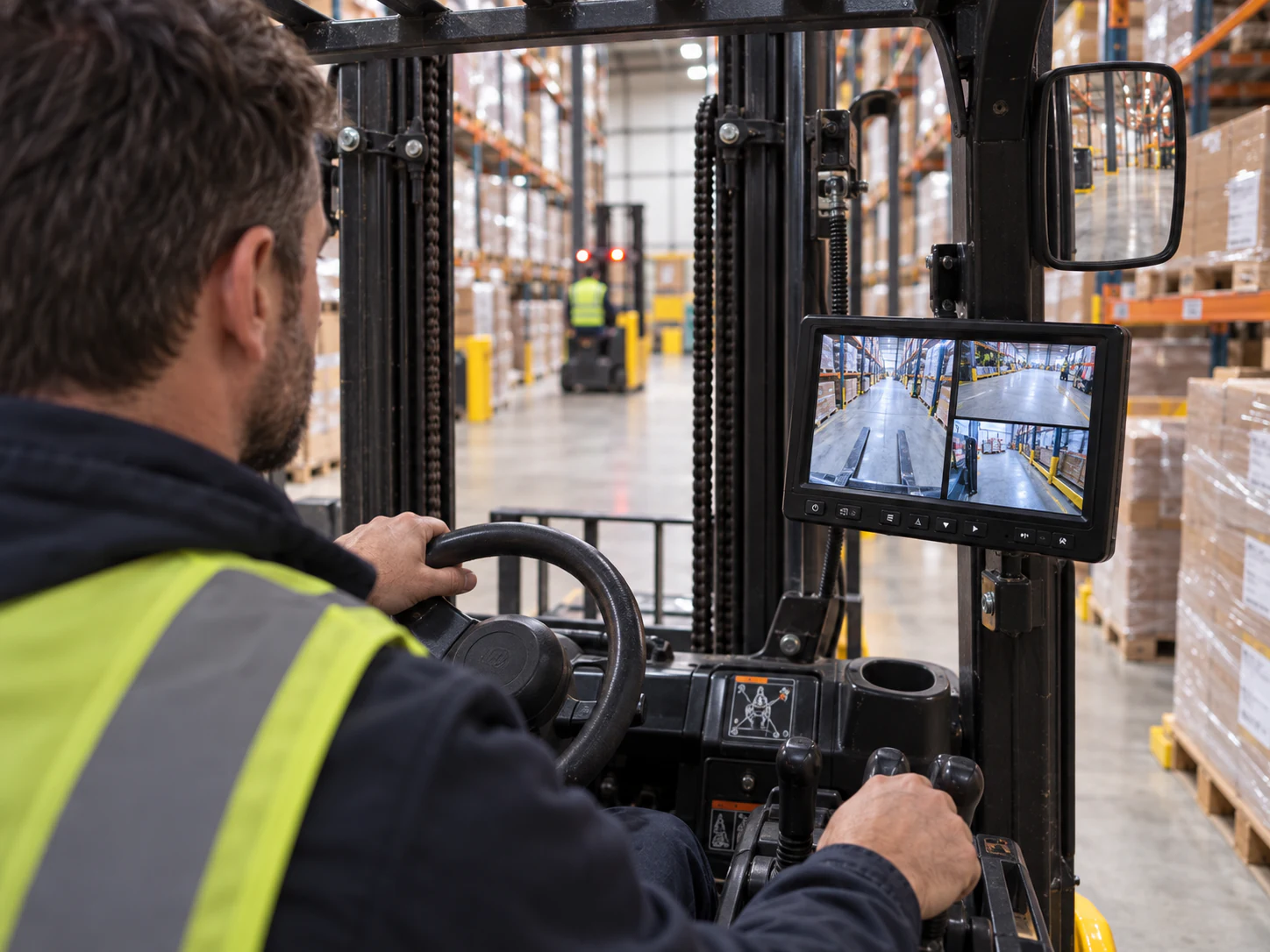
- Display: Confirm legibility, glare, backlight, vibration and startup without blocking direct visibility or controls.
- Orientation: Put mirror/normal image and overlays in the specification; road-style guide lines may be misleading for fork work.
- Recording: If required, define storage, access, cybersecurity, employee notice, privacy and retention. Do not add recording without an operational purpose.
Installation preparation by camera position
- Rear view: Choose a protected point that shows the travel and rear-swing area without being dominated by the counterweight, LPG cylinder, hood, or accessories.
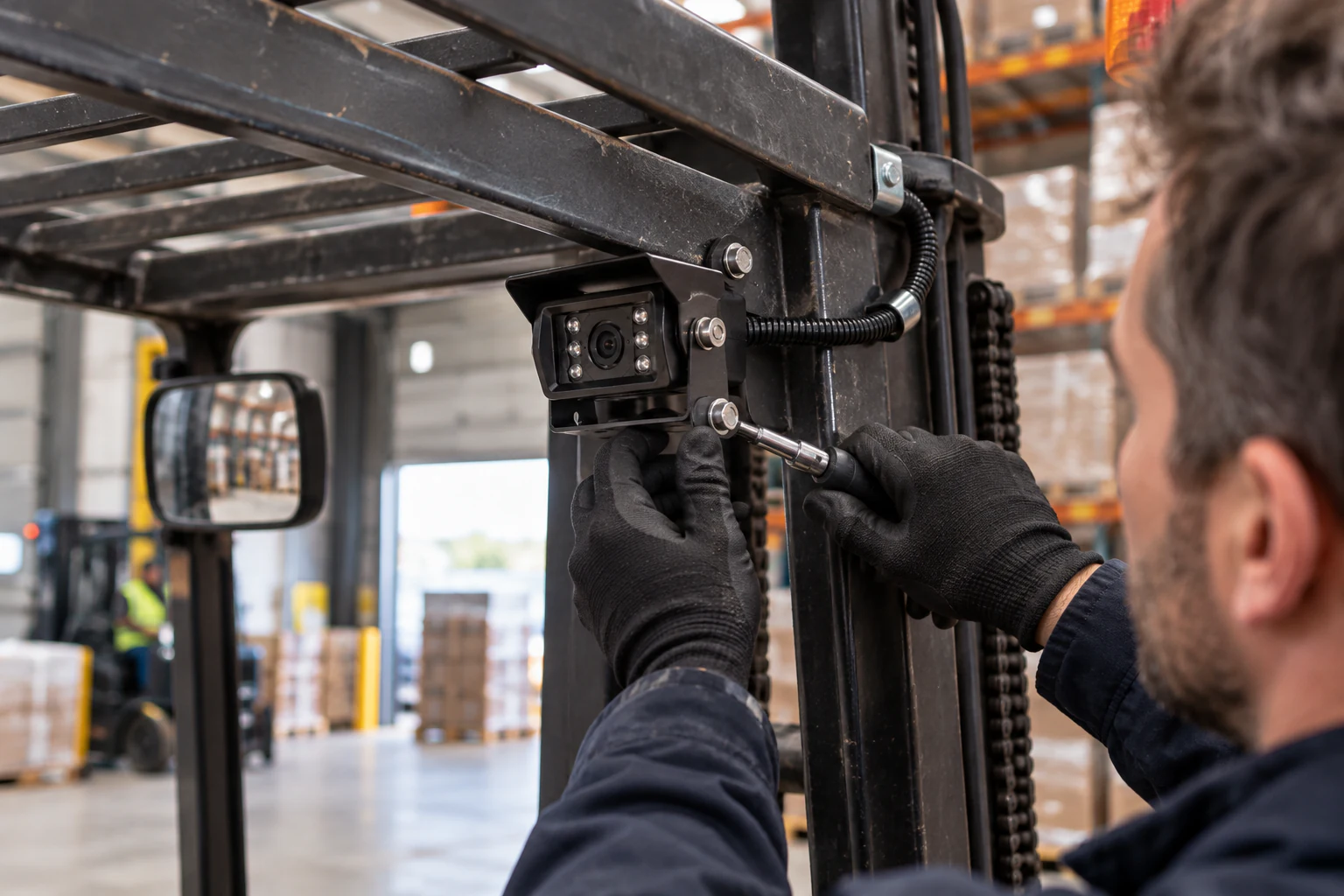
- Mast or carriage: Map maximum lift, tilt, side shift, reach and carriage movement. The camera, battery, antenna and bracket must not contact loads, racks, chains, rollers or hoses.
- Fork tip: Confirm that mounting is allowed and does not affect fork inspection, markings, engagement or replacement. Protect the equipment from impact and abrasion.
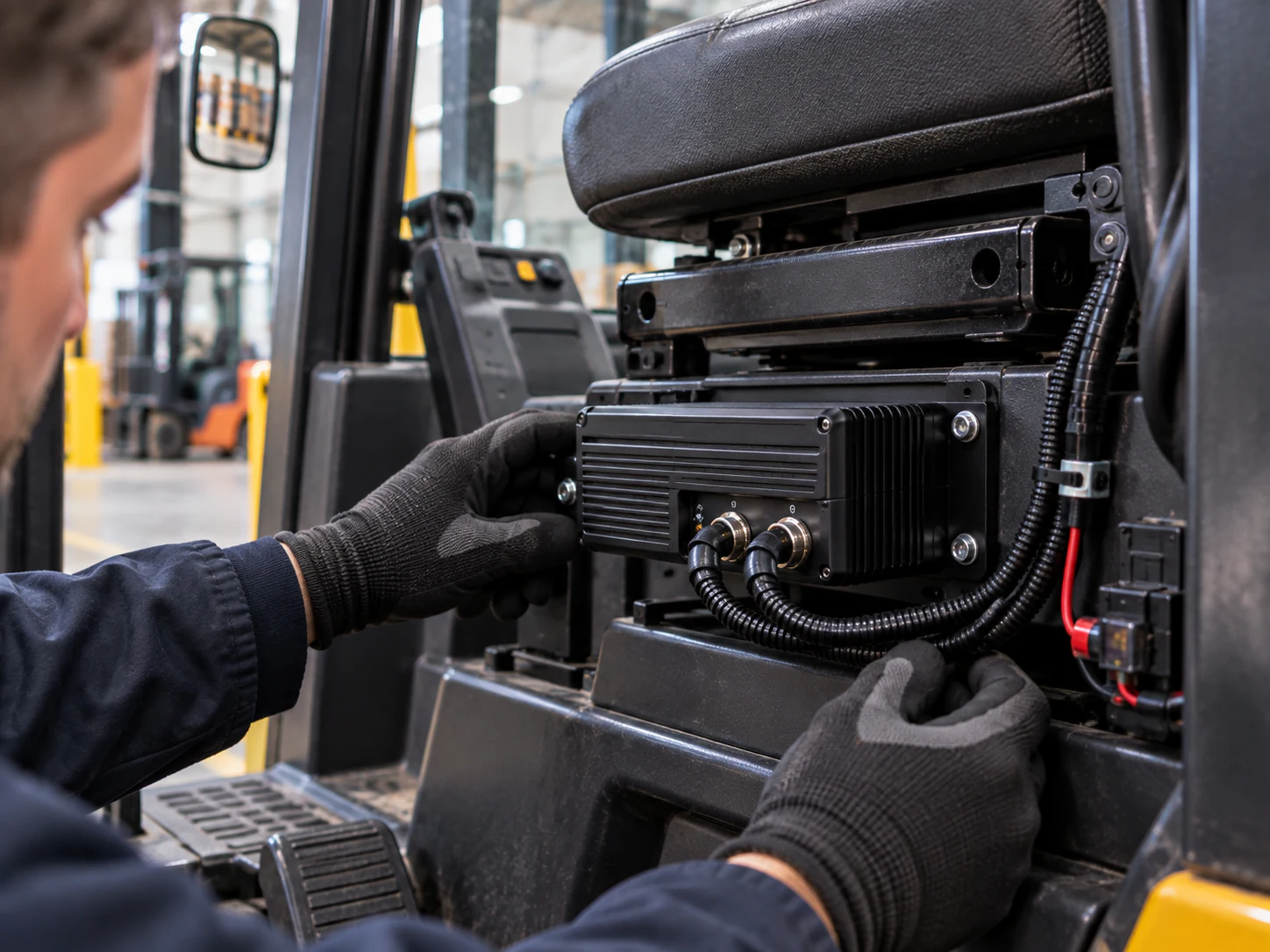
- Monitor and receiver: Preserve direct view, controls, overhead visibility, entry and exit. Secure every cable and check glare, backlight and vibration throughout the site.
Factory testing, shipment inspection, and on-site acceptance
Factory testing
The supplier should test the ordered camera, transmitter/receiver, monitor, power accessories, and cables as a matched system. Checks can include power-up, pairing, stable image, image orientation, channel selection, monitor controls, and basic operation across the specified bench range. Battery-powered items should be checked for charging function and supplied with the approved charger.
This confirms product configuration; it does not prove radio performance in the customer’s warehouse.
Shipment inspection
Verify part numbers, quantities, bracket types, cable lengths, adapters, chargers, antennas, spare batteries, manuals, labels, and packaging. Confirm the target-market plug and electrical marking where relevant. Protect monitor screens, camera lenses, connector pins, and battery terminals during shipment.
On-site acceptance test
Install one sample on a representative truck with approval from the appropriate equipment and safety stakeholders. Test the full operating route and every relevant mast position. Include busy-shift radio conditions, typical loads, lighting changes, doorways, docks, and cold zones if applicable.
Acceptance criteria should include:
- useful coverage of the defined visibility area;
- readable detail at the task distance;
- stable image and acceptable latency throughout the route;
- no frozen-image ambiguity after link loss;
- runtime for the required shift plus reserve;
- no interference with mast movement, load handling, controls, or direct view;
- secure mounting and protected wiring;
- repeatable startup, pairing, and trigger behavior; and
- a maintenance routine the site can sustain.
Run the pilot long enough to reveal charging lapses, bracket movement, contamination, connector wear, and operator acceptance. A stationary ten-minute demonstration is not a fleet validation.
Common purchasing mistakes
Choosing one kit for every forklift
Counterbalance trucks, reach trucks, order pickers, and special attachments have different geometry and tasks. Group the fleet by materially similar application before standardizing.
Believing a maximum range number proves warehouse performance
Open-space range does not represent steel aisles, loads, interference, or mast movement. Require an on-site route test.
Forgetting who will charge the camera
Specify runtime, charging interval, spare packs, charging location, inspection, and ownership. Make the routine part of the shift process.
Mounting before checking the movement envelope
Cycle all permitted mast and attachment movements in a controlled inspection. A camera that clears at rest may collide at full reach or tilt.
Treating the camera as a replacement for safe practice
A screen can distract, fail, freeze, or show an incomplete area. Integrate it with training and site procedures; never use it to justify movement without a clear, safe view.
Ordering the fleet before completing a pilot
Approve one representative installation per truck group and document it. The pilot should determine the final bill of materials, bracket, power method, settings, acceptance criteria, and maintenance plan.
RFQ checklist for a forklift camera project
- Forklift type, make/model, mast stages, attachments, and fleet quantity.
- Visibility task and camera location: rear, mast, carriage, fork, side, or other.
- Required working distance, field of view, image orientation, and lighting.
- Whether the camera moves and the complete movement envelope.
- Preferred wired/wireless architecture and reason for the preference.
- Available approved power source, voltage conversion, or required battery runtime.
- Warehouse layout, steel racks, cold storage, outdoor routes, washdown, and dust.
- Existing Wi-Fi or wireless-camera density and pilot-test locations.
- Monitor position, size, brightness, trigger, and recording requirements.
- Sample timeline, target quantity, branding, packaging, manuals, spares, and destination market.
Frequently asked questions
Are wireless forklift cameras reliable in warehouses?
They can be, but reliability is site-specific. Steel racking, loads, access points, chargers, other wireless devices, antenna placement, and mast position can affect the link. Validate the exact system during a representative busy shift and along the full operating route.
Is wired or wireless better for a forklift mast camera?
Wireless is often easier when a video cable cannot be routed safely through a moving multi-stage mast. Wired can be preferable when an approved protected route exists and continuous operation is critical. The forklift design, maintenance capability, and pilot result should decide.
How long does a wireless forklift camera battery last?
Runtime varies by model, battery capacity and age, temperature, transmit behavior, and duty cycle. Use the manufacturer’s specified conditions only as a starting point, then test across the real shift and maintain a reserve. Assign charging responsibility.
Can a forklift camera eliminate blind spots?
It can improve a selected view but cannot guarantee elimination of all blind areas. Loads, mast components, attachments, camera position, lens distortion, contamination, and display attention all create limits. Keep required direct observation, mirrors, spotters, and site controls.
Where should a forklift monitor be mounted?
Mount it where the trained operator can glance at it without blocking the direct view, controls, overhead visibility, entry, or exit. Verify comfort, glare, vibration, and cable security with the equipment owner and safety team.
What should be tested before ordering multiple systems?
Test image coverage, detail, latency, signal stability, full mast movement, runtime, charging, monitor placement, electrical behavior, environmental conditions, mounting durability, and operator procedures on a representative truck and route.
Conclusion
The best forklift camera architecture follows the movement and the task. Wired systems offer a predictable physical link when routing and continuous power are available. Wireless systems can simplify moving-mast retrofits, but they transfer part of the engineering burden to radio validation and power management.
Define the visibility problem, involve the equipment and safety stakeholders, and test one representative installation under real conditions. Document the approved camera position, monitor location, power method, radio performance, acceptance criteria, and maintenance routine before scaling to the fleet.