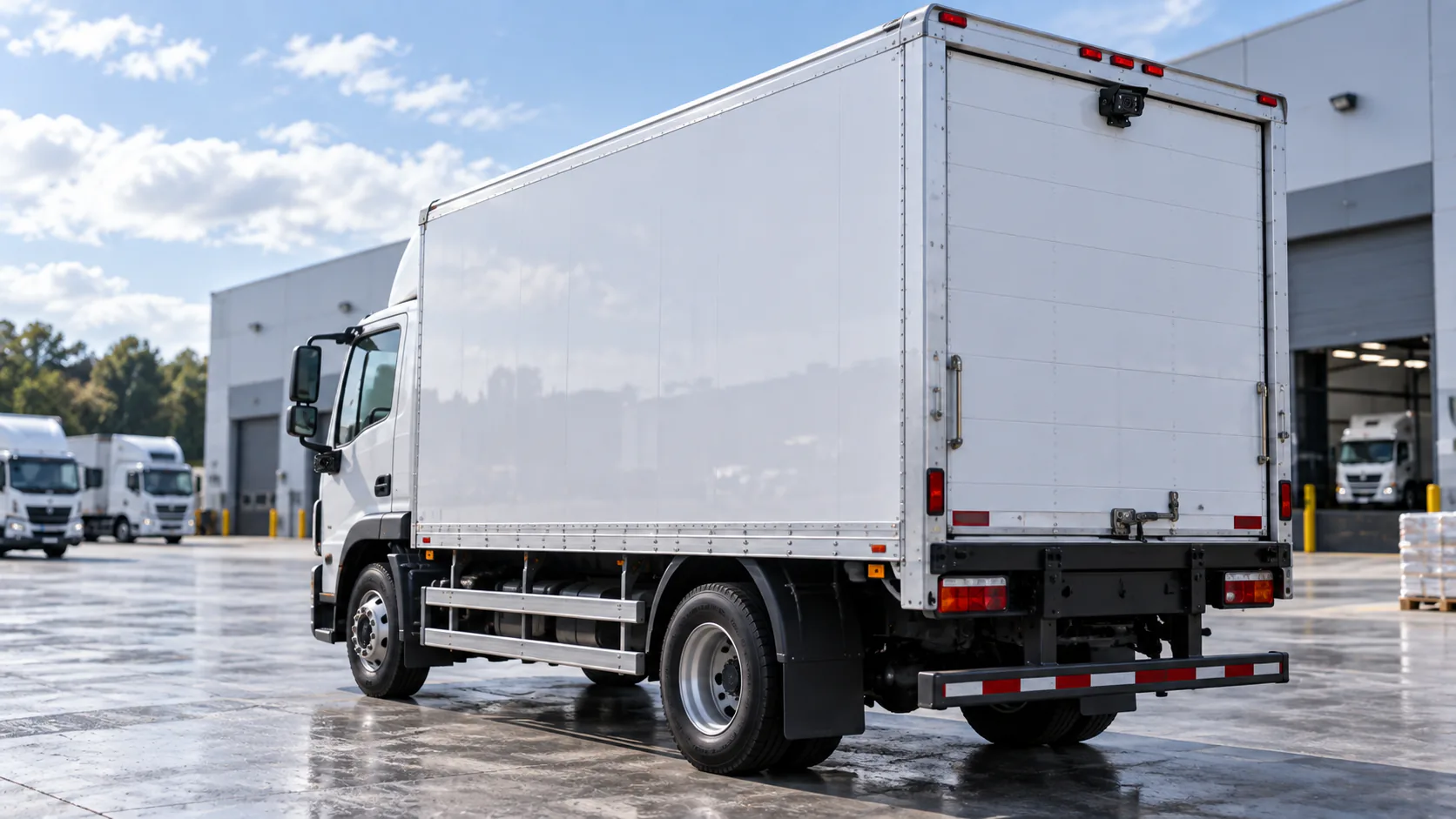
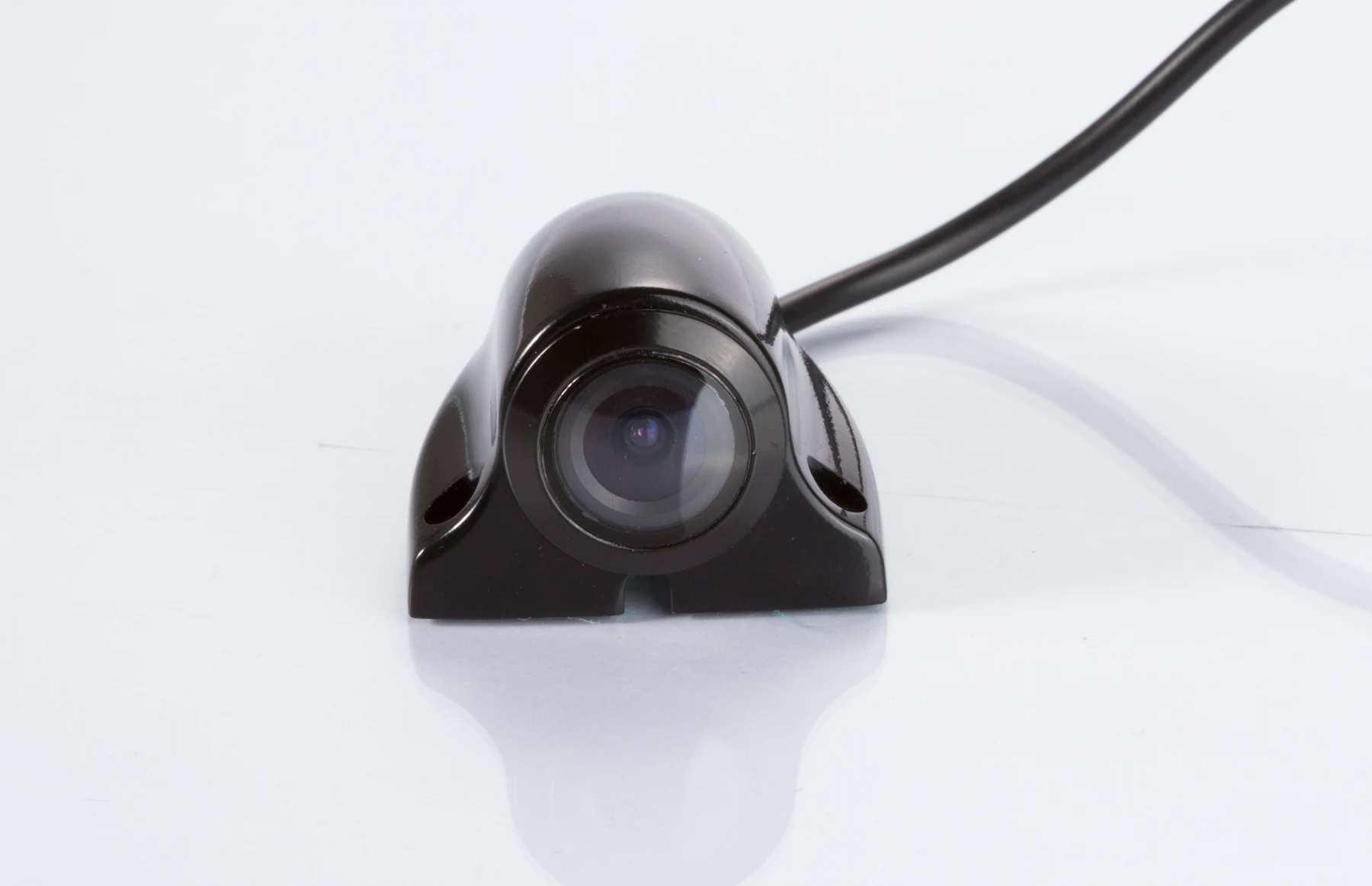
A dump truck side view camera should be selected around the lateral area the driver needs to observe, the available mounting surface and the actual image on the cab display. Rear and front views need their own placement decisions. Map these tasks on the body configuration before deciding camera quantity or choosing a monitor.
Why Dump Trucks Need Application-Specific Camera Planning
A rigid tipper, articulated vehicle and truck with different body equipment present different obstructions and moving connections. Body height, tailgate shape, wheel arches, mirrors and ancillary equipment can all affect the proposed image. Camera placement for one truck should not become the default for a different body without reviewing those differences.
Start with operating tasks: reversing into a loading area, observing side clearance during a turn, or checking a defined front zone during low-speed movement. Record the area and distance that need to be visible for each task. Dust, lighting and cleaning practices matter because a correctly aimed lens can still become obscured in service.
Review the dump truck front, cab and rear views alongside photographs of your own body configuration. For other truck layouts, see the Truck application views. Cameras supplement driver observation, mirrors, site controls and operating procedures.
Rear View Camera Configuration
Choose a rear position by checking the required ground area, body width and useful distance behind the vehicle. A higher mount may show more of the approach but change how near objects appear. A lower mount may give a useful close view while increasing exposure to debris or contact. Neither position can be specified from vehicle length alone.
Assess whether the tailgate, load or body equipment will obstruct the lens. Decide whether the camera is fixed to the chassis or moves with the body, because this changes the viewing direction and cable movement. Have the installer inspect the relevant movement using the manufacturer's procedures; do not enter an unsupported raised-body area to assess a route.
CAM-078 is a rear-camera candidate, while CAM-BT01 has documented commercial truck/bus applications. Both list CVBS/AHD and DC 12V. Specify the ordered output mode, actual output resolution and connector against the receiving input; a listed 1080P imaging specification does not establish 1080P in both formats. Evaluate the mounting on the target dump body before approving the pair.
Specify whether the reversing image is continuous, manually selected or vehicle-triggered. Test image orientation and the view from the normal driver position. The useful rear view must remain readable on the chosen display, including when the project proposes a smaller image within a multi-view layout.
Side View Camera Placement
Begin by marking the side area that remains difficult to judge from the mirrors and cab. Turning observation may need a different direction and distance from close side-clearance observation. Record which side is involved, the required near-body area and any operating position where equipment changes the view.
A dump truck side view camera position should be evaluated against cab shape, mirrors, wheel arches and body projections. Keep the camera protected and serviceable without hiding the target area behind its own bracket or bodywork. Compare sample images at the proposed mounting height and angle to judge the installed coverage.
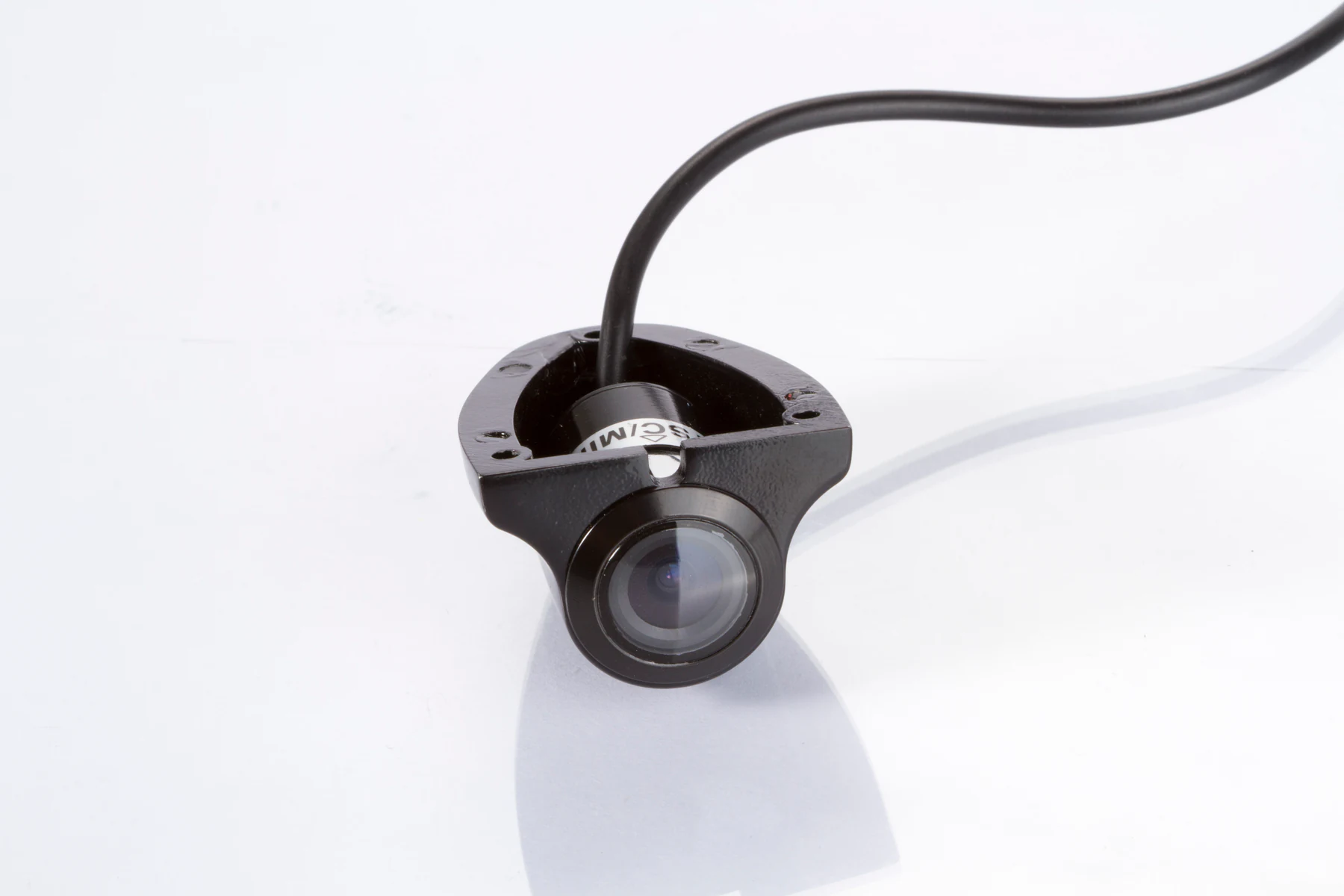
CAM-ST01 is a side-view candidate with listed 1920 × 1080 imaging, CVBS/AHD, DC 12V, 170° and an IP69K camera housing. Specify the output configuration and a suitable 12V power path, then assess the bracket and cable exit on the vehicle. The housing rating and imaging resolution do not establish whole-harness sealing, direct 24V operation or identical output resolution in both signal modes.
Compare viewing angle by the detail visible on the display. Wider coverage can make important objects appear smaller, and quoted angle definitions may differ. Review the selected position during the planned steering and body conditions in a controlled test.
Front View Camera Options
A front view may help with a specific close-range observation task around the cab or body. Define the target zone and check its image on the intended monitor. Treat forward recording as a separate requirement with its own recording and retrieval checks.
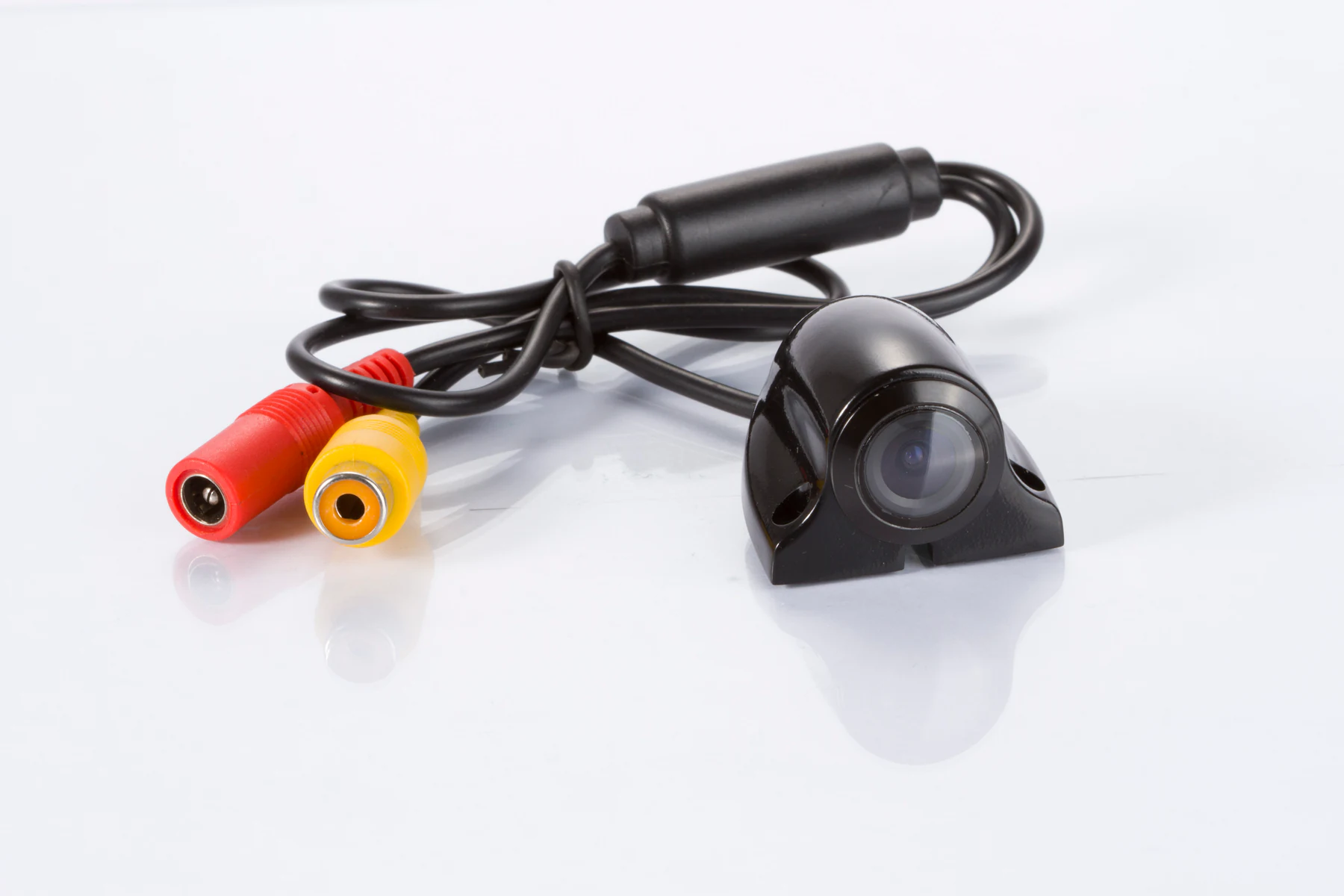
CAM-EYE02 is listed in the current catalog for front, rear and side application evaluation. Its record lists CVBS / AHD / both output configurations, DC 5V–12V and 4-pin aviation / RCA connector options, but its final mounting role, orientation and output configuration still need model and installation confirmation. Review the available position, surrounding bodywork and display path before adding it to a proposal.
Include a front camera in the bill of materials when the proposed view addresses a defined operating task.
Choosing an In-Cab Monitor
Screen size should follow driver viewing distance, available cab space and the detail required in each image. Assess glare and legibility from the normal seat position while retaining direct sight lines and access to controls. A larger screen does not resolve an unsupported video input or a poorly framed camera view.
SUP-M700 lists a 7-inch TFT LCD, AV1/AV2 inputs, AV2 priority, automatic reverse switching, DC 12V and RCA / 5-pin connector options.
SUP-M043 lists a 4.3-inch mirror-position display, DC 12V, automatic reverse switching and RCA / 5-pin connector options. Assess its readability and mounting space from the driver's seat.
For both models, obtain the accepted input format, resolution and timing before pairing cameras: AHD support is not verified in the current information. SUP-M700's two inputs do not establish simultaneous split view or recording, and SUP-M043's multi-view capacity is not specified.
Use the vehicle monitor range to compare options. Document manual selection, reverse priority and any requested turn-trigger behavior by exact model, then test what happens when requests overlap.
Single-Camera vs Multi-Camera Configuration
Swipe left or right to view all columns.
| Project approach | What the proposal must establish | Sample assessment |
|---|---|---|
| Rear view only | One useful rear image and a compatible receiving input | Check the required near area, rear distance and reversing behavior |
| Rear plus one side | Two useful images and an agreed selection method | Check input capacity and the driver's access to each view |
| Rear, sides and optional front | Enough compatible inputs and a documented viewing layout | Check every view individually and any supported combined layout |
| Retain an existing monitor | Exact input modes, wiring and selection behavior | Test the proposed camera with the retained display and full harness |
These planning approaches require a compatible camera, monitor and harness assembly; the named products are candidates for evaluation rather than tested combinations. If the project exceeds a monitor's documented input capacity, request another receiving arrangement. A passive connector adapter does not add inputs or convert AHD to CVBS. Compare camera-monitor kits and the camera catalog against the required views.
Cable Routing and Environmental Considerations
Measure each protected cable run from camera to receiver, including cab entry, service access and moving-body connections. Check strain relief, bend limits, clearance from heat and abrasion, and the supplier's intended cable use. A route that looks tidy with the body down can become taut or trapped as equipment moves.
Connector sealing needs its own installation review. A camera housing's IP rating does not establish the rating of an exposed joint, adapter or complete system. Record how connectors will be protected, supported and accessible for inspection. Consider dust, water, stone impact and the site's cleaning method when evaluating the proposed location.
Have a qualified installer review vehicle supply and component power. A truck's nominal supply is separate from the voltage delivered through a regulated harness; DC 12V camera or monitor data does not authorize direct connection to a higher supply. Verify wiring and pinout before energizing the sample.
How to Prepare a Dump Truck Camera Project
Use the commercial truck system guide for the broader truck and trailer specification. For the dump-body placement brief, provide:
- Vehicle make/model, rigid or articulated arrangement, body type and equipment photos.
- Required rear, side and optional front areas, with proposed camera positions marked.
- Camera quantity and candidate model for each task, including image orientation.
- Monitor model, mounting position, input capacity and requested view-selection behavior.
- Camera output and monitor input format, supported resolution, frame rate and applicable timing.
- Connector type, approved pinout, extensions and measured cable length for each route.
- Vehicle supply, component voltage and the proposed regulated power arrangement.
- Dust, water, cleaning exposure and moving-body clearance requirements.
- Sample quantity, project quantity, destination market and OEM branding/packaging needs.
Send the information through project contact. Record the approved sample assembly, mounting and movement checks for each body variant so the production order follows the tested configuration.