
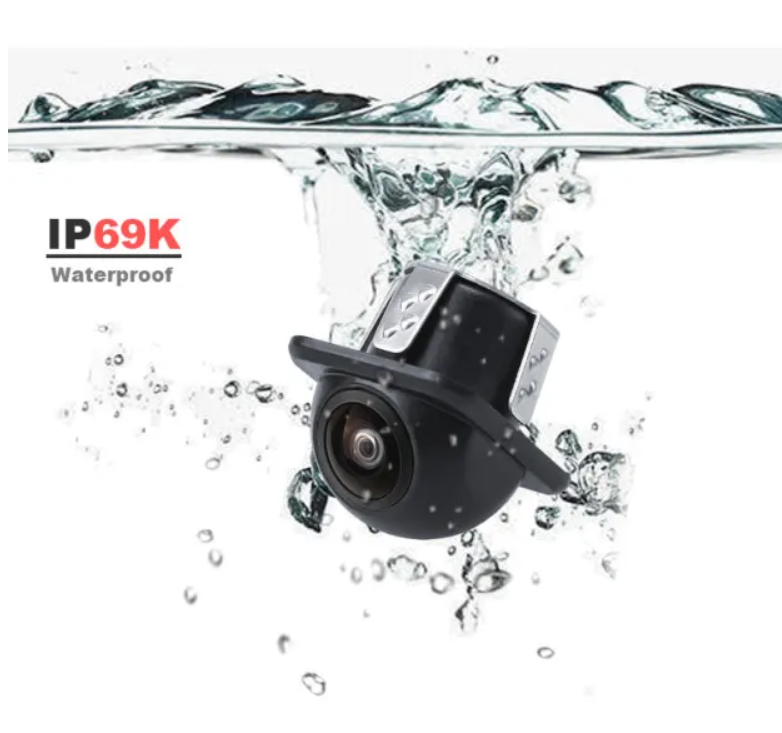
CAM-078 Universelle Rückfahrkamera
Compact rear-view camera for installations that need an additional view behind the vehicle.
Product DetailErgänzen Sie eine Rück-, Front- oder Seitenansicht, wo Ihr Fahrzeug sie benötigt. Entdecken Sie Kameras für Lkw, Busse und Arbeitsfahrzeuge mit projektgerecht abgestimmter Montage, Videoverbindung und Anzeige.
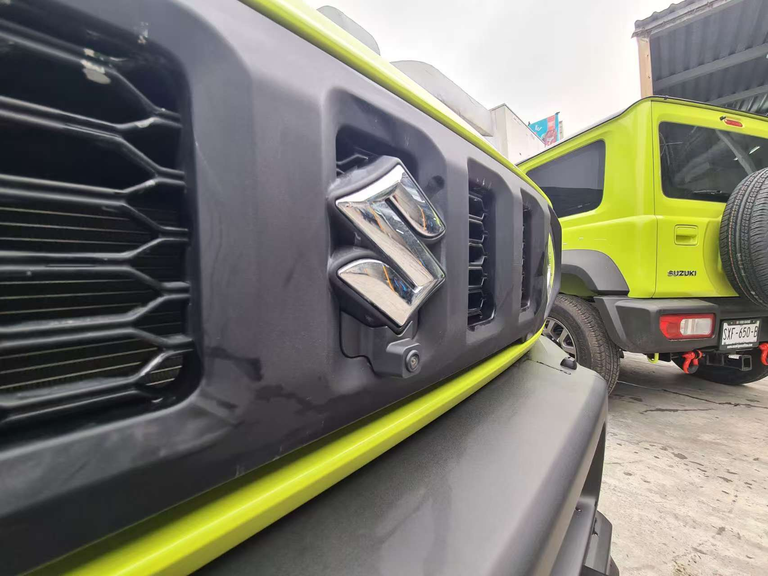
Vehicle bodies and working equipment can make the area behind or alongside a vehicle difficult to see. A camera sends an additional view to the driver’s display, supporting observation during reversing and low-speed manoeuvring.
Rear cameras show the area behind the vehicle, while suitable front and side-view models provide a view from their selected mounting positions. The range below includes compact housings, adjustable brackets and dedicated side-view designs for different installation needs.
The camera, video connection and display work as one viewing chain. Match the output format, receiving input, wiring and supply voltage for the selected components; a connector shape alone does not establish compatibility.
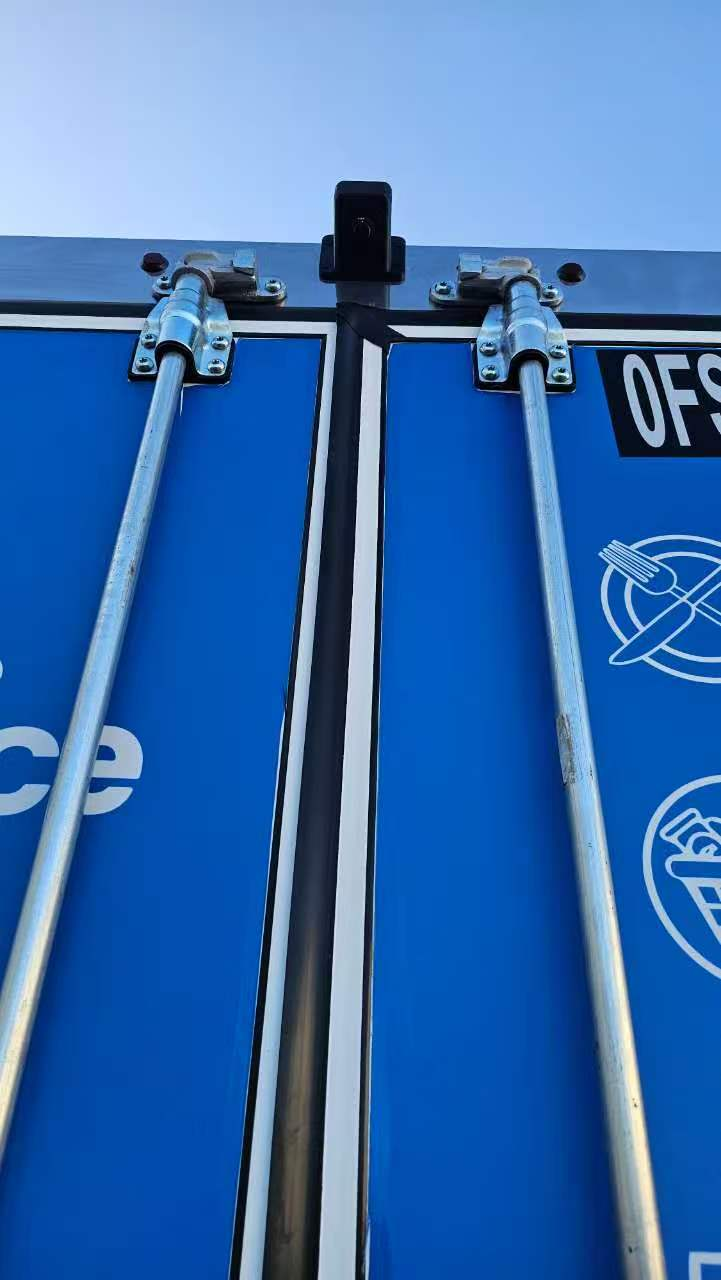
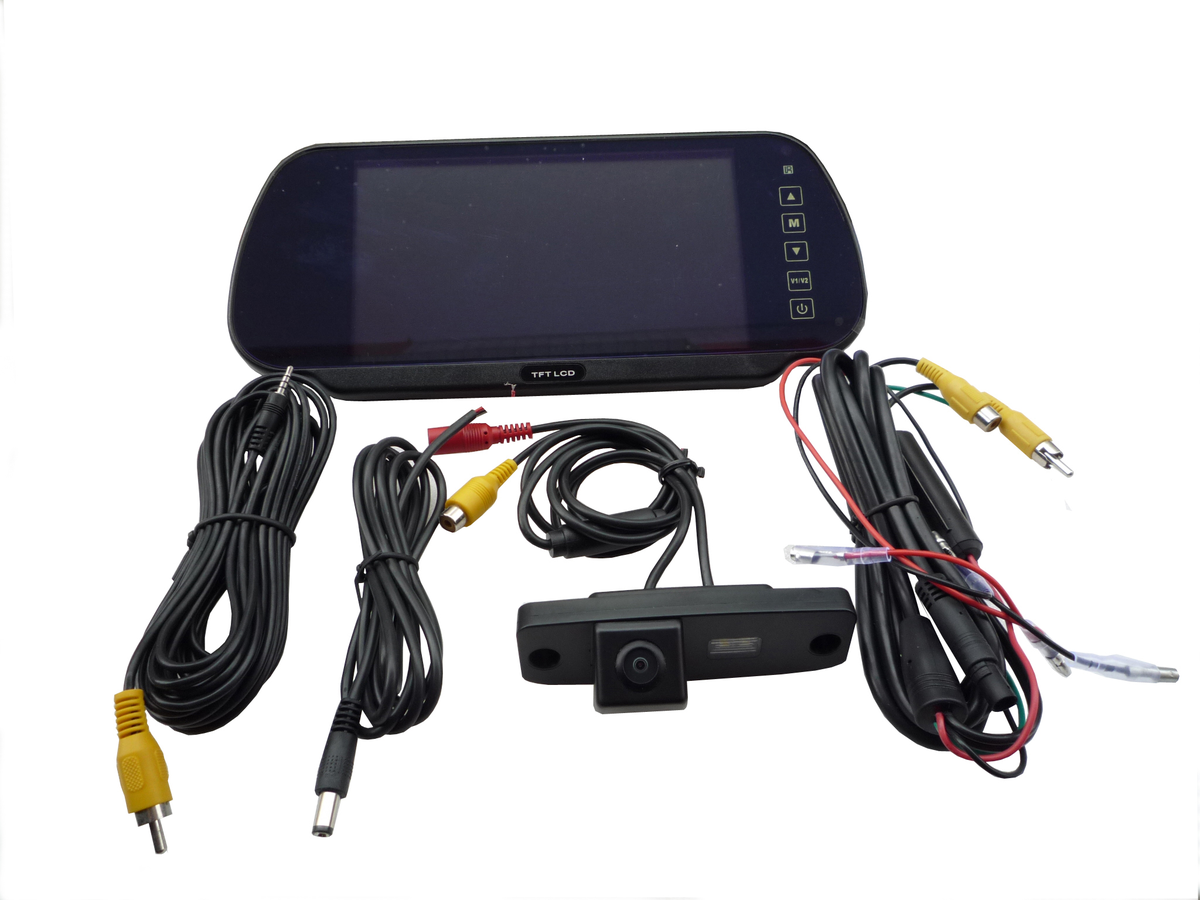
The useful view depends on more than the camera itself. Its position determines what is visible, while the display determines how the driver sees that information in the cab.
Plan around the vehicle and the working task: which area needs to be seen, where a camera can be mounted and where the driver can read the image. The same approach applies to a single rear view or separately selected front and side views.
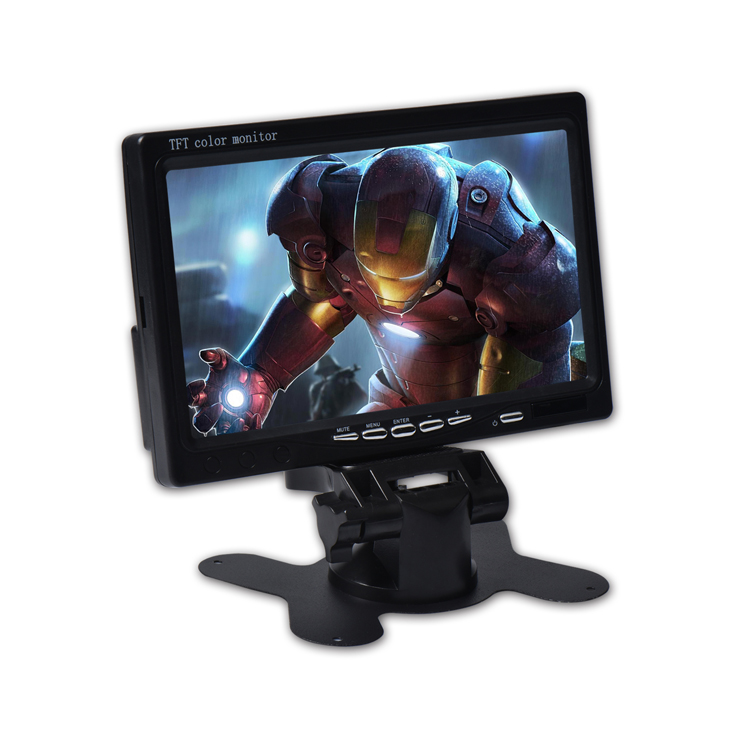
Choose a camera for the view you need: compact rear visibility, an adjustable mounting position or a dedicated side view.
Compact rear-view camera for installations that need an additional view behind the vehicle.
Product Detail
External camera for rear or selected side-view positions on buses, trucks and working vehicles.
Product Detail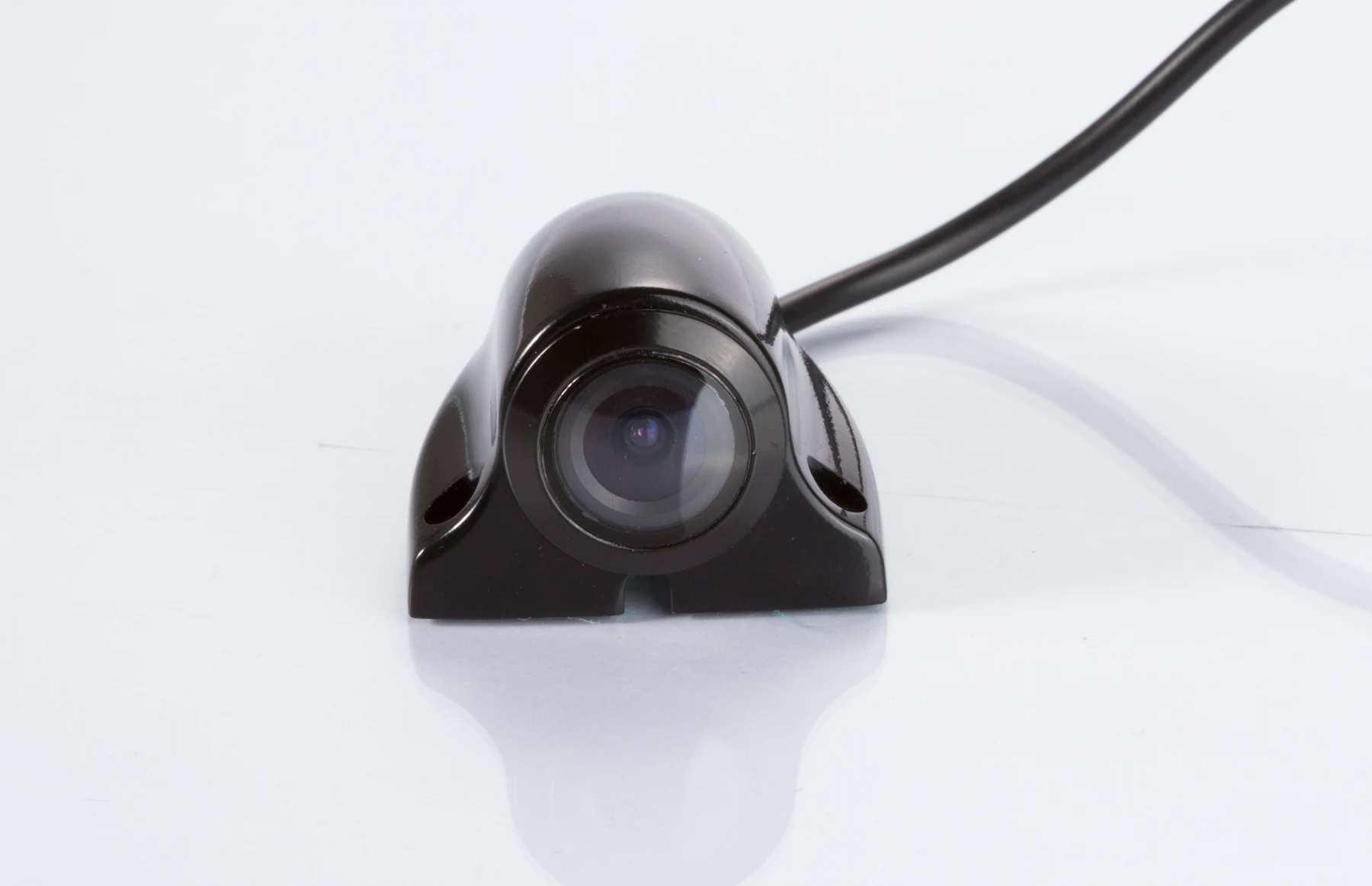
Low-profile side-view camera for a lateral view along trucks, buses, vans and construction vehicles.
Product Detail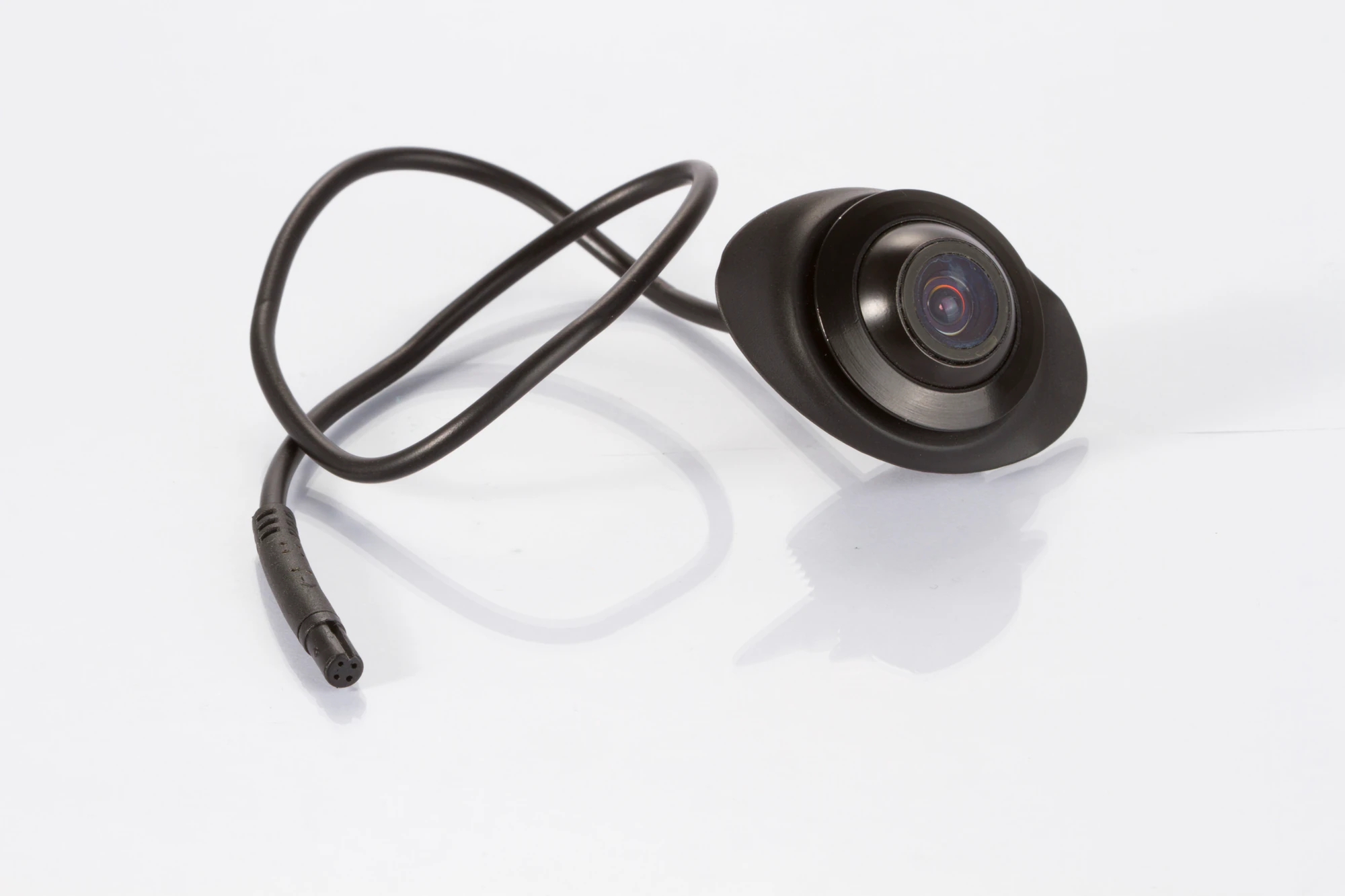
Compact camera for front, rear or side-view installations, selected around the required viewing task.
Product Detail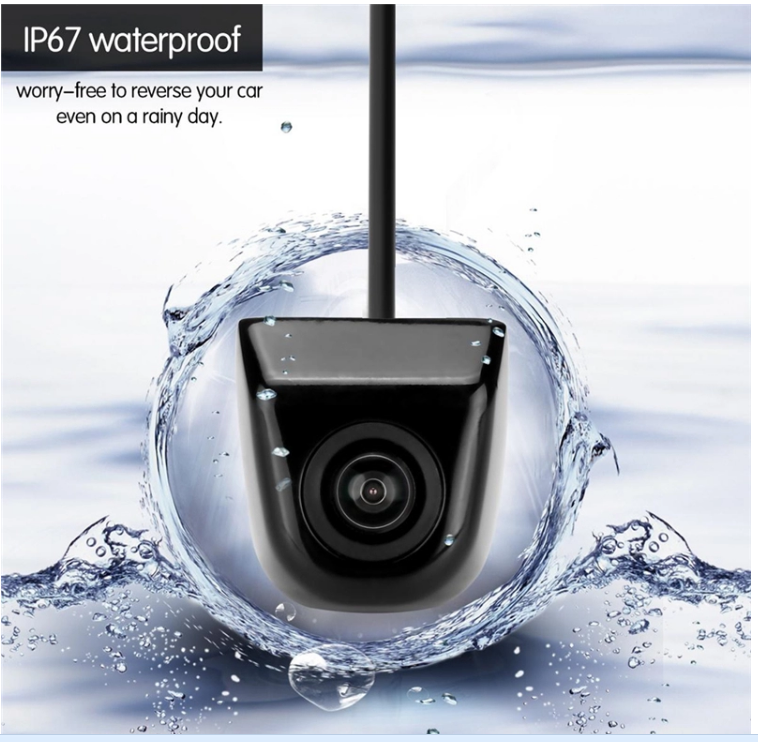
Low-profile backup camera for rear-view installations with limited mounting space.
Product Detail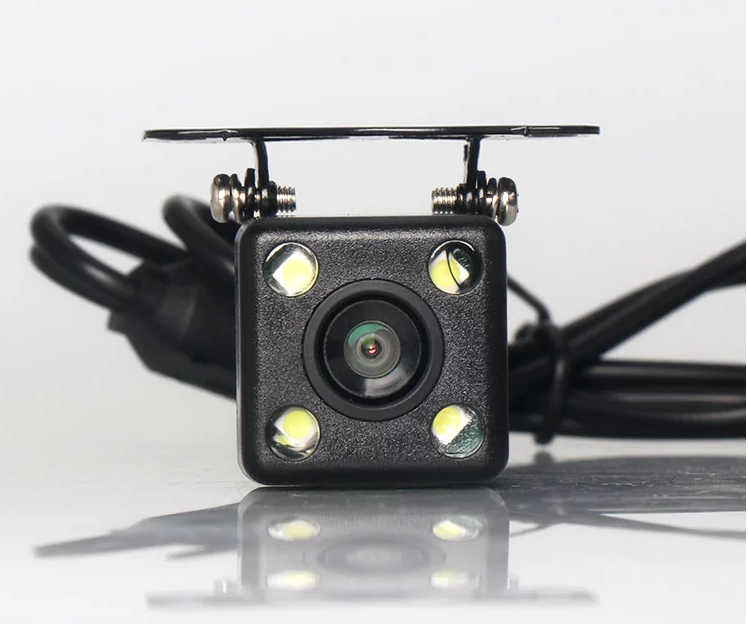
Bracket-mounted rear-view camera with adjustable mounting hardware for aiming the installed view.
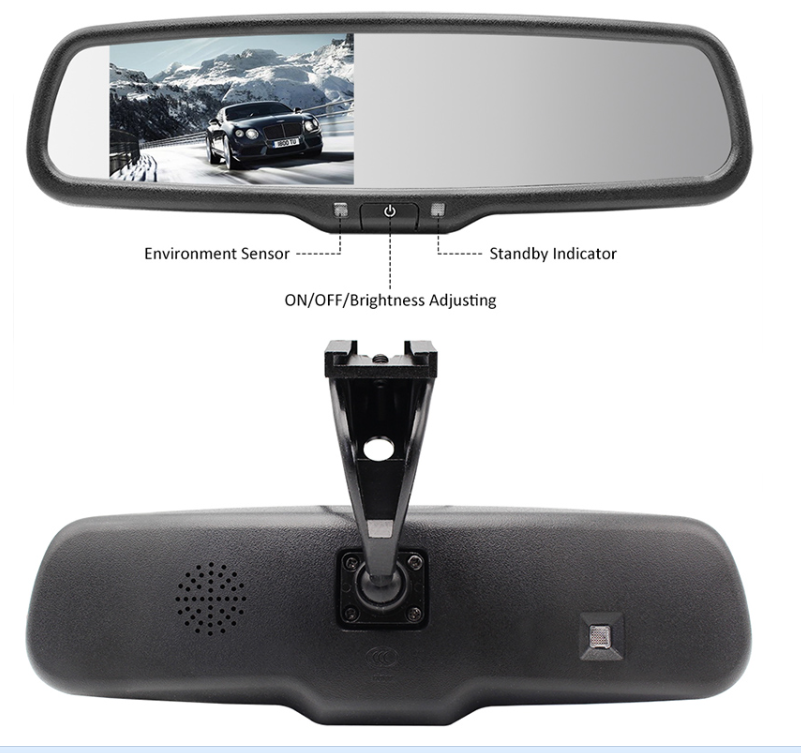
Product DetailCompare mirror and standalone monitors around cab space and viewing distance. The current range includes the 4.3-inch SUP-M043 and 7-inch SUP-M700.
For the SUP-M700, the published specification lists AV1/AV2 inputs and AV2 reversing priority. Multiple inputs alone do not establish simultaneous split-screen display. Confirm the exact signal configuration before connecting a camera.
The separate AI backup camera adds pedestrian and vehicle recognition, colored warning zones and adjustable buzzer feedback to its rear-view image.
Detection must be evaluated on the target vehicle. A standard camera or monitor does not acquire AI capability merely by being connected; the supported detection product and its warning configuration must be selected together.

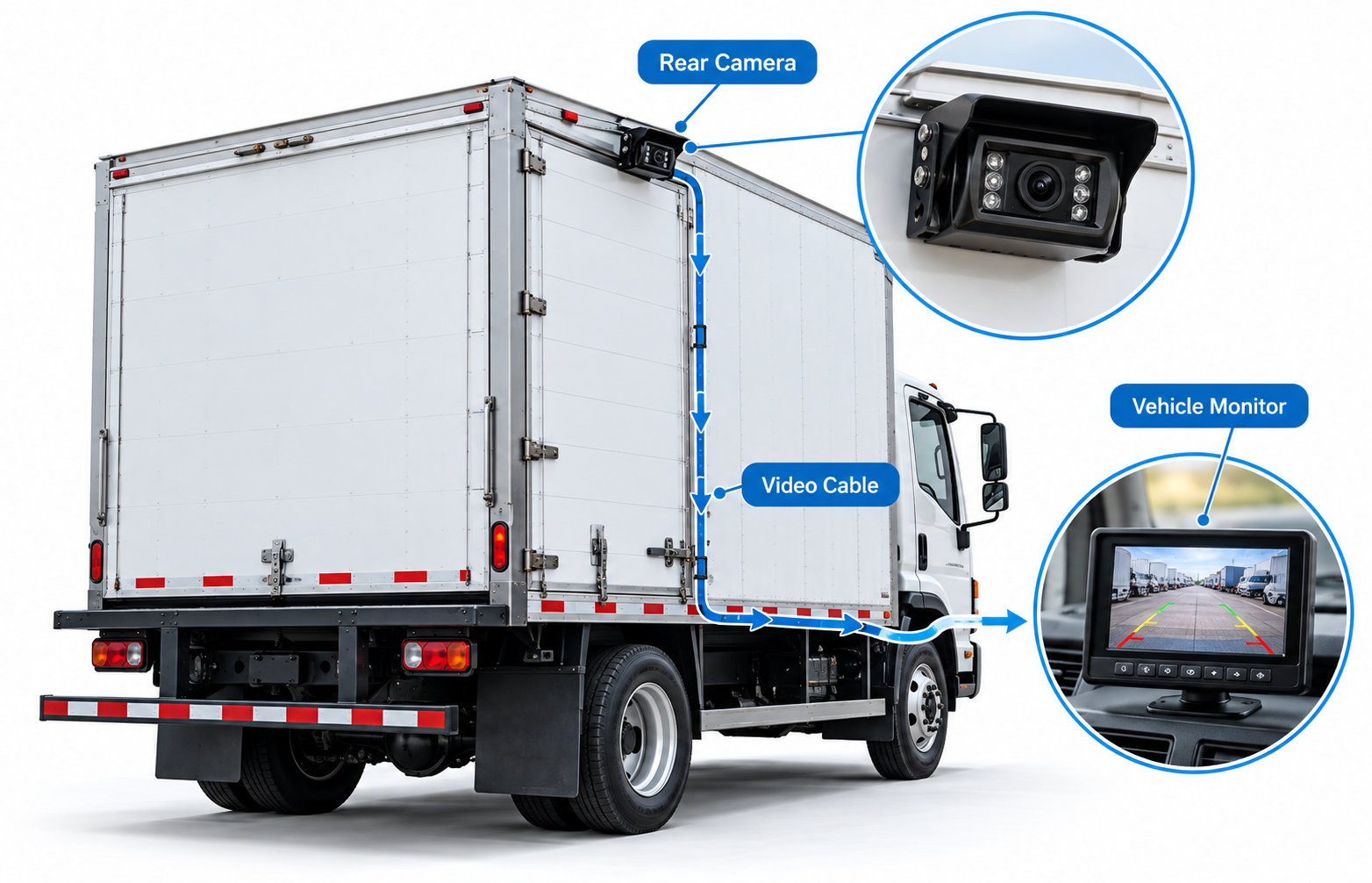
AHD and CVBS are video formats, not a guarantee that every camera and display can be combined. Confirm the selected output version and receiving input, then review connector wiring, image orientation and power.
The diagram shows a general rear-camera connection concept. It is an illustration, not a supplied wiring diagram or a claim of compatibility for a specific vehicle.
Compare AHD and CVBSSelect rear, front or side-view options for the area the driver needs to observe.
Model-specific CVBS/AHD choices allow a matched camera and monitor configuration.
Compare the published housing and environmental specifications for each mounting location.
Review housing, connector and cable requirements with the selected camera model.
No. Camera position, lens and image orientation affect the usable view. Review the individual model and test the position on the vehicle.
Do not assume it can. Confirm the selected camera’s input range and an appropriate power arrangement for the vehicle.
No. Sensor resolution alone does not establish the output resolution of every signal version. Confirm the actual output and monitor input together.