
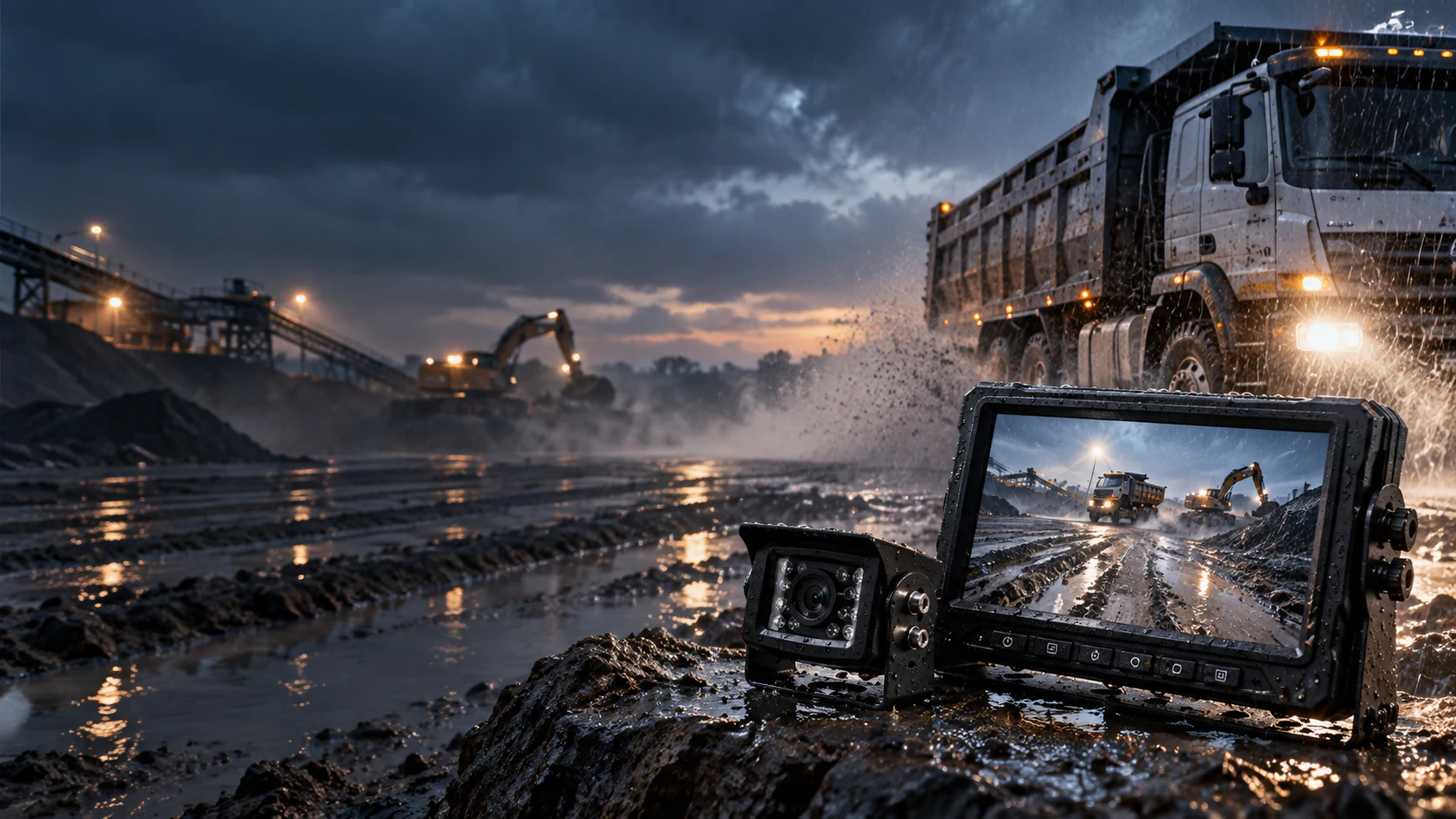
A vehicle camera may be installed on an exposed truck body, beside construction equipment or near a rear loading area. In each case, water exposure is only one part of the purchasing decision. The image must reach a compatible display through a protected connection path, and the assembled system must remain useful in the actual viewing position.
This guide is for importers, distributors, vehicle upfitters and engineering procurement teams evaluating a waterproof vehicle camera system. It explains what to request from a supplier and what to check on a sample. For available models and application options, use the rugged vehicle vision range; this article focuses on the decisions before ordering.
Define the complete quoted system
Write down the supplied parts before accepting a statement that a system is waterproof. The quoted configuration should identify the camera, monitor, cable assembly, connectors, mounting hardware and any extension or adapter. Record which parts will be exposed outside the cab and which will be protected inside it.
SuperPower has confirmed that the components supplied in its configured rugged camera system are waterproof, including the camera, connectors, cables and monitor. That business confirmation does not give every component the camera's IP rating. Ask for the protection details of the actual configuration being quoted, especially when a connector, cable length or display changes for an OEM order.
| Item to confirm | Procurement question |
|---|---|
| Camera | Which exact model and protection rating are specified? |
| Connector and cable | Which supplied parts and joined connections will be exposed? |
| Monitor | Which model is supplied, and where will it be mounted? |
| Installation | Who will seal and inspect the final cable exits and connection points? |
This component list also prevents a sample made with one connector or monitor from being mistaken for approval of a different production configuration.
Read the camera rating at model level
An IP rating belongs to the model for which it is documented. The current CAM-ST01 side-view camera record lists IP69K for its camera housing. The CAM-D05 backup camera record lists IP67. Those are different model-specific claims; neither number describes every SuperPower camera or every part in a complete system.
Match the documented camera rating to the installation exposure rather than choosing the largest number in a catalog. Ask whether the camera will face road spray, washdown, dust, repeated impacts or a sheltered position. The chosen bracket, lens direction and cable exit also need to fit the vehicle. For the selection framework and verified camera options, see the rugged camera system page.
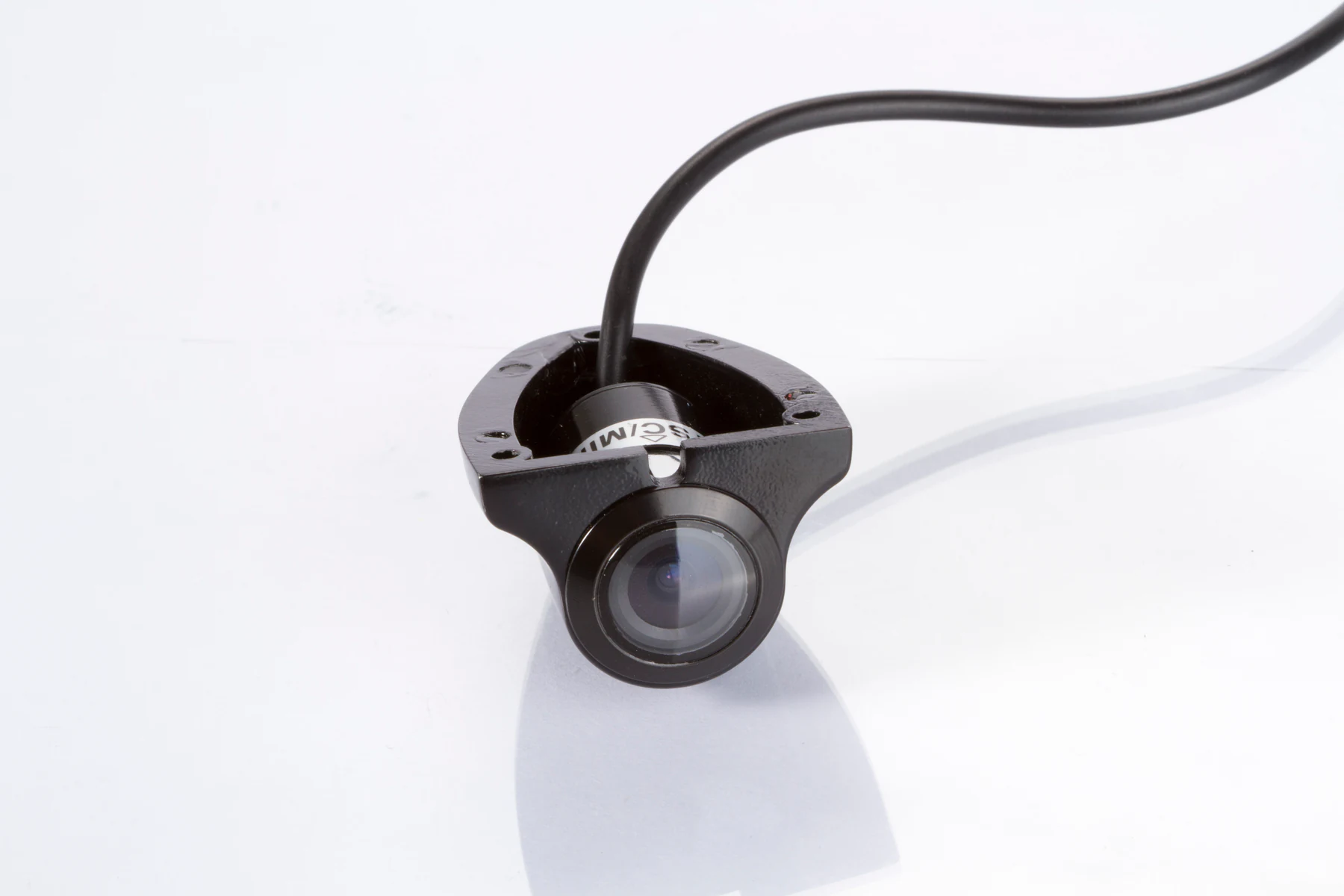
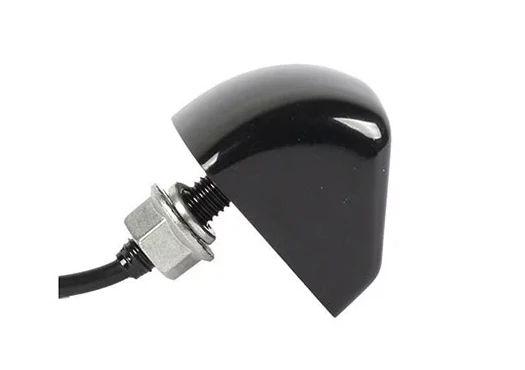
A product photograph can identify the housing or cable exit, but it is not a water-ingress test record. Request the current specification for the exact proposed model and configuration before assigning any rating to a purchase order.
Map exposure and mounting on the vehicle
Start with the view the driver or operator needs. A rear camera above a truck door, a side camera on a body panel and a camera near moving industrial equipment face different mounting and cable-routing constraints. Record the intended camera position with vehicle photos, approximate mounting height, nearby moving parts and the proposed cable path.
Walk the route from the camera to the display. Identify external joints, body penetrations, articulation points and places where a cable could rub or collect water. Confirm how each exposed connection will be protected and how the installer will keep the cable clear of heat, sharp edges and moving structures. A waterproof supplied component still needs correct installation.
For truck and trailer projects, the commercial truck camera selection guide covers coupling and articulation decisions in more detail. Do not assume one cable length or connector arrangement suits every vehicle in a mixed fleet.
Inspect every exposed connection
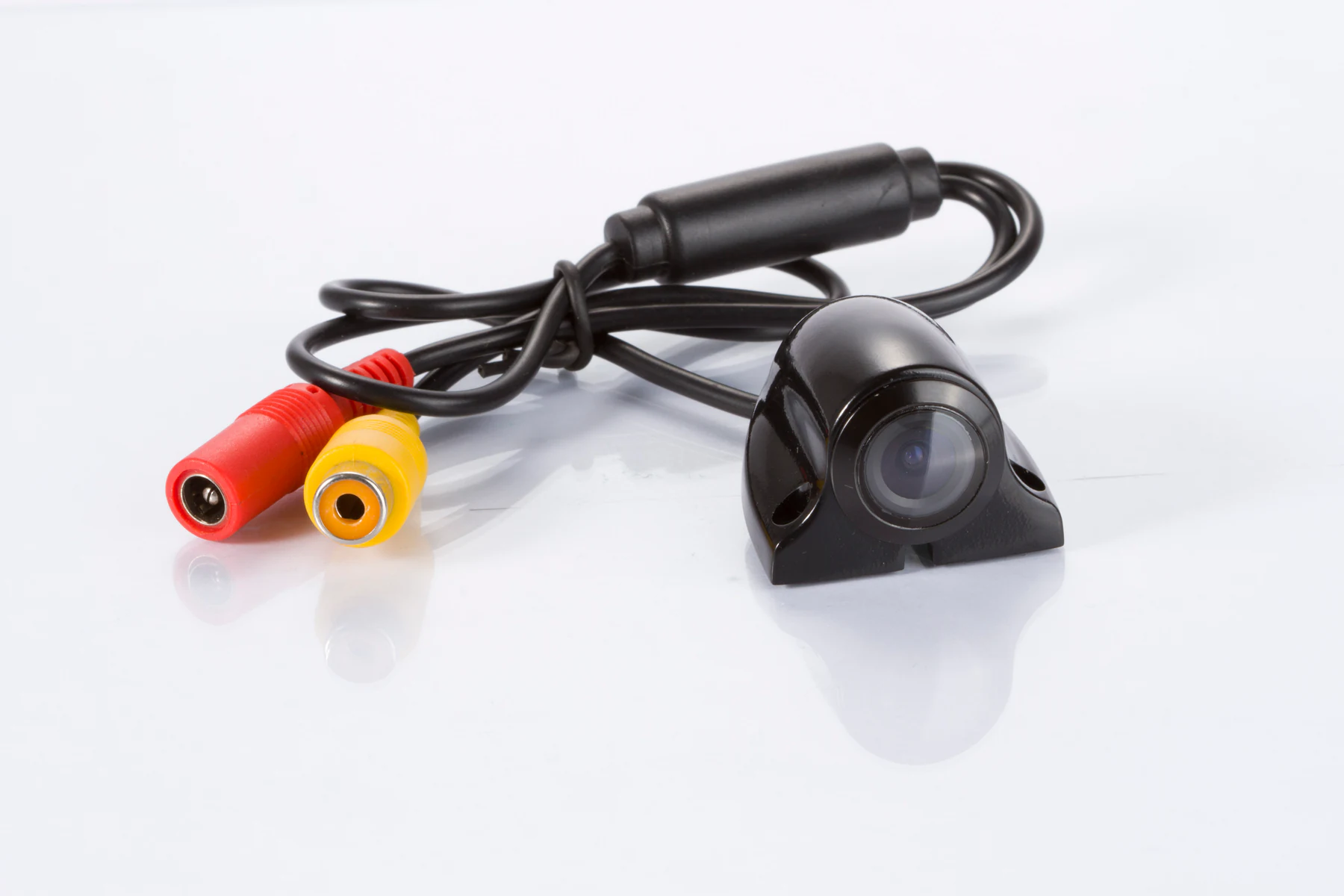
Ask for a bill of materials or connection drawing that identifies the actual cable, connector, extension and adapter on the proposed system. Check both mating halves and the installed joint. A plug that fits mechanically does not establish its sealing method, electrical pinout or video compatibility.
For each external connection, document where it sits, how it is joined, and how the assembly will be supported and protected. Include any replacement or service connection in the review. If the quoted connector or cable differs from the sample, repeat the relevant checks rather than assuming the sample result transfers.
The supplied CAM-ST01 photographs show the camera and connector options, but those photographs alone do not verify the waterproof performance of a completed connection. The supplier's configuration details and the vehicle sample are the appropriate checks.
Match the camera, display and power path
Waterproof construction does not settle signal or power compatibility. Confirm whether the selected camera supplies AHD or CVBS video and whether the monitor accepts that exact output. The AHD versus CVBS guide explains why a matching connector shape is insufficient evidence of compatibility.
Document the camera and monitor input voltages separately, along with the proposed power source, polarity, video input, connector pinout and any reversing or turn-signal trigger. Confirm whether the buyer needs automatic view switching or simultaneous views. An input count by itself does not prove either display behavior.
Use one approved configuration sheet for procurement, installation and sample acceptance. This reduces the chance that a waterproof camera is combined with a mismatched display or an unreviewed cable assembly.
Plan a representative sample acceptance check
A sample review should answer whether the quoted assembly works on the target vehicle. Agree the acceptance steps before ordering the sample, then record the actual component references and findings. The checklist below is a proposed review plan, not a claim that any specific system has already passed these checks.
- Confirm the camera, monitor, connectors, cable lengths and any adapters against the quoted bill of materials.
- Inspect the installed camera position, bracket, cable exit and exposed connection sealing.
- Check that the intended rear, side or work-area view is useful from the normal driver position.
- Confirm video format, power, display switching and image behavior in relevant operating conditions.
- Recheck the cable and connection path after vehicle movement or any trailer coupling relevant to the project.
- Record any water-exposure or washdown check required by the buyer's actual use and the selected component specifications.
- Photograph and approve the final sample configuration before it is used as the reference for a larger order.
Agree who performs the installation and inspection. A waterproof component claim does not replace verification of the assembled installation on the vehicle.
Send a complete request for quotation
Include the vehicle type and market, required view, camera position, exposure or cleaning conditions, desired display behavior, available power, existing equipment, cable route and target quantity. Add photos of the mounting area and existing connectors. If branding, packaging or harness customization is required, list those changes separately so they can be checked against the sample configuration.
Ask the supplier to identify the exact model-level camera rating and the waterproof scope of all supplied components. Request the component specification and proposed installation or acceptance plan for the quoted assembly. This gives purchasing and engineering teams a common basis for comparing offers without assuming that every option shares one IP number.
Frequently asked questions
Is the complete configured rugged camera system waterproof?
Yes. SuperPower has confirmed that its supplied rugged system components, including the camera, connectors, cables and monitor, are waterproof. The exact protection details must still be confirmed for the quoted configuration, and the final vehicle installation should be checked after assembly.
Does an IP69K camera make the whole system IP69K?
No. IP69K is the documented rating of a specified camera model. It does not assign the same rating to the supplied connectors, cables, monitor or completed installation. Review each component's protection details and the installed connections separately.
Can the same waterproof camera system be ordered for different vehicle types?
The configuration can be reviewed for different vehicles, but camera position, mounting, cable route, power, display and exposed connections must be checked for each target application. Approve a representative sample before applying one configuration across a fleet.
What should an importer request before a volume order?
Request the exact bill of materials, model-level camera specification, protection details for the supplied components, connection drawing or pinout, and a sample acceptance plan. Record the approved configuration so production and installation teams work from the same reference.


