Quick Answer
Key Takeaways
- 170° is not universally better than 120° or 150°.
- Confirm whether the quoted angle is horizontal, vertical or diagonal.
- Mounting height, position and vehicle width determine which blind zones are visible.
- A wider view can trade image detail and edge geometry for broader coverage.
- Monitor size and intended use matter: nearby reversing clearance and distant rear observation are different tasks.
What Is Backup Camera Viewing Angle?
Viewing angle describes the angular extent of the scene captured by the camera. Field of view also describes the visible area at a given distance. Lens design, sensor size and image processing affect what appears on screen.
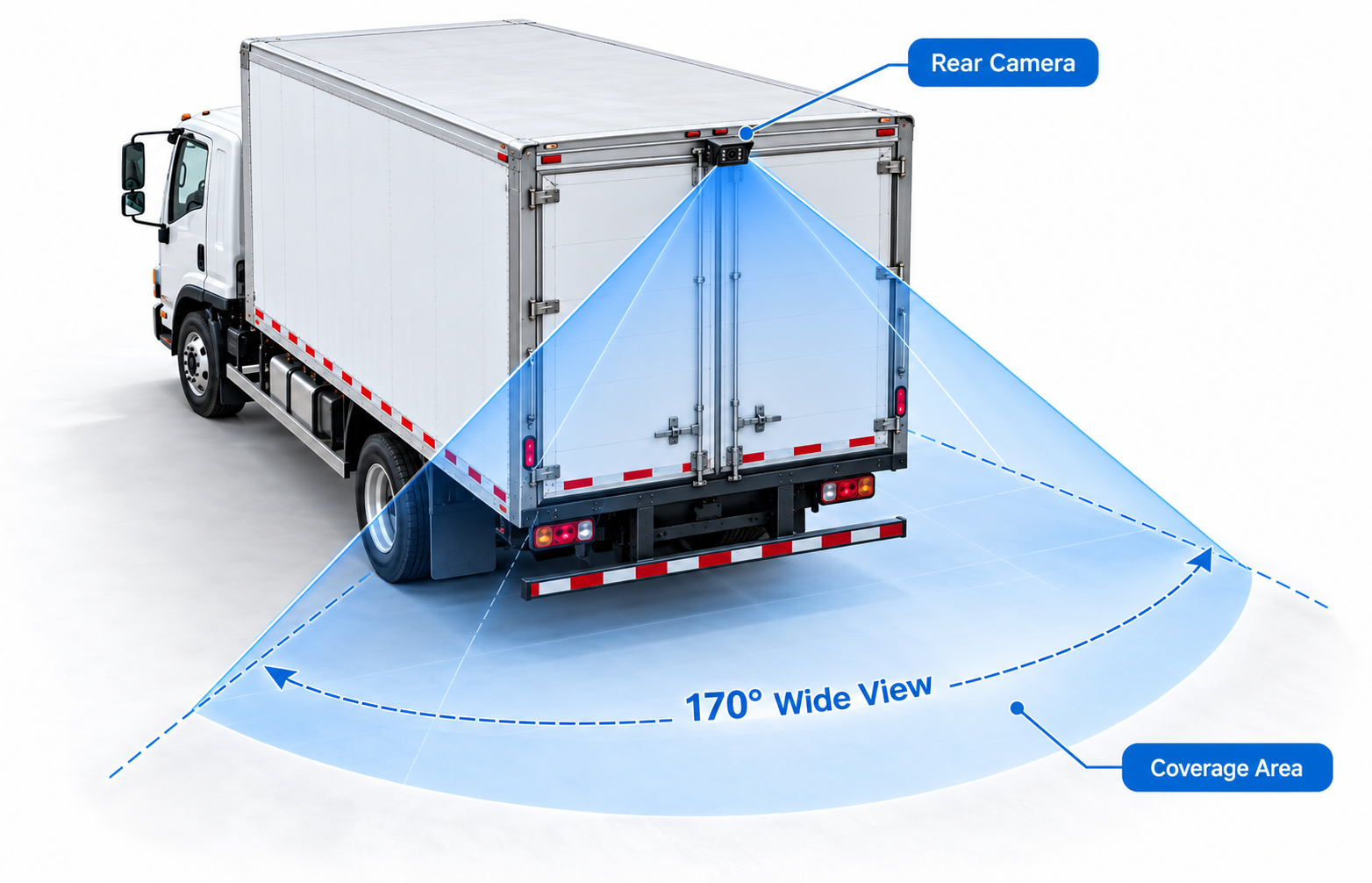
Ask whether a specification refers to horizontal, vertical or diagonal angle. A 170° diagonal specification cannot be directly ranked against a 120° horizontal specification. Display cropping or a different video mode may also change the usable view.
For buying decisions, request the angle definition, output aspect ratio and a sample image from the quoted configuration. Do not assume that an angle printed on a listing defines an exact ground-coverage area.
How Do 120°, 150° and 170° Compare?
This table describes selection tendencies when the angles use the same measurement axis and comparable output framing. It is not a measured comparison of specific SuperPower models. Lens projection, distortion correction and cropping can change the result.
| Attribute | 120° | 150° | 170° |
|---|---|---|---|
| Horizontal coverage | More focused view | Intermediate coverage | Broader near-field coverage |
| Edge distortion | Often less noticeable | Check edge geometry | May be more noticeable |
| Object size | Objects may occupy more of the image | Intermediate trade-off | Distant objects may appear smaller |
| Typical use | Focused rear observation | Rear coverage with some surrounding context | Broad close-range reversing context |
| Truck suitability | Consider if required rear zones remain visible | Candidate for balancing coverage and detail | Candidate for wide vehicles and nearby rear corners |
| Side / rear application | May suit a defined rear zone | Assess either position on the vehicle | May suit broad side or rear coverage |
| Mounting considerations | Check nearby corners are included | Verify near and far limits | Check edge readability and vehicle-body obstruction |
The horizontal-coverage row assumes a horizontal comparison. If the supplier gives only diagonal angles, request horizontal figures or compare installed sample images instead. None of these numbers guarantees blind-zone elimination or a particular usable distance.
Is a Wider Viewing Angle Always Better?
No. A wider view can include both rear corners and surrounding space, but fitting more scene into the same screen may make an obstacle farther away harder to interpret. Curved edges can also make clearance judgments less intuitive.
Choose coverage around the driver's task. Broad nearby context may help when reversing into a loading area; a narrower view may suit observing a defined zone farther behind the vehicle. Compare the actual images rather than selecting the largest number.
What Viewing Angle Is Best for a Backup Camera?
There is no single best angle for every installation. Start by identifying the area that must be visible and the objects the driver must interpret, then evaluate:
- Mounting height: the relationship between the camera, ground and rear edge.
- Mounting position: central, offset, high-body or bumper locations.
- Vehicle width: whether both corners and adjacent space need to be shown.
- Required blind-zone coverage: near-ground obstacles, rear corners or a defined side zone.
- Monitor size: the complete view must remain understandable on the installed display.
- Intended use: low-speed reversing, close maneuvering or rear observation.
Treat 120°, 150° and 170° as options to evaluate, not automatic recommendations. The Truck Backup Camera Guide covers signal format, resolution and the rest of the selection process.
What Viewing Angle Is Best for Trucks?
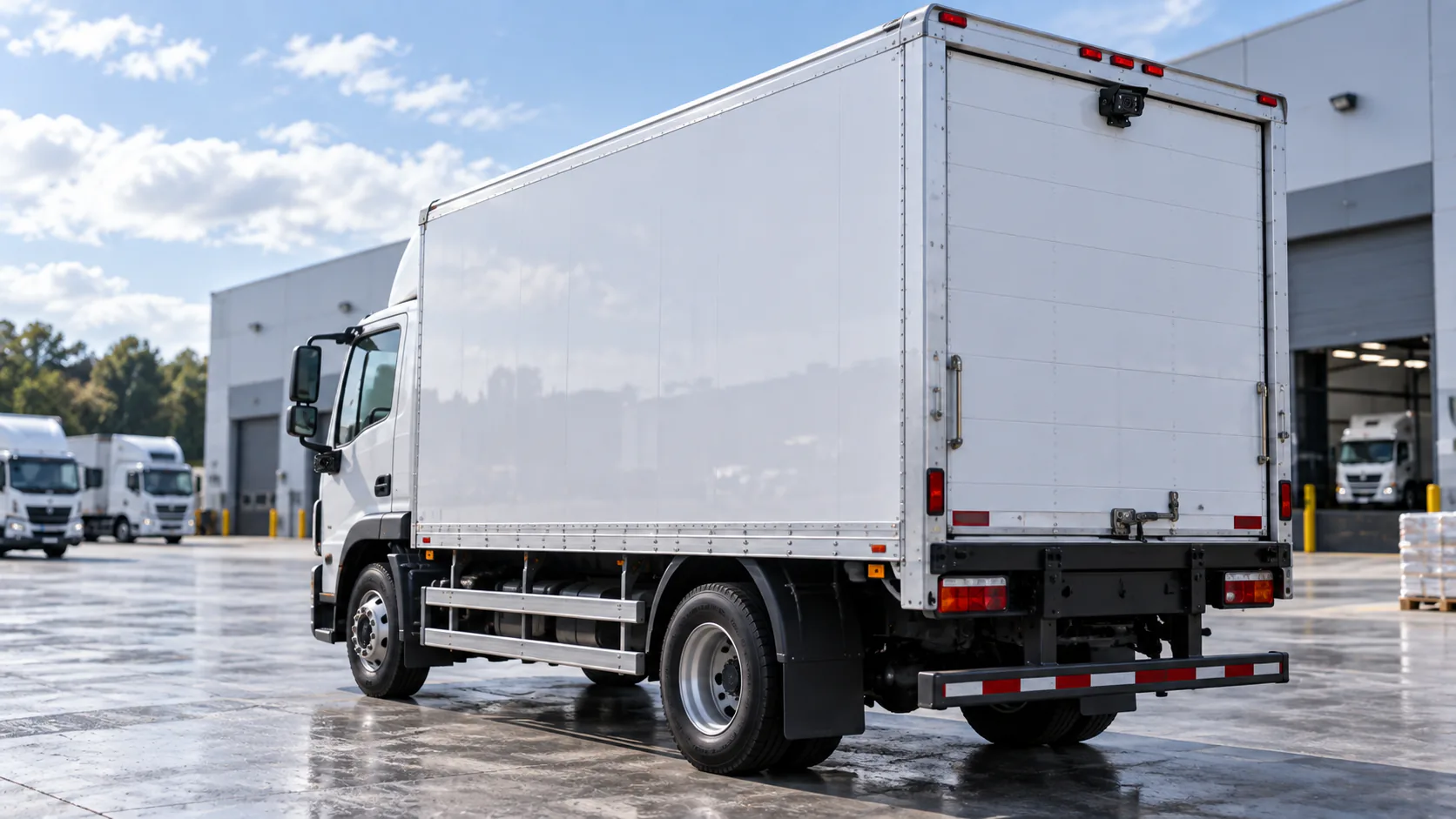
For a truck, first mark the rear corners, ground immediately behind the body and any trailer-related zone that the driver needs to see. A wide-angle camera may include more of those nearby areas, but the bumper, cargo body or trailer can still block the view.
Check whether the driver can distinguish the relevant objects on the actual cab monitor. A view that includes a large area but makes obstacles too small is not an adequate solution for that task. If one position cannot cover the required zones clearly, review camera placement or additional views rather than relying only on a wider lens.
For articulated vehicles, test representative trailer positions in a controlled area. An installation approved on a rigid truck should not automatically be treated as suitable for an articulated combination.
What Works for Buses and Commercial Vehicles?
Bus body width, rear overhang and side-body obstructions create different viewing tasks. Rear coverage should be evaluated separately from side coverage around the wheel area or passenger access zone.
For mixed fleets, define acceptance criteria by vehicle geometry and mounting position. The same camera can produce different useful views on a coach, van and work truck. Use the Commercial Vehicle Camera Guide to coordinate camera positions, monitor channels and the driver's required views.
How Does Mounting Height Affect Field of View?
Raising a camera changes the distance and perspective between the lens and the ground. It can help show more of the area behind the vehicle, but the result also depends on downward tilt, vertical viewing angle and body obstruction.
A high camera tilted steeply downward may show nearby ground while losing farther rear context. A low camera can provide a different rear perspective but may leave nearby corners or ground hidden. Check both the nearest visible point and the farthest useful point; height alone does not establish coverage.
How Does Camera Position Affect Blind Spots?
A centered rear position can help produce a balanced left/right view. An offset position may show one corner well while leaving the opposite side less useful. Brackets, bumpers, doors and the vehicle body can obstruct either installation.
Place stationary targets around the required zone and inspect the display from the driver's normal seated position. Check corners, low obstacles and the area immediately below the camera. Mark any remaining blind zones and adjust position or tilt before accepting the installation.
How Does Wide Angle Affect Image Distortion?
Wide-angle optics can produce barrel distortion, where straight features appear curved toward the image edges. Lens design and processing affect how noticeable this is; the angle alone does not specify distortion performance.
Distortion and object size are related selection concerns, but they are different effects. A wider scene can make distant objects occupy less of the display, while edge distortion changes their shape or apparent geometry. A larger monitor may improve readability but cannot restore detail that the camera did not capture.
Check the center and edges of the sample image. If correction or cropping is available on the quoted equipment, test the exact mode intended for use: reducing distortion can also change the displayed coverage.
How Should You Test Viewing Angle Before Bulk Ordering?
Use a representative vehicle and the exact camera, cable and monitor configuration proposed for the order. Conduct checks in a controlled area with stationary targets and suitable site precautions.
- Confirm the quoted angle axis, video mode, image orientation and monitor aspect ratio.
- Install the camera at the proposed height, position and tilt.
- Place targets at the near and far limits of the required rear or side zone, including both corners.
- Review target visibility from the driver's normal position, using the intended full-screen or split-screen display mode.
- Inspect edge geometry, object readability, glare and low-light performance under representative conditions.
- Record remaining blind zones, image settings and mounting details; retest after any adjustment.
- Agree acceptance criteria and retain the approved assembly details for repeated installations.
Do not approve a fleet order from an isolated product photograph or a coverage illustration. A sample check is a project acceptance exercise, not a certification test or proof that every obstacle will be visible.
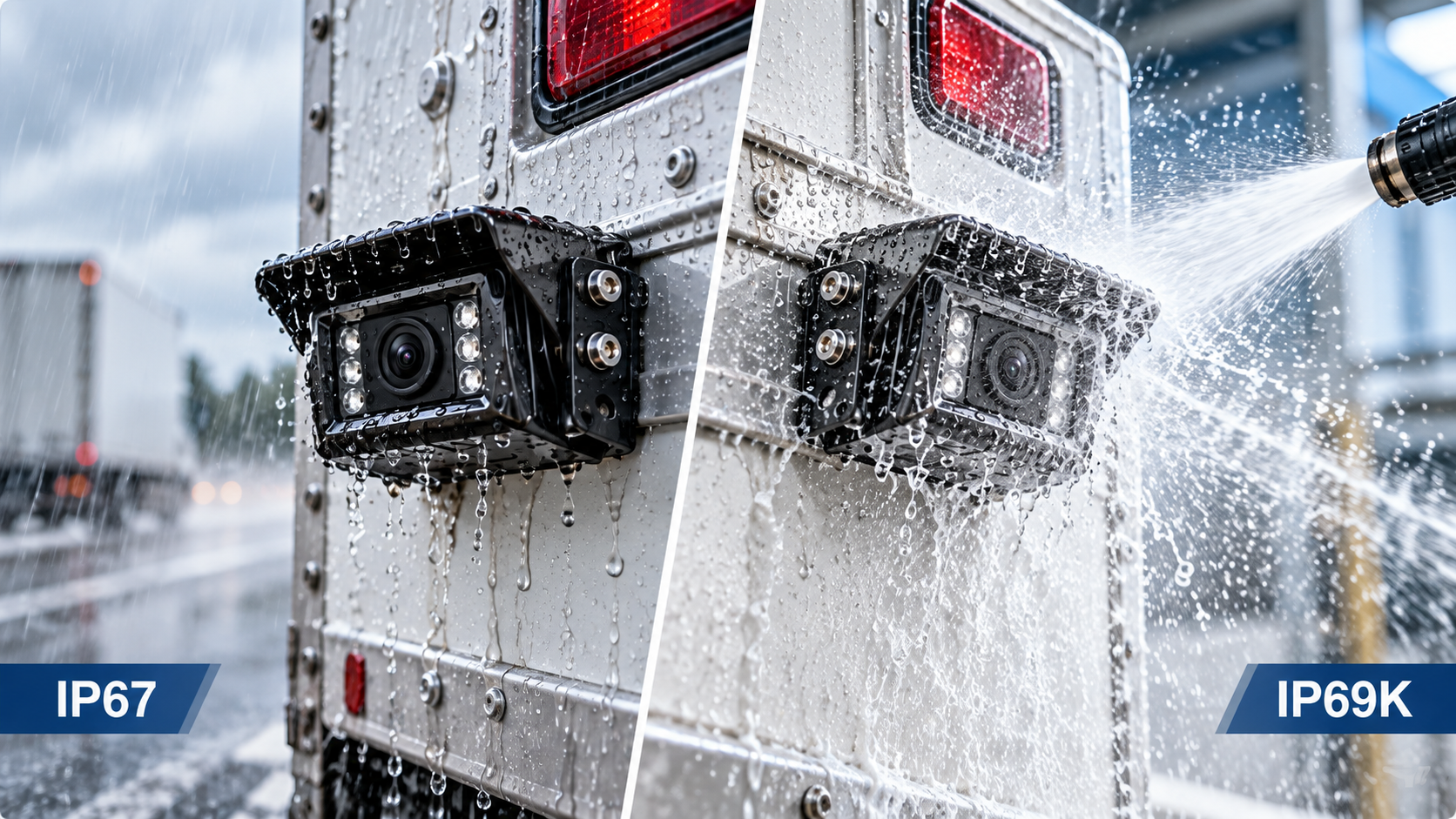
For exposed cameras, also compare housing protection and connection sealing using the IP67 vs IP69K Guide. Viewing angle does not establish environmental durability.
Related Vehicle Cameras
The current catalog lists these rear, side and truck/bus candidates at 170°. No verified 120° or 150° model is offered here for comparison. Confirm the angle axis and installed view for each quoted configuration; the listed angle does not establish measured blind-zone coverage.
Frequently asked questions
Is 120° or 170° better for a backup camera?
120° may suit a focused rear zone, while 170° may include more nearby surrounding space. A wider view can make distant objects smaller and increase edge distortion. Compare the same angle definition and choose from an installed sample.
Is 150° a good backup-camera viewing angle?
150° can be an intermediate choice when both coverage and object readability matter. It is not a guarantee of a suitable view. Confirm the angle axis, mounting position and monitor image before ordering.
Does a 170° camera eliminate all blind spots?
No. Vehicle-body obstructions, camera placement and display framing can leave areas unseen. Review the required zones on the actual vehicle and retain mirrors, site procedures and other appropriate visibility measures.
Is the listed angle horizontal or diagonal?
It depends on the specification. If the supplier does not identify the measurement axis, request confirmation. Horizontal, vertical and diagonal figures describe different parts of the view and should not be compared as if they were the same.
Does mounting the camera higher improve coverage?
It changes the perspective and may reveal more ground behind the vehicle. Tilt, vertical angle and body obstruction still determine the useful near and far limits. Verify those limits after installation.
Will a larger monitor fix a view that is too wide?
A larger display may make the image easier to read, but it cannot recover missing camera detail or remove an obstruction. Check display resolution, cropping and split-screen settings as well as physical size.
How should viewing angle be approved for a fleet order?
Test the proposed assembly on a representative vehicle using targets in the required zones. Record mounting details, display settings and agreed acceptance criteria. Repeat the check if the vehicle geometry or configuration changes.
Technical References
These references explain general optics. The vehicle-specific selection and installation recommendations above are engineering guidance, not measured results for the listed products.
- Axis: Lenses in surveillance explains lens/sensor relationships and horizontal, vertical and diagonal field of view.
- Basler: Lens geometric distortion correction describes wide-angle barrel distortion and correction considerations.
Browse the camera category after defining the required view and confirming the complete camera-to-monitor configuration.